4
4
4-107
4-107
Disassembly/Assembly > Document Exposure/Feeder System > Removing the SADF CIS Unit(MF4780w/MF4770n/MF4750/MF4730) > Procedure
Disassembly/Assembly > Document Exposure/Feeder System > Removing the SADF CIS Unit(MF4780w/MF4770n/MF4750/MF4730) > Procedure
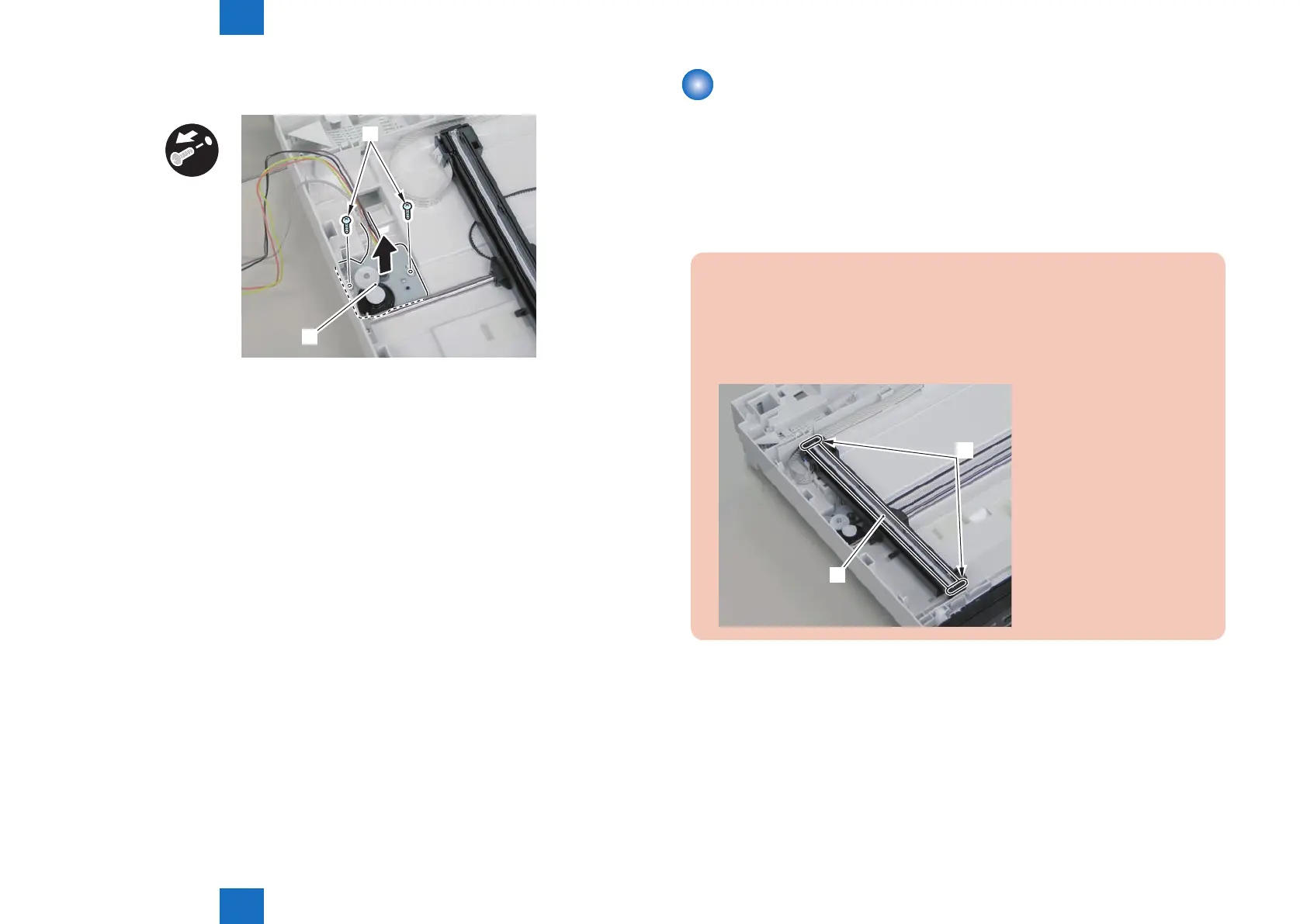
5)Remove the atbed motor unit[1]
• 2 screws[2]
x2
[1]
[2]
F-4-255
Removing the SADF CIS Unit(MF4780w/MF4770n/
MF4750/MF4730)
■
Procedure
1)Remove the left cover.
2)Remove the SADF unit and reader unit
3)Remove the SADF unit.
4)Remove the copyboard glass
■
Procedure
Caution.
When assembling/disassembling the CIS unit, take care not to lose the 2 CIS unit
spacers [1].
When assembling/disassembling the CIS unit, do not touch the copy reading area [A]
of the CIS unit.
[1]
[A]











 To Next Page