4
4
4-191
4-191
Disassembly/Assembly > Controller System > Removing the Control Panel Unit (D530) > Procedure
Disassembly/Assembly > Controller System > Removing the Control Panel Unit (D530) > Procedure
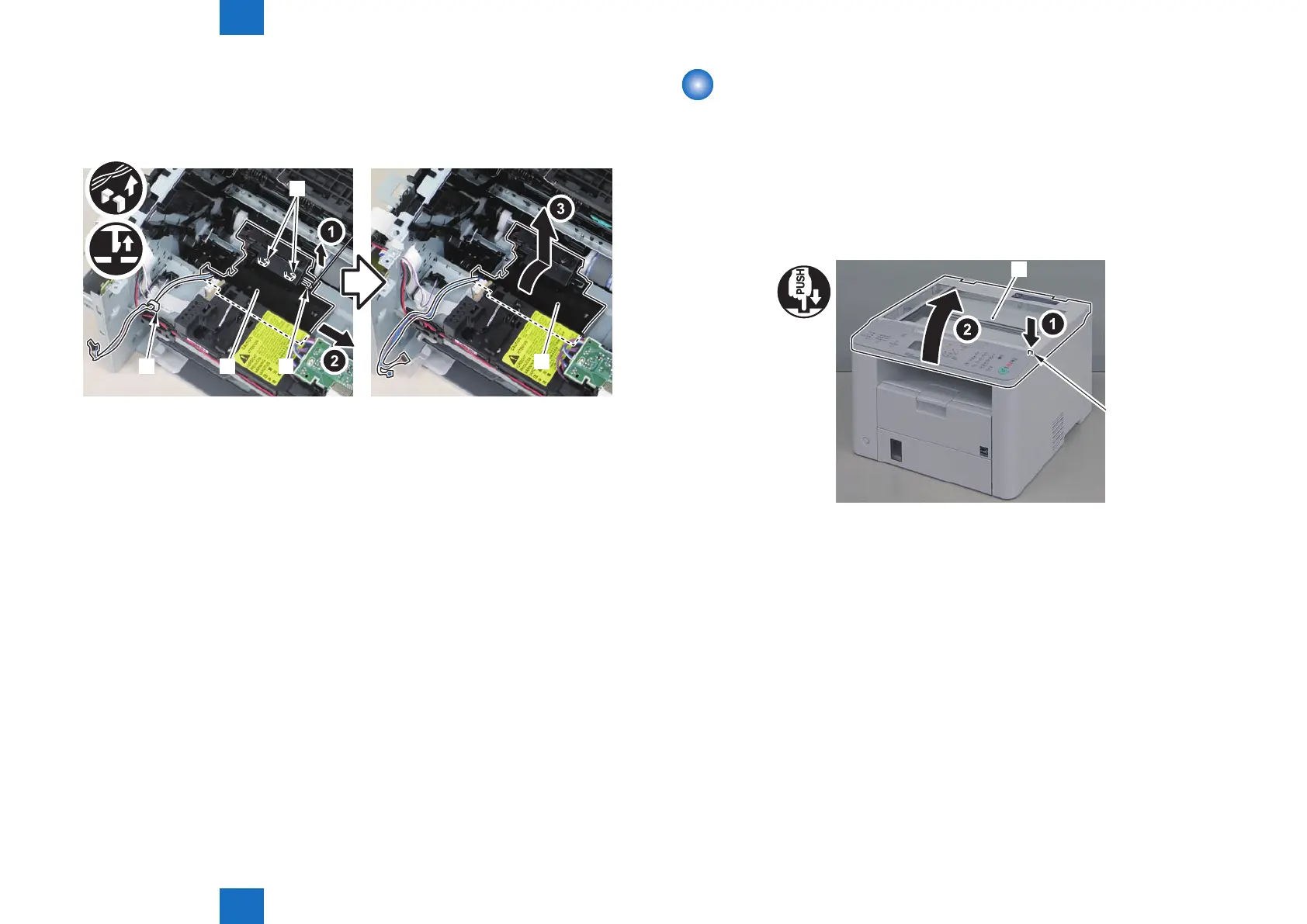
4)Remove the toner sensor/multi pickup sensor unit.
• 1 wire saddle[2]
• 1 claw[3]
• 2 hooks[4]
[1]
[1]
[2]
[4]
[3]
F-4-488
Removing the Control Panel Unit (D530)
■
Procedure
1)Remove the copyboard cover.
■
Procedure
1)Press the unlock button[1] and open the reader unit[2]
[1]
[2]
F-4-489










 To Next Page