6
6
6-4
6-4
Troubleshooting > Version Upgrade > Preparation > System Requirements
Troubleshooting > Version Upgrade > Preparation > System Requirements
Version Upgrade
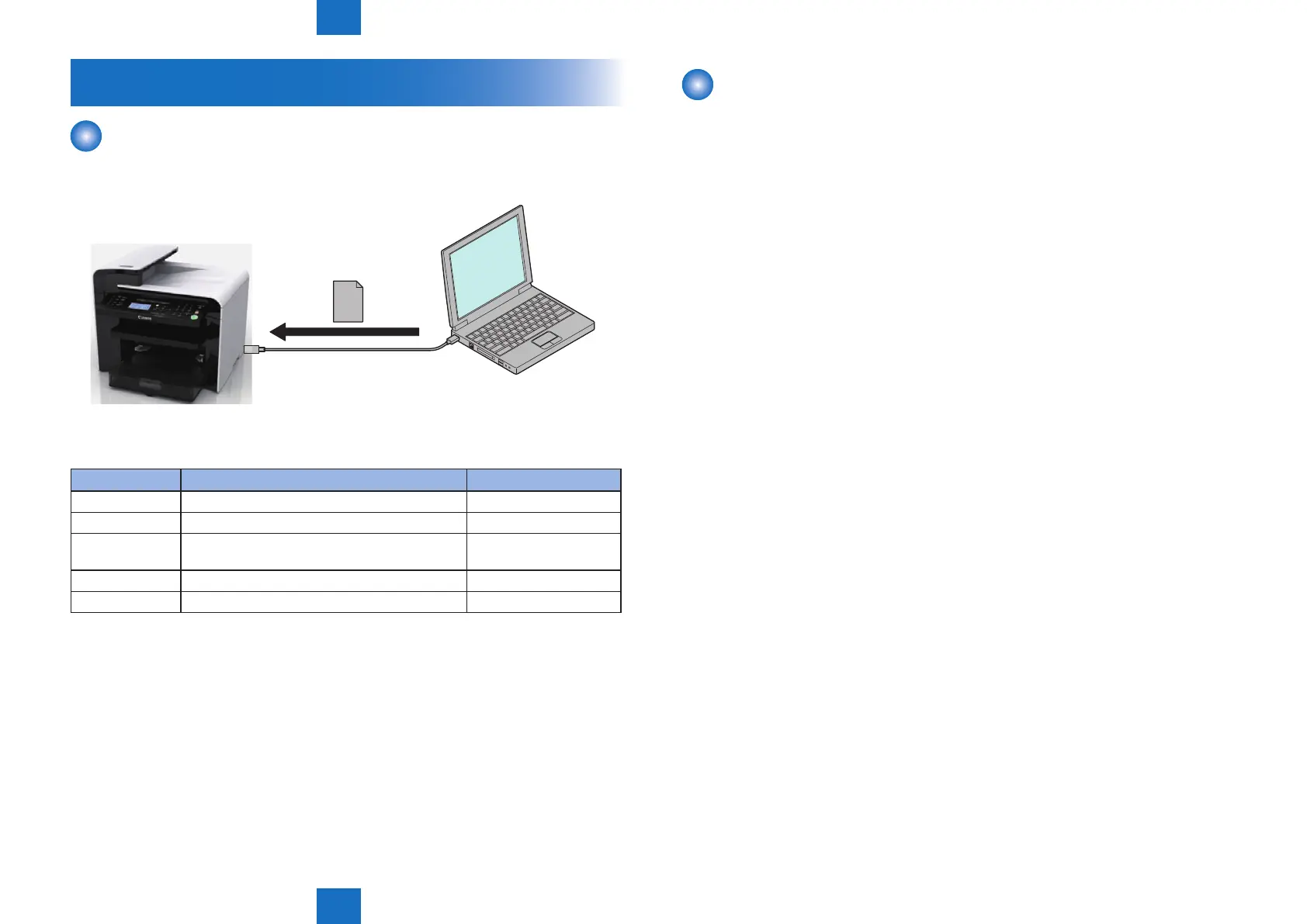
Overview
To upgrade versions, use the user support tool (hereinafter UST) and download rmware
from a personal computer (hereinafter PC) to this product.
Firmware conguration
Firmware Function Stored in
BOOTROM Start the main controller. Main controller PCB
BOOTABLE Control overall performance. Main controller PCB
LANGUAGE Manage languages used in panel / Remote UI and
font data.
Main controller PCB
DEMO PRINT Manage data for demo printing. Main controller PCB
DCON Control the printer unit. DC controller PCB
Some UST versions meet less numbers of rmware than those listed above.
F-6-3
T-6-2
Preparation
■
System Requirements
• OS (one of the following)
• Microsoft Windows 2000 Server/Professional
• Microsoft Windows XP Professional/Home Edition
• Microsoft Windows Server 2003
• Microsoft Windows Vista*
*: Only as for the 32 bit processor version
• Microsoft Windows Server 2008
(Microsoft Windows 7 to be supported)
• Microsoft Windows 7
• PC
• Compatible to the selected OS
• Memory (RAM): 32MB or more free space
• Hard Disk: 100MB or more free space
• Display: 640x480 pixels or more in resolution, 256 tones or more
• With USB ports
• UST le for this product*
*: Download the corresponding le from the system CD or the service site (ask the service
technician in charge for details)
• USB cable (USB1.1/2.0)










 To Next Page