4
4
4-246
4-246
Disassembly/Assembly > Controller System > Removing the Control Panel Unit (L418S/L410/L190) > Procedure
Disassembly/Assembly > Controller System > Removing the Control Panel Unit (L418S/L410/L190) > Procedure
Removing the Control Panel Unit (L418S/L410/L190)
■
Preparation
1)Remove the left cover
2)Remove the DADF unit and reader unit.
3)Remove the DADF unit.
■
Procedure
1)
[1]
[2] [2]
x2
F-4-656
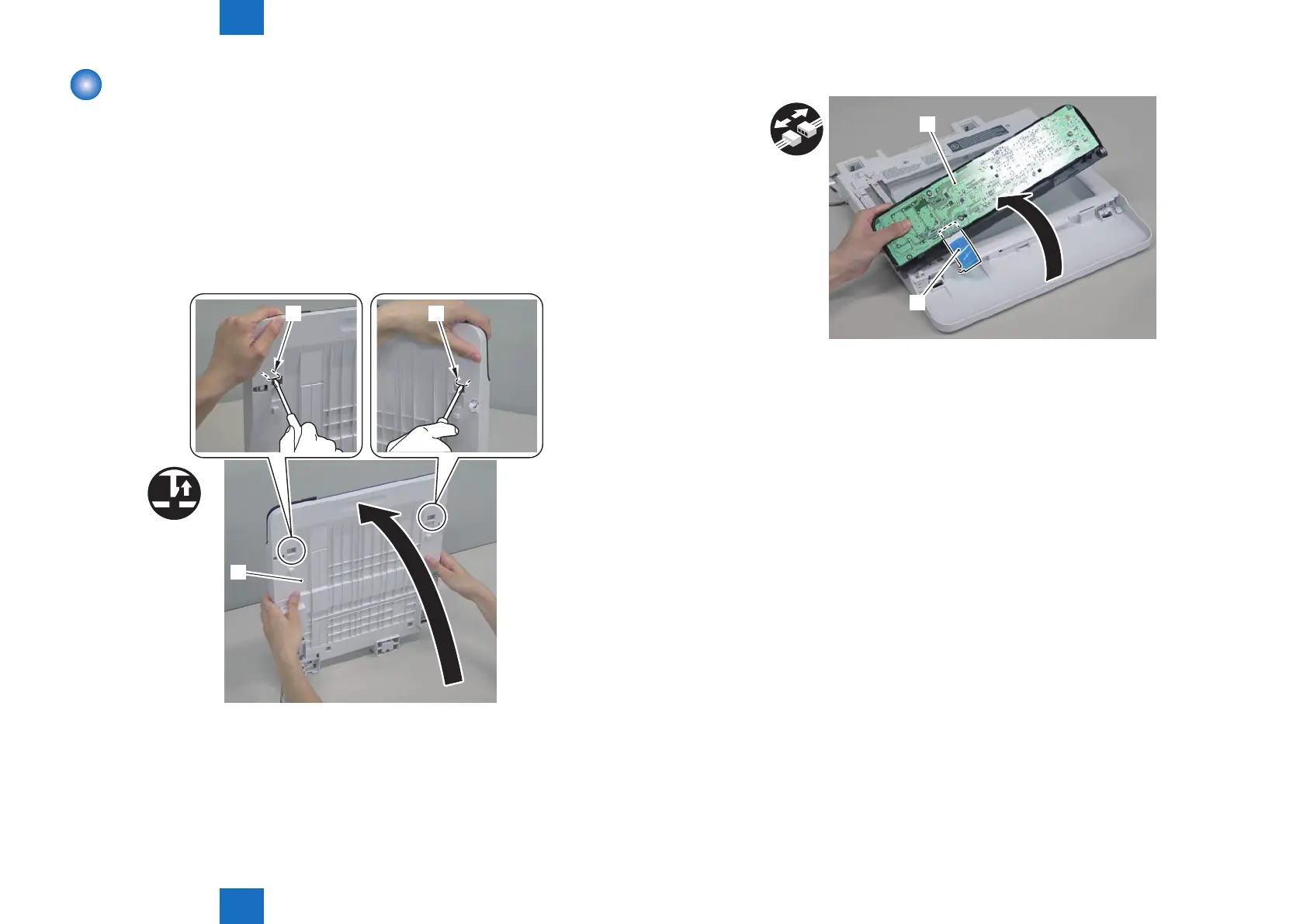
2) Remove the control panel unit.[1]
[1]
[2]
F-4-657
Lift the control panel unit [1] as shown below and release 2 claws [2].











 To Next Page