Chapter 4
4-14
c) Carriage Motor
Removing the Carriage Motor
1) Move the carriage onto the platen. Refer to "Disassembly/Reassembly > Points to Note on Disassembly and Reassembly > Opening the Cap/Moving the Wiper
Unit".
2) Remove the left/right cover.
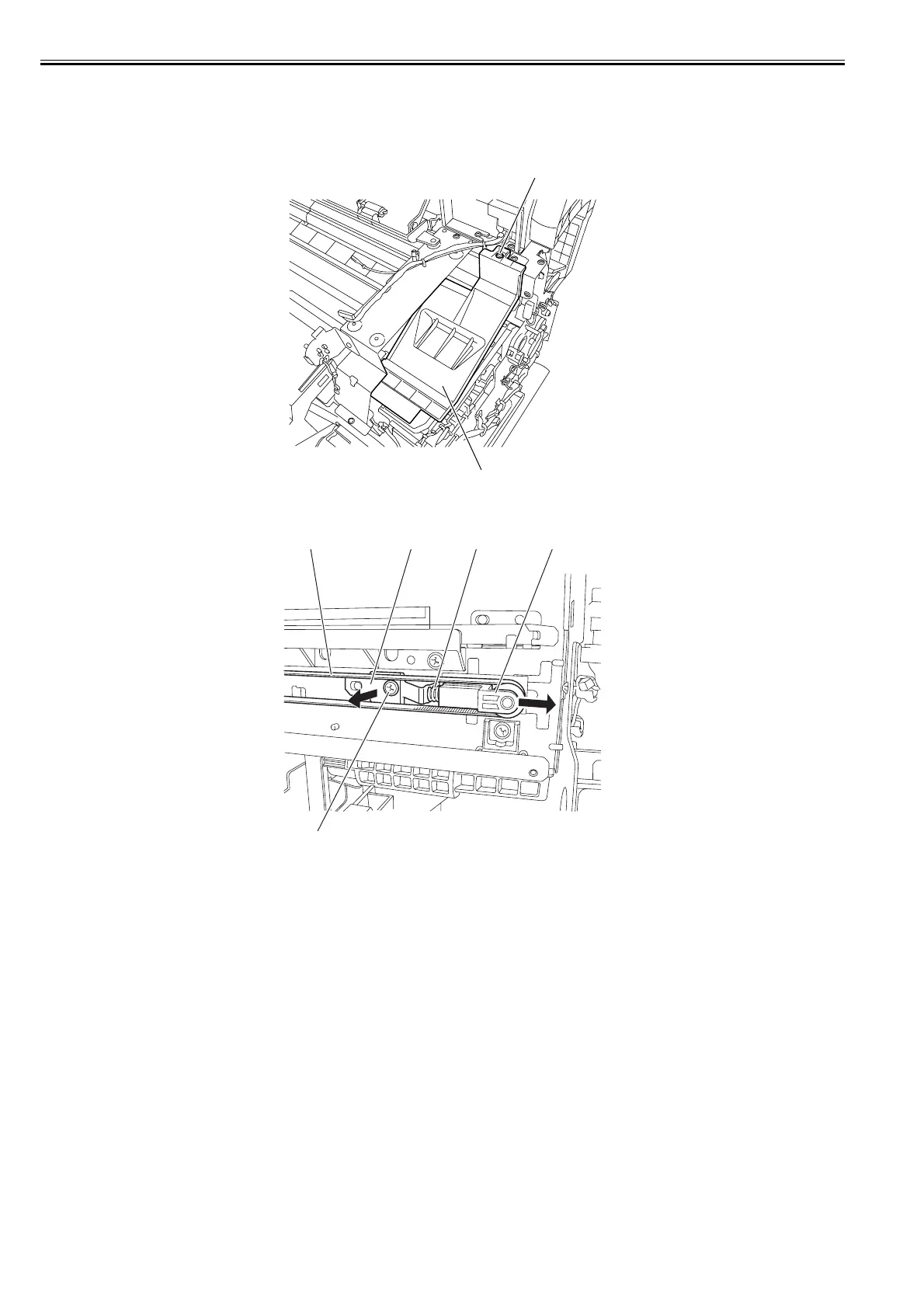
3) Remove one screw [1], and then remove the carriage upper cover [2].
F-4-28
4) Remove one screw [1], pulley retainer [2] and spring [3] to loosen the carriage belt [4]. Remove the belt from the pulley unit [5], and then the pulley unit [5].
F-4-29
[1]
[2]
[5][3][2][4]
[1]














 To Next Page