Chapter 1
1-14
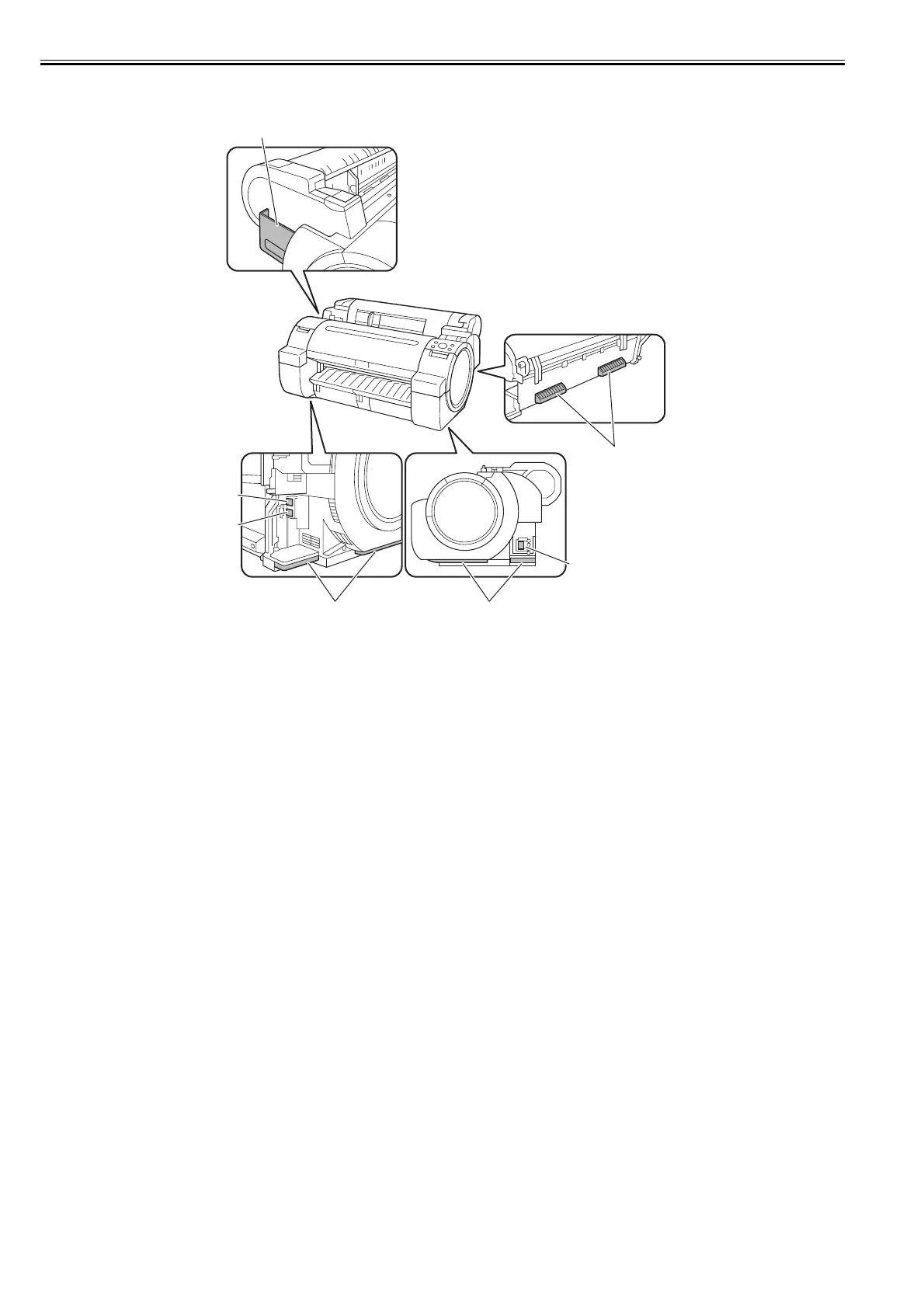
1.5.2 Side
0023-5231
F-1-29
[1] Manual pocket
Store the printer manual in this pocket.
[2] Ethernet connector
Connect the Ethernet cable to this connector. The lamp lights when the Ethernet cable is connected properly and the printer is ready to communicate
accordingly.
[3] USB port
Connect the USB cable to this port. This port is compatible with the high-speed USB.
[4] Carrying handles
Three carrying handles provided at the left, right, and back allows three persons to carry the printer.
[5] Power receptacle
Plug the power cord into this receptacle.
[4]
[1]
[5]
[4][4]
[2]
[3]














 To Next Page