Chapter 1
1-17
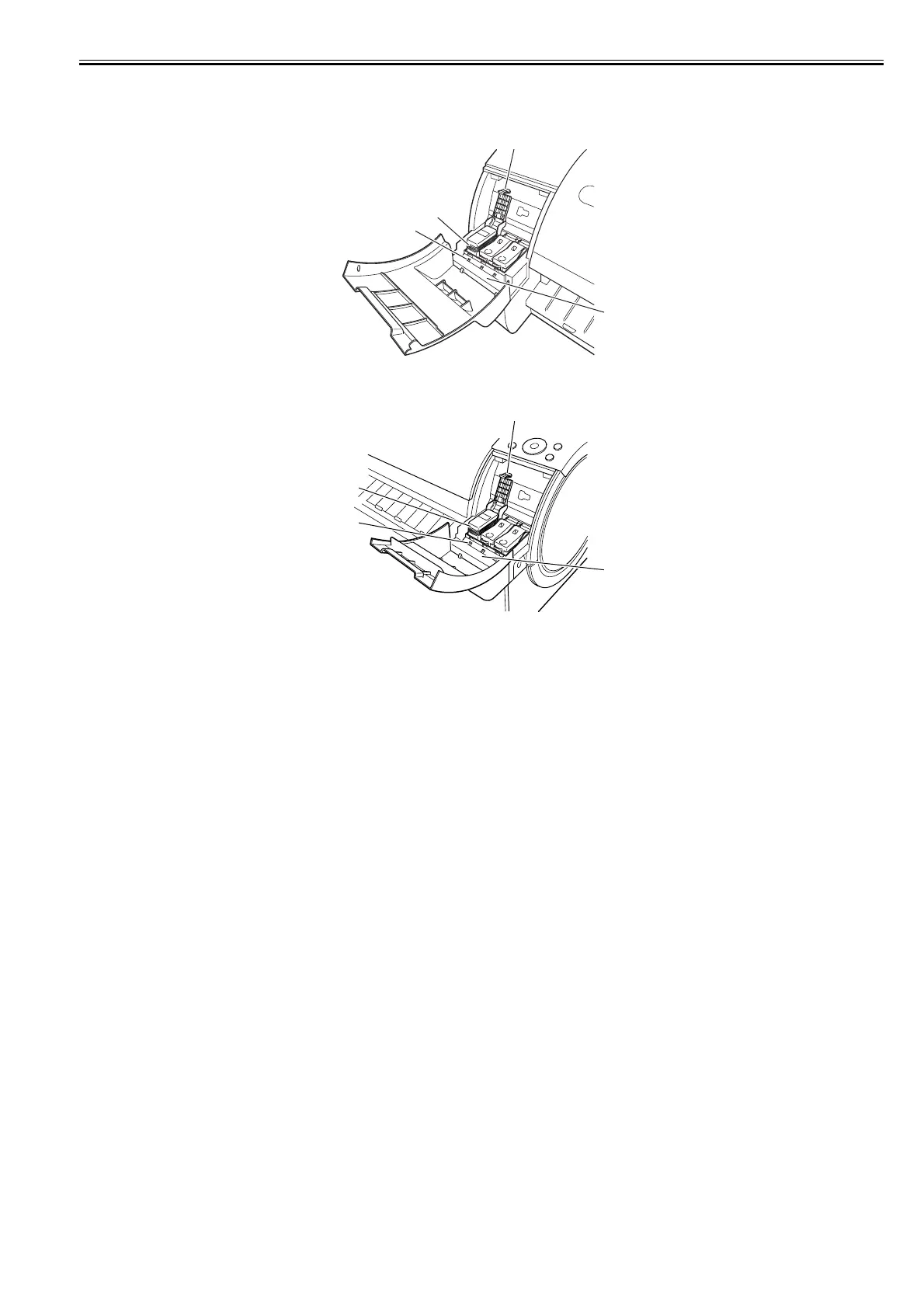
1.5.6 Ink Tank Cover (Inside)
0023-1268
[Left Ink Tank Unit]
F-1-33
[Right Ink Tank Unit]
F-1-34
[1] Ink tank lock lever
This lever is used to protect and lock the ink tank. Open/close this lever when replacing the ink tank.
[2] Ink color label
Load each ink tank according to the label color and name.
[3] Ink tank lamp (red)
When the ink tank is opened, the ink tank lamp illuminates as follows:
- Stays lit
The ink tank is loaded properly.
- Not lit
No ink tank is loaded or the remaining ink detection function is disabled.
- Blinking slow
Only a small amount of ink remains in the ink tank.
- Blinking fast
No ink remains in the ink tank.
[4] Ink tank
This is a cartridge containing ink of each color.
[1]
[2]
[3]
[4]
[1]
[2]
[3]
[4]














 To Next Page