Chapter 4
4-51
4.3.16 Opening the Cap/Moving the Wiper Unit
0023-3340
a) Opening the Cap/Releasing the Carriage Lock Pin by service mode
After entering the service mode, execute the following mode.
Service mode: SERVICE MODE > FUNCTION > CR UNLOCK
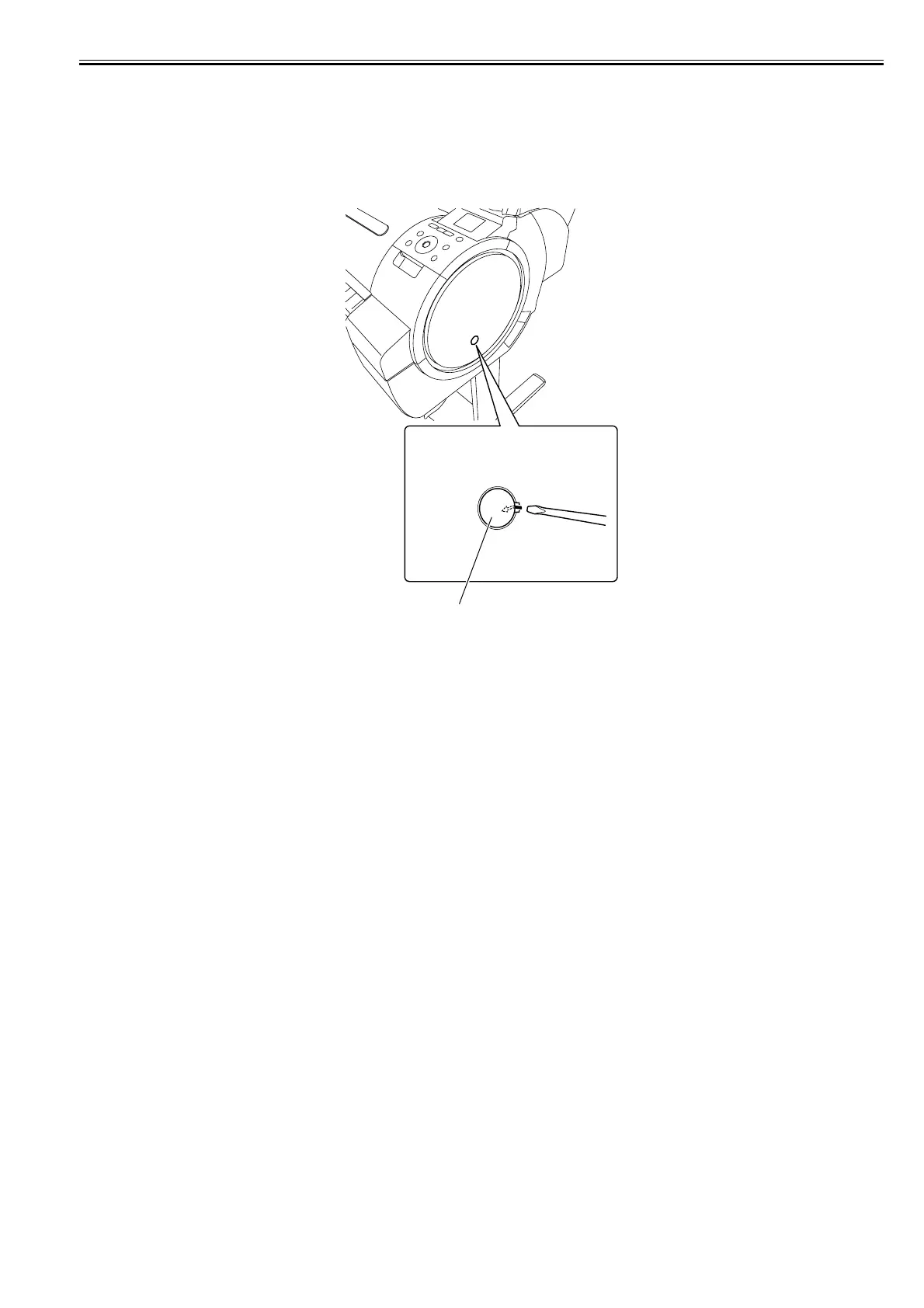
b) Opening the Cap/Releasing the Carriage Lock Pin/Moving the Wiper Unit manually
1) Insert a flat head screwdriver in the slit on the left cover to remove the face cover [1].
F-4-112
[1]














 To Next Page