Chapter 4
4-52
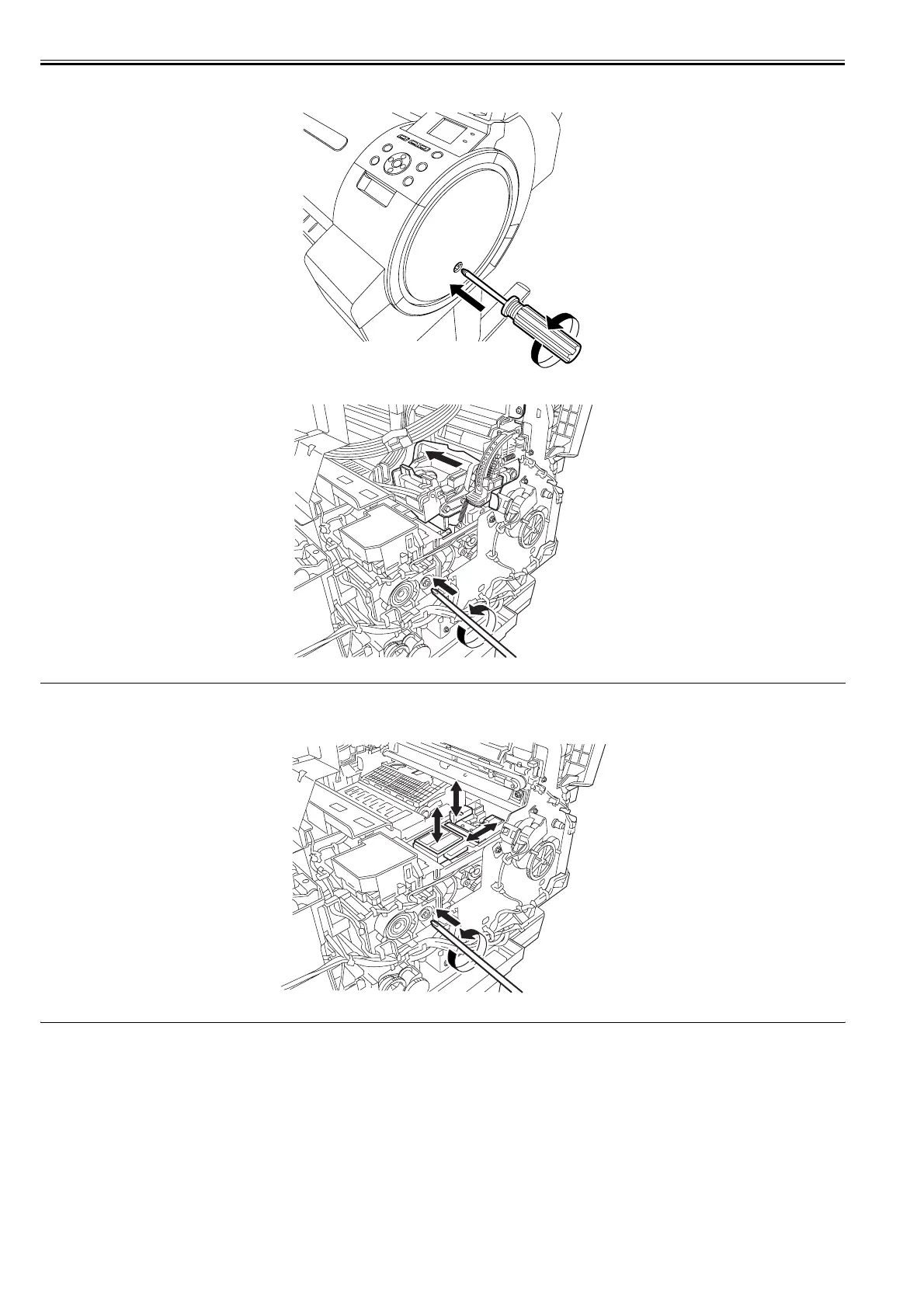
2) Insert a Phillips screw driver in the "+" groove on the purge unit and turn it counterclockwise. The cap and carriage lock pin lower, allowing the carriage to move.
Also, the wiper unit can move.
F-4-113
F-4-114
MEMO:
Turning the screwdriver continuously repeats the vertical movement of the cap and carriage lock pin and the to-and-fro movement of the wiper unit. Visually check
that the cap has been opened and the carriage lock pin has been released.
F-4-115














 To Next Page