Chapter 1
1-46
1.7.2.2 Ink Tank
0023-1466
1. Unpacking the Ink Tank
Do not unpack the ink tank until you are ready to install it.
When installing the ink tank, be sure to shake it slowly 1 to 2 times before unpacking it. Otherwise, the ink ingredients may precipitate and degrade the print quality.
To prevent foreign matter from entering the ink port, install the unpacked ink tank in the printer immediately.
2. Handling the Ink Tank
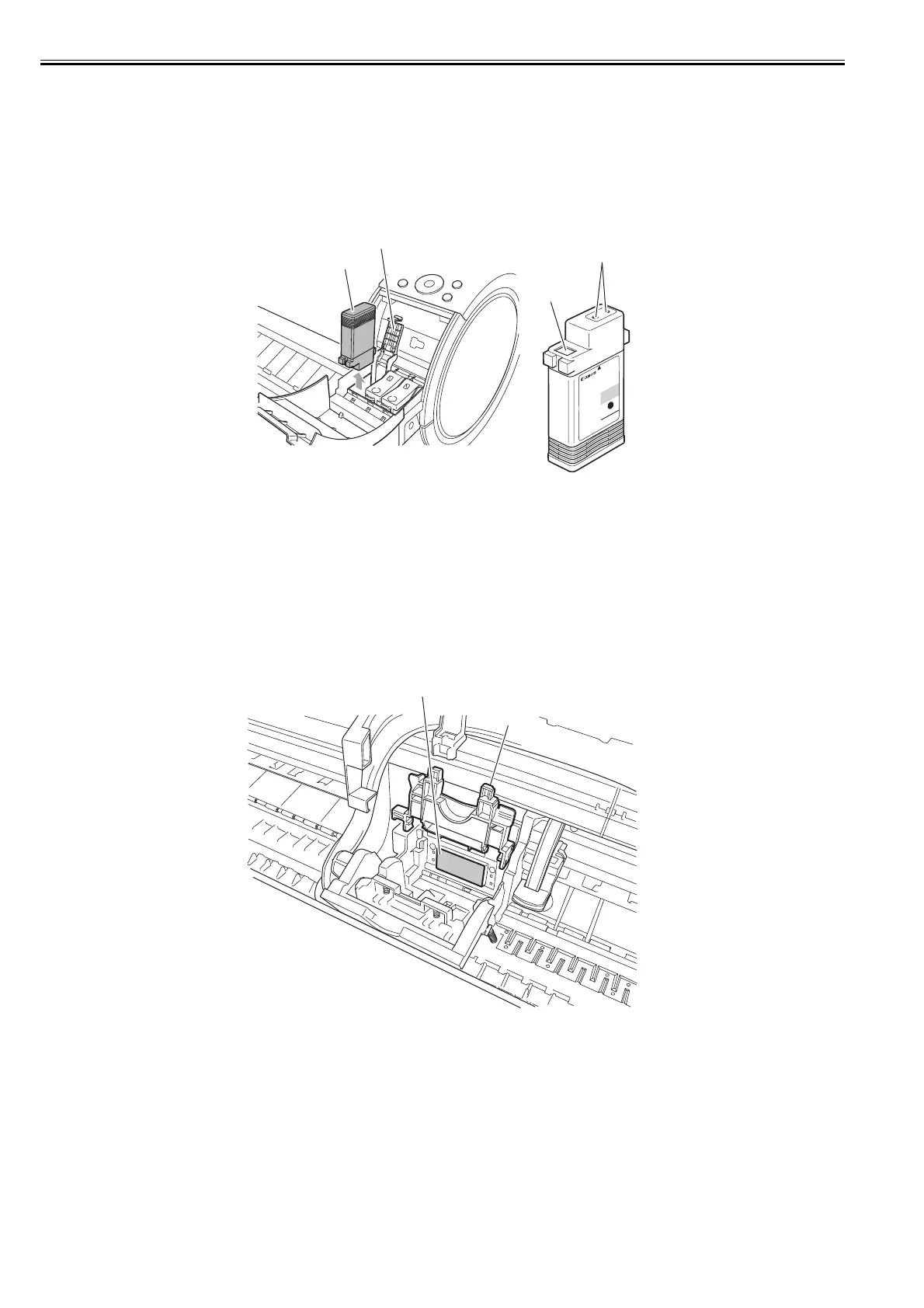
To prevent foreign matter from entering the ink flow path and causing ink suction and printing problems, never touch the ink port and contacts of the ink tank.
When you press down the ink tank cover, the needle enters the ink port, allowing ink to flow between the printer and ink tank.
Do not raise or lower the ink tank cover except when replacing the ink tank.
F-1-44
1.7.2.3 Handling the Printer
0023-1467
1. Precautions against Static Electricity
Certain clothing may generate static electricity, causing an electrical charge to build up on your body. Such a charge can damage electrical devices or change their
electrical characteristics.
In particular, never touch the printhead contacts.
F-1-45
2. Fixing the Carriage
After completion of printing, the carriage is mechanically locked by the lock pin in the purge unit at the same moment the printhead is capped.
[1] Ink tank
[2] Ink tank lock lever
[3] Contacts
[4] Ink port
[1] Carriage unit
[2] Printhead contacts
[4]
[3]
[1]
[2]
[1]
[2]














 To Next Page