Chapter 7
7-3
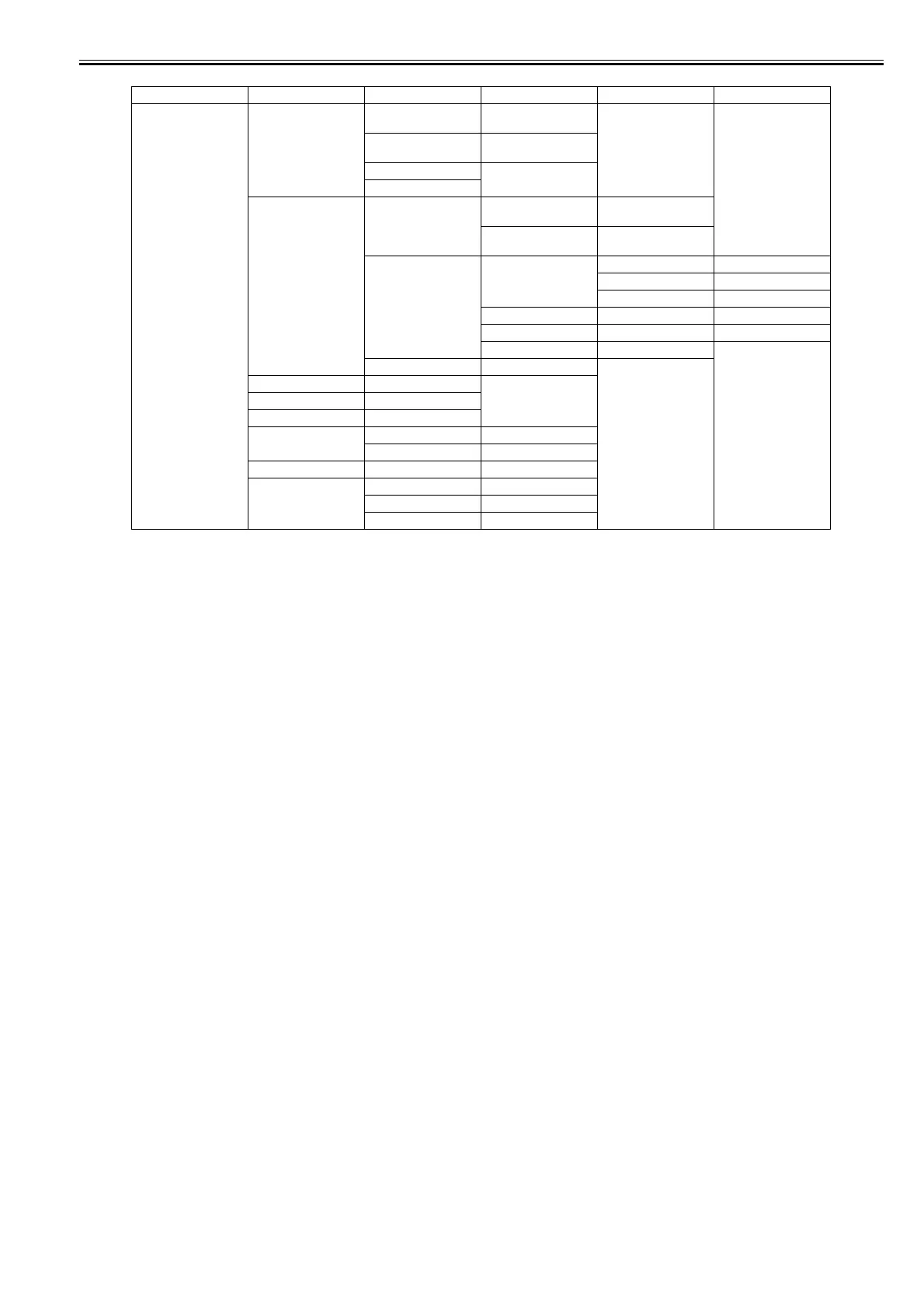
First Level Second Level Third Level Fourth Level Fifth Level Sixth Level
ADJUST PRINT PATTERN NOZZLE 1 : Press the [OK] button to
execute
OPTICAL AXIS : Press the [OK] button to
execute
LF TUNING
LF TUNING 2
HEAD ADJ. MANUAL HEAD ADJ DETAIL : Press the [OK] button to
execute
BASIC : Press the [OK] button to
execute
ADJ. SETTING A A-1 : Adjustment value entry
---
A-24 : Adjustment value entry
---
F F-1 : Adjustment value entry
SAVE SETTINGS YES/NO
RESET SETTINGS YES/NO
NOZZLE CHK POS. YES/NO
GAP CALIB. YES/NO
CHANGE LF TYPE 0/1
CR REG EXECUTE YES/NO
RESET YES/NO
CR MOTOR COG YES/NO
MARGIN ADJ TOP MARGIN ADJ -5.0 to 5.0
BTM MARGIN ADJ -5.0 to 5.0
PRINT PATTERN YES/NO














 To Next Page