Chapter 7
7-11
7) JAM
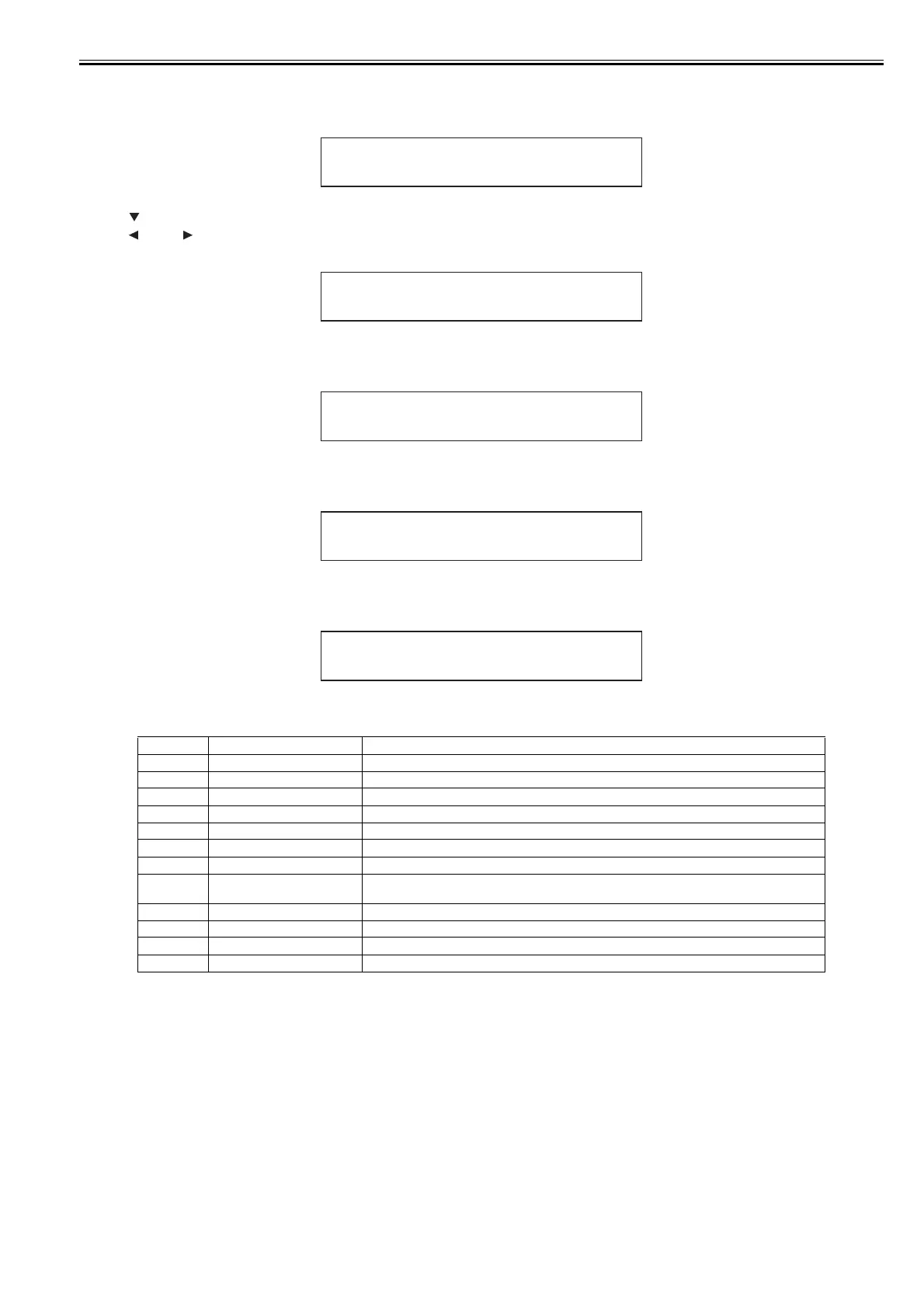
Displays log of jams that have occurred (up to five events). The newest event has the smallest history number.
Indicates the date and time of jam and error code. "0000" is displayed if there is no log.
F-7-1
Press the key to display detail information.
Press the key or key to navigate among detail information display 1 to 4.
Detail information display 1
F-7-2
Detail information display 2
F-7-3
Detail information display 3
F-7-4
Detail information display 4
F-7-5
8) INK CHECK
Displays the number of times the remaining ink level detection function was turned off, to accommodate refilled ink cartridges in the order of C, M, Y, MBK, MBK2
and BK.
0: Never
1: Executed at least once
Display Description LCD display contents
1 Jam type 1:Carriage error, 2:Jam, 3:Feed failure (delay), 4:Cut failure, 0:Unknown
2 Media 1:Roll media, 2:Cut sheet, 0:Unknown
3 Jam timing 1:Feed, 2:Print, 3:Eject, 0:Unknown
4 Media width detection 1:ON, 2:OFF, 0:Unknown
5 Head height SL:1.0mm, L:1.3mm, M1:1.8mm, M2:2.0mm, M3:2.2mm, 0:Unknown
6 Platen shutter position 1:Fully close, 2:HP side only open, 3:1/4 open, 4:1/2 open, 5:3/4 open, 6:Fully open, 0:Unknown
7 Cut mode setting 1:User cut, 2:Eject cut, 3:Auto cut, 0:Unknown
8 Environment Display Media Information Tool's environment settings A to F according to Temperature/Humidity
Detection Sensor, 0:Unknown
9 Borderless printing setting 1:Bordered printing, 2:Borderless printing, 0:Unknown
10 Print mode Display print mode, 0:Unknown
11 Media siz Display media size, 0:Unknown
12 Media name Display media name, 0:Unknown
XXXX- XXXX
0 1 MM/ DD H H : MM
1: XXXXXXXXX
JAM 01
123456789
2: XXXXXXXXX
JAM 01
10
3: XXXX
JAM 01
11
4:
JAM 01
12
XXXXXXXX














 To Next Page