Chapter 1
1-23
2. Main Menu
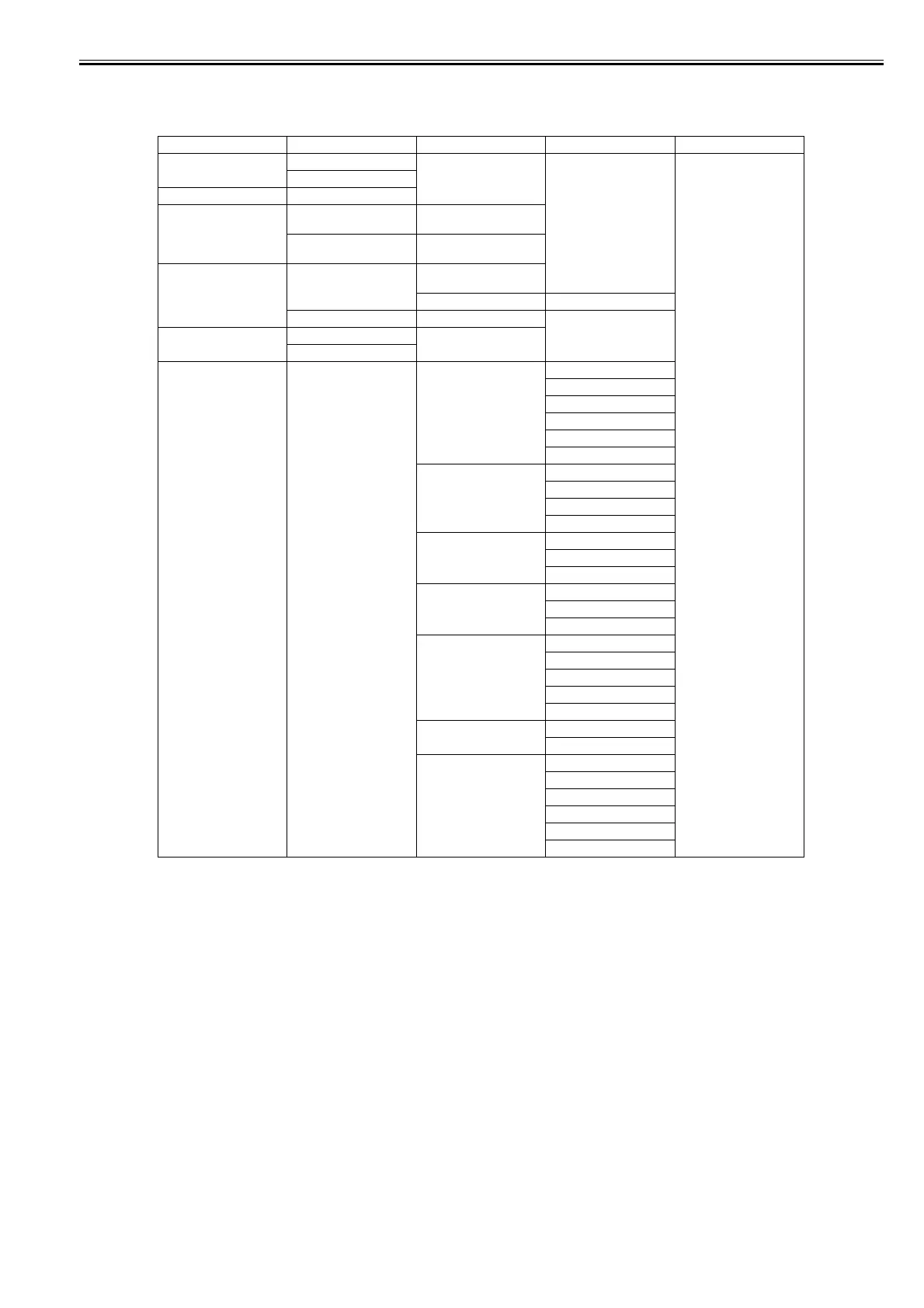
The structure and settings of the main menu is as follows. The asterisk mark "*" is default setting.
[Paper Menu]
First Level Second Level Third Level Fourth Level Fifth Level
[Load Paper] [Roll Paper]
[Cut Sheet]
[Eject Paper]
[Chg. Paper Type] [Roll Paper] (The paper type is displayed
here.)
[Cut Sheet] (The paper type is displayed
here.)
[Chg. Paper Size] [Cut Sheet Size] (The size of paper is
displayed here.)
[CustomPaperSize] (Set the length)
[Roll Length]*1 (Set the length)
[ManageRemainRoll] [Off]*
[On]
[Pap. Detail Set] (The paper type is displayed
here.)
[Head Height] [Automatic]*
[Highest]
[High]
[Standard]
[Low]
[Lowest]
[Crooked Chk Lv.] [High Accuracy]
[Standard]*
[Loose]
[Off]
[Cutting Mode] [Automatic]
[Eject]*
[Manual]
[Cut Speed] [Fast]
[Standard]
[Slow]*
[Trim Edge First] [Automatic]*
[Off]
[On (Preset Len)]
[On (Input Length)]
[Manual]
[CutDustReduct.] [Off]*
[On]
[VacuumStrngth] [Automatic]*
[Strongest]
[Strong]
[Standard]
[Weak]
[Weakest]














 To Next Page