Chapter 1
1-32
*1: Available only if ManageRemainRoll is On.
*2: Available only if Width Detection is set to Off.
*3: Print Anyway is displayed when a job being held is selected.
*4: Available after Auto(Advanced) in Head Posi. Adj. has been used once.
*5: Available when you have specified Feed Priority > Adj. Priority > Automatic or Print Quality.
*6: Available when you have specified Feed Priority > Adj. Priority > Automatic or Print Length.
*7: Available only if Use Nesting is set to On.
*8: Not shown if you have set IPv4 Mode to Manual.
*10: Not shown if you have set Auto Detect to On.
*11: Follows the setting in Date Format.
*12: Viewing and configuration is possible for administrators, and only viewing for other users.
*13: Viewing and configuration is possible for administrators only.
*16: Leading edge is not available as a setting option in the Paper Detailed Settings dialog box of the printer driver.
*17: Not displayed if IPv6 Support is Not Supported.
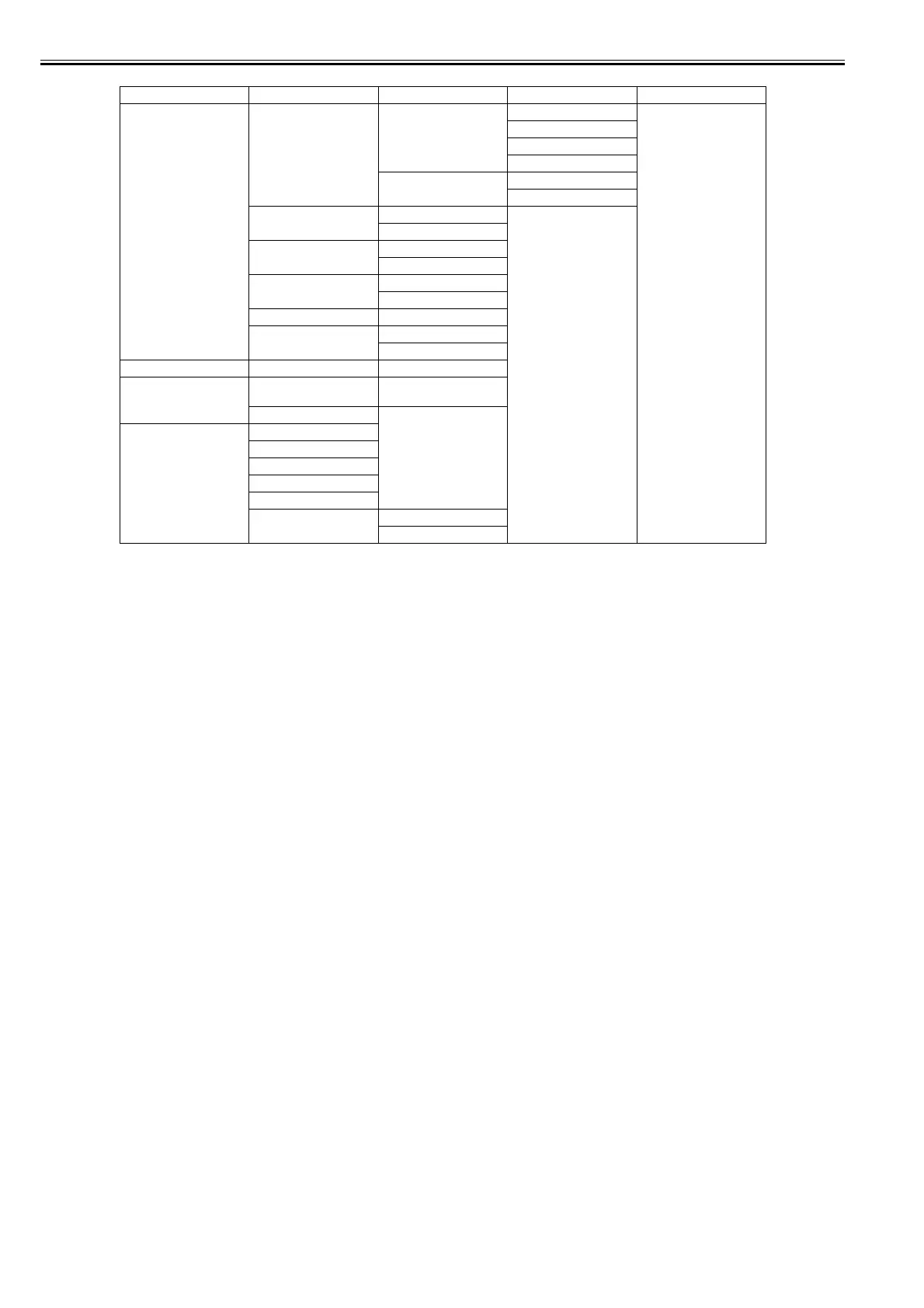
First Level Second Level Third Level Fourth Level Fifth Level
[System Setup] [Nozzle Check] [Frequency] [Standard]*
[1 page]
[10 pages]
[Off]
[Warning] [Off]*
[On]
[Use USB]*12 [Use]*
[Do Not Use]
[Use Ethernet]*12 [Use]*
[Do Not Use]
[Use RemoteUI]*12 [Use]*
[Do Not Use]
[Reset PaprSetngs]*12
[Show Job Log]*12 [Off]
[On]*
[Prep.MovePrinter]
[Admin. Menu]*12 [Chg.Admin.Pswd]*13 (The screen for setting the
password is displayed)
[Init.Admin.Pswd]*13
[Printer Info] [Paper Info]
[Ink Info]
[Head Info]
[System Info]
[Error Log]
[Use Situation] [Tot. Print Area]
[Duty Counter]














 To Next Page