0HWJ-038
Changing Machine Settings
You can change various machine settings from your computer by using the Remote UI. For example, you can change network and
security settings.
However, to change settings under [System Management Settings], you must log on in System Manager Mode.
Start the Remote UI Starting the Remote UI
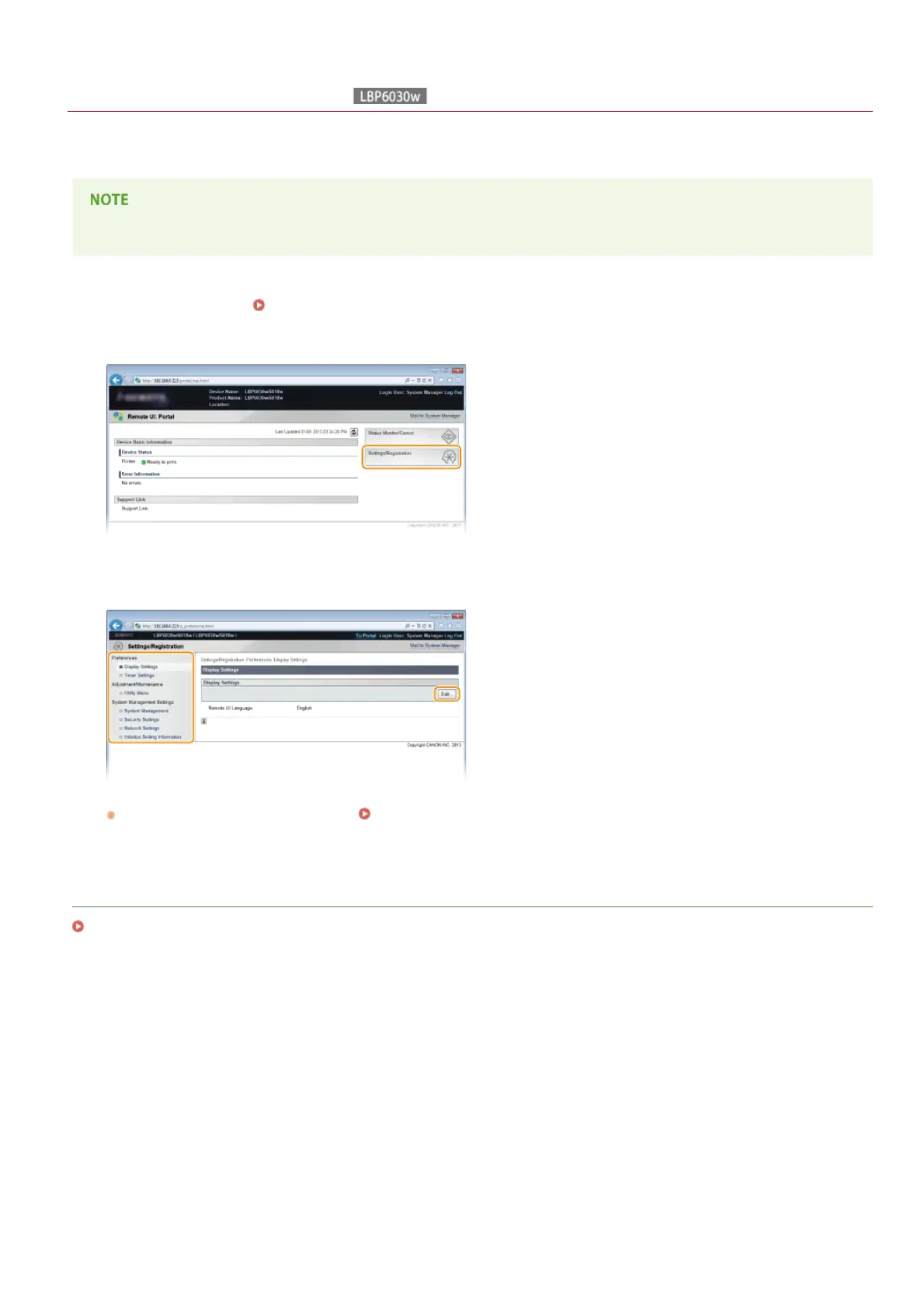
Click [Settings/Registration].
Click the menu item you want to set, displaying it, and then click [Edit].
For details about the settings menu, see Setting Menu List.
LINKS
Remote UI Screens
1
2
3
㻝㻞㻥㻌㻛㻌㻞㻝㻥












 To Next Page