0JAY-002
Connecting the Printer to a Computer
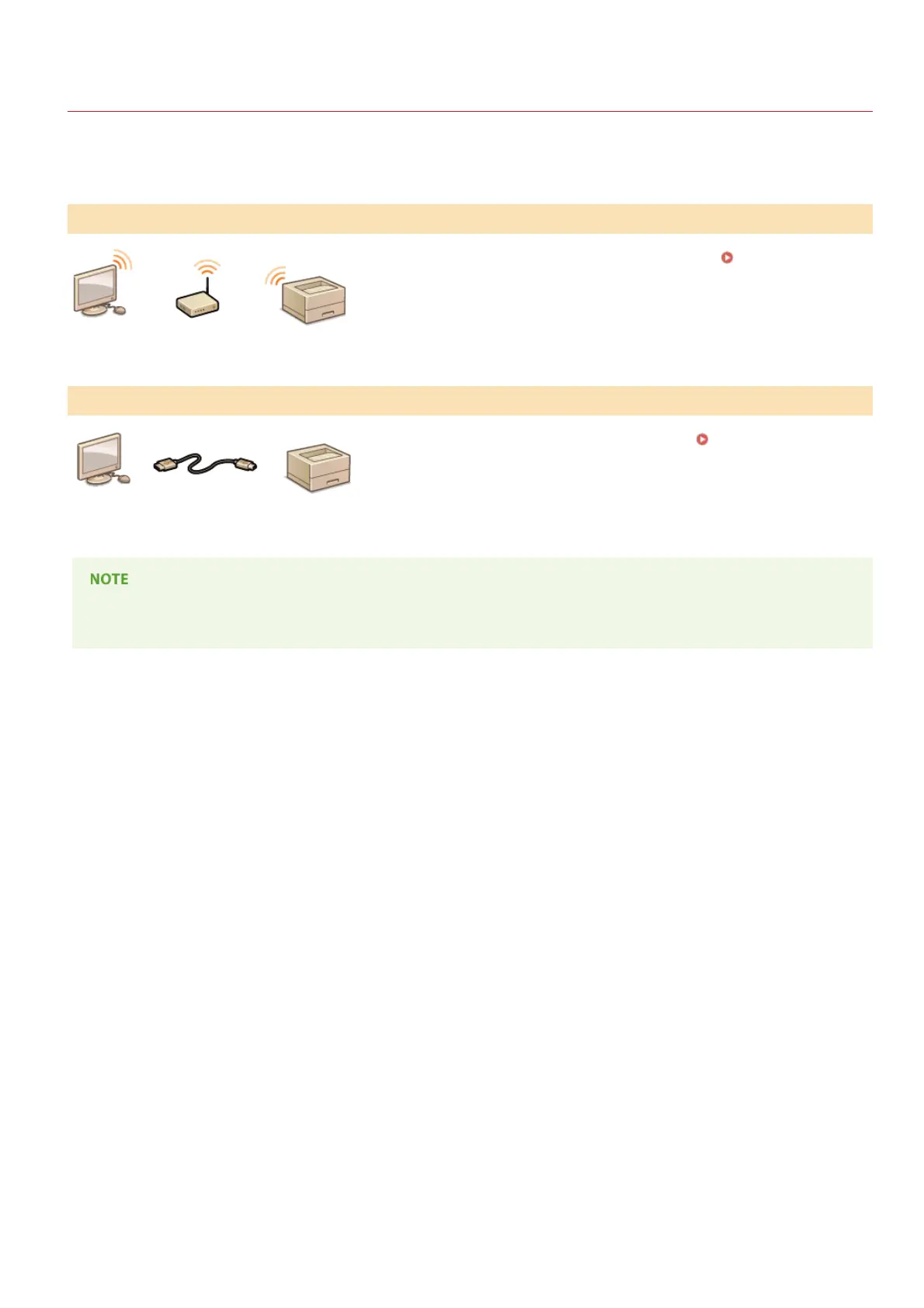
There are two ways to connect the printer to a computer: "via wireless LAN," and "via USB." Select the connection method that best
suits your communication environment and devices.
Connect the printer to a router via wireless communications. Connecting via
Wireless LAN
Connect the printer to a computer via a USB cable. Connecting via USB
The supported connection methods differ depending on the printer you are using. Refer to the "e-Manual" supplied with your
printer for information about the supported connection methods.
Connecting via Wireless LAN
Connecting via USB
㻟㻥㻌㻛㻌㻡㻟












 To Next Page