0HWJ-01F
Printing Posters
You can print parts of a single document page onto multiple pages, which can then be combined to make a
poster. For example, if you divide an A4 page into nine parts, print each part nine times larger, and then
combine the parts, you will have a poster as large as nine A4 pages.
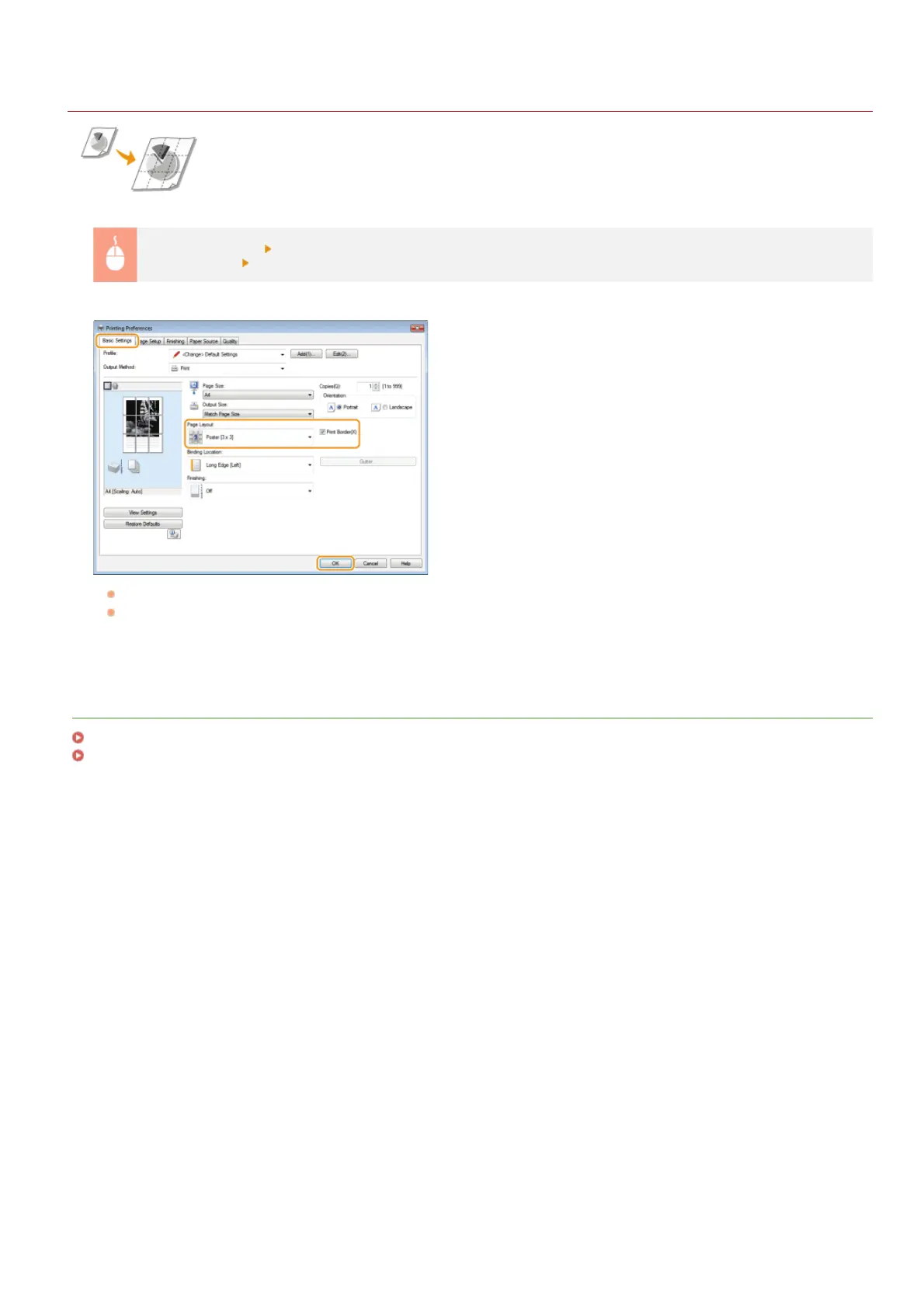
[Basic Settings] tab
In [Page Layout], select a poster size by specifying the number of parts to be printed, for example
[Poster [3 x 3]]
[OK]
There are four size settings: [Poster [1 x 2]], [Poster [2 x 2]], [Poster [3 x 3]], and [Poster [4 x 4]].
Select the [Print Border] check box to add borders on your printouts. The borders are helpful if you want to paste the printouts
together or cut off the margins.
LINKS
Basic Print Operations
Enlarging or Reducing
㻠㻡㻌㻛㻌㻞㻝㻥












 To Next Page