0HWJ-02A
Changing the Maximum Transmission Unit
In most Ethernet networks, the maximum size of a packet that can be sent is 1500 bytes. A packet refers to a small chunk of data. The
original data is divided into packets before being sent. The maximum transmission unit (MTU) may vary on each network. Change the
settings of the machine as necessary. For more information, contact your network administrator.
Start the Remote UI and log on in System Manager Mode. Starting the Remote UI
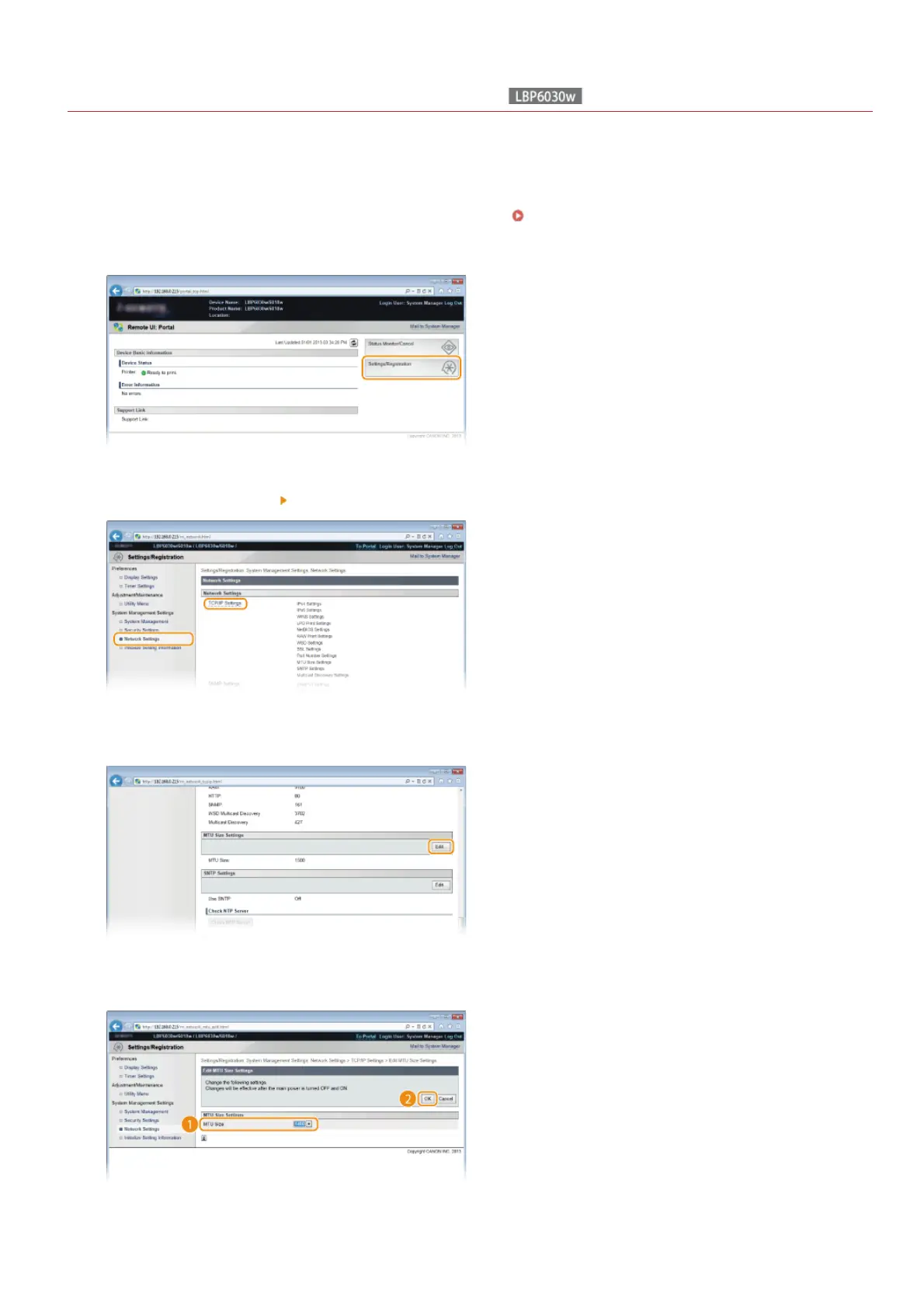
Click [Settings/Registration].
Click [Network Settings] [TCP/IP Settings].
Click [Edit] in [MTU Size Settings].
Select the maximum packet size, and then click [OK].
Restart the machine.
1
2
3
4
5
6
㻤㻜㻌㻛㻌㻞㻝㻥












 To Next Page