0JAY-004
Connecting via USB
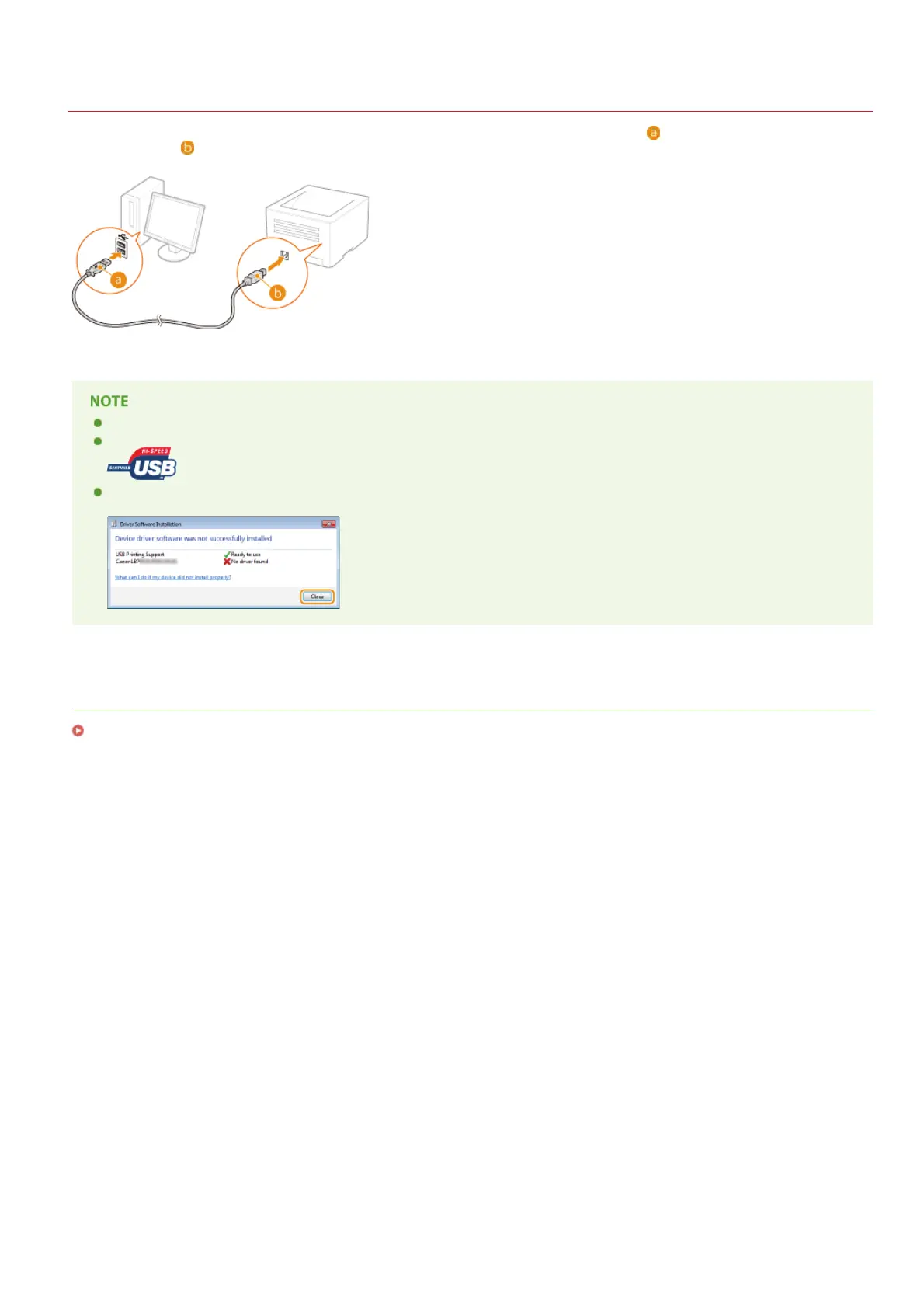
Connect the printer to a computer with a USB cable. Connect the flat connector of the USB cable ( ) to the computer, and connect the
square connector (
) to the printer.
If your printer does not come with a USB cable, you will need to provide your own cable separately.
Make sure that the USB cable you use has the following mark.
If a Plug and Play automatic setup screen like the one shown below is displayed when you connect the USB cable, click [Close]
or [Cancel] to close it.
LINKS
Deleting the USB Class Driver
㻠㻞㻌㻛㻌㻡㻟












 To Next Page