0HWJ-02J
Configuring SNTP
Simple Network Time Protocol (SNTP) enables you to adjust the system clock by using a time server on the
network. When you use SNTP, the system checks the timer server periodically, so that the system clock is always
accurate. The time is based on Coordinated Universal Time (UTC), so specify the time zone setting before
configuring SNTP (
Timer Settings).
The SNTP of the machine supports both NTP (version 3) and SNTP (versions 3 and 4) servers.
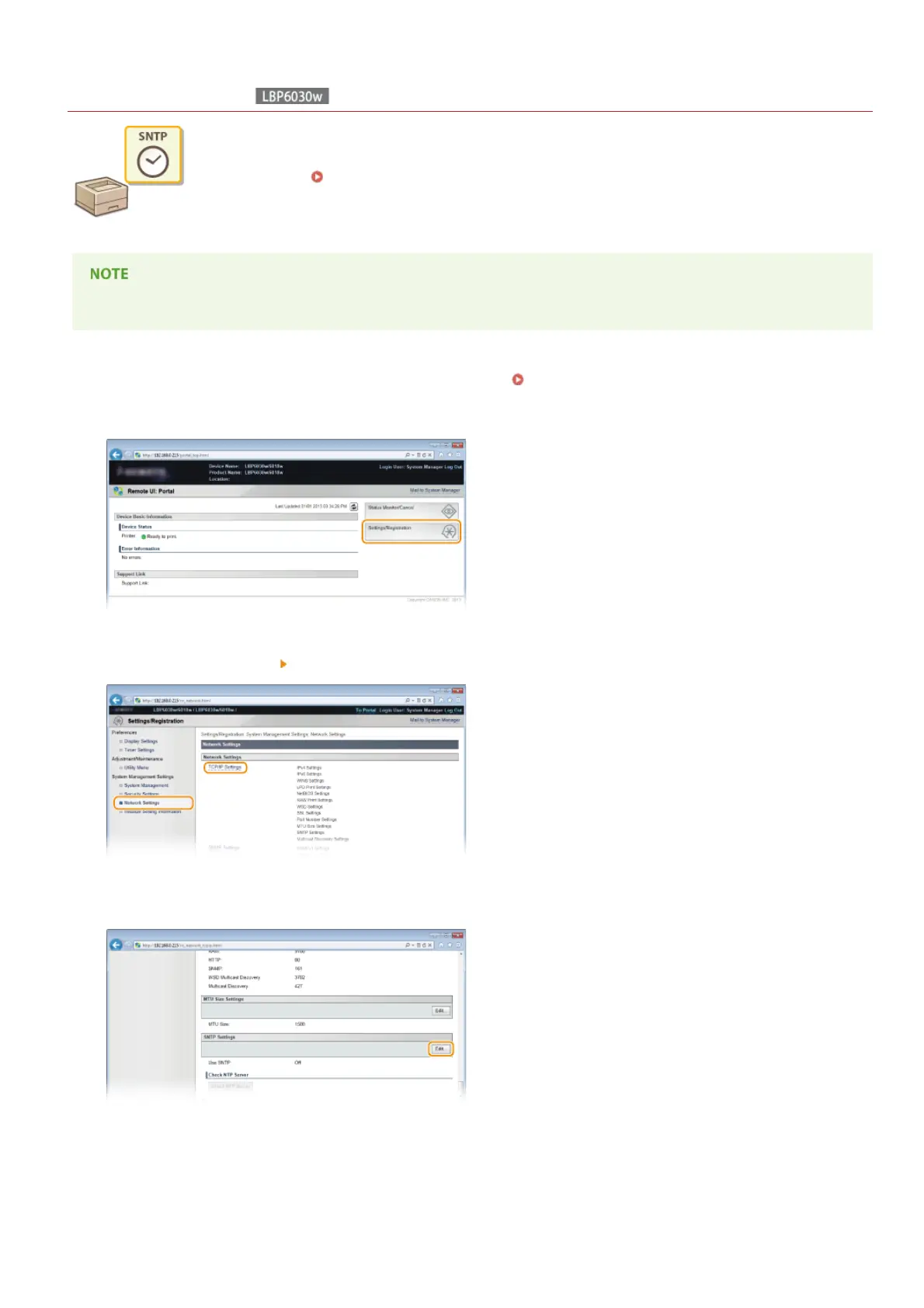
Start the Remote UI and log on in System Manager Mode. Starting the Remote UI
Click [Settings/Registration].
Click [Network Settings] [TCP/IP Settings].
Click [Edit] in [SNTP Settings].
Select the [Use SNTP] check box and enter the required information.
1
2
3
4
5
㻥㻞㻌㻛㻌㻞㻝㻥












 To Next Page