0HWJ-00H
Basic Operations
This chapter describes the parts of the machine and basic operations, such as how to load paper.
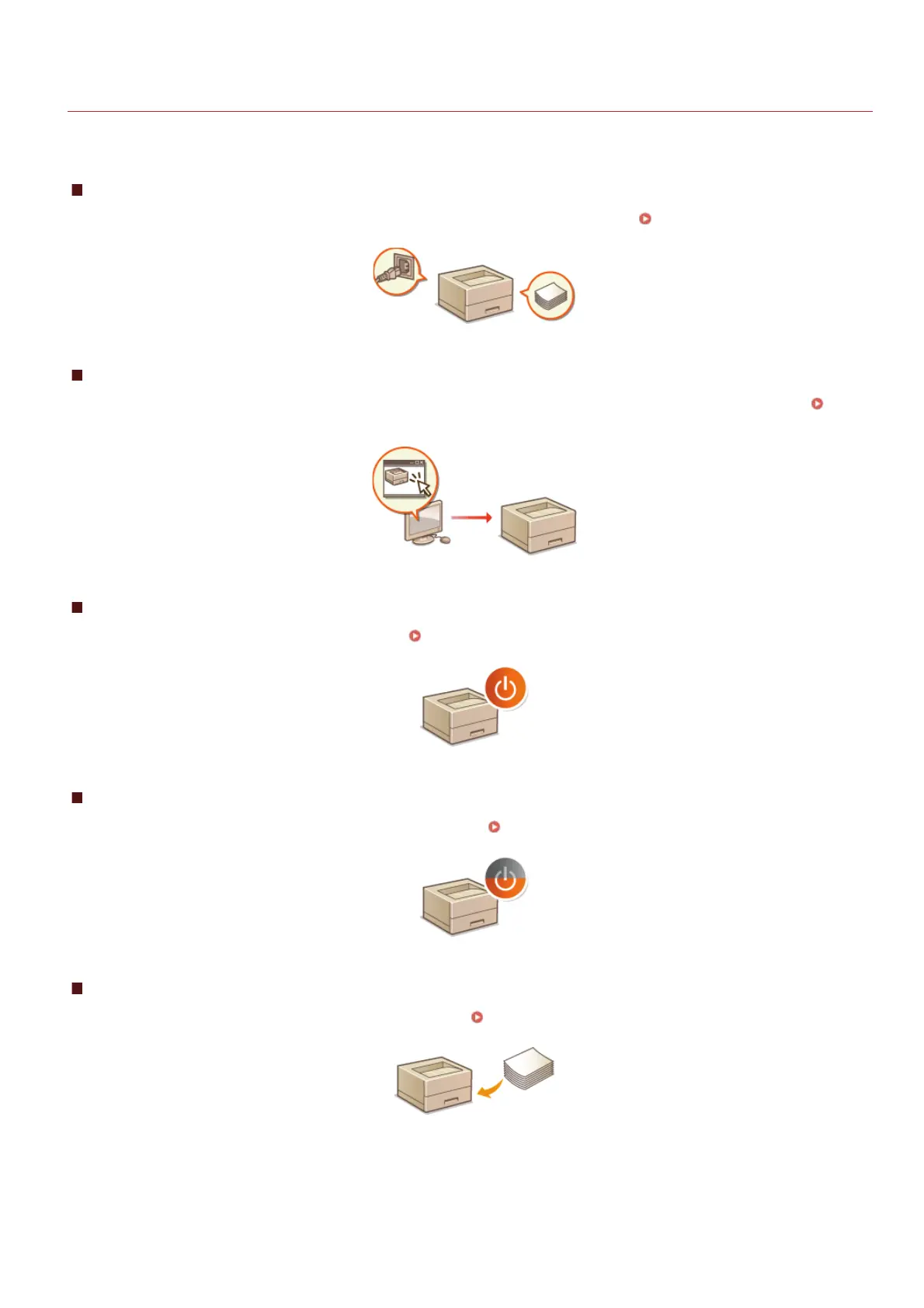
Parts and Their Functions
This section describes the names and functions of the exterior and interior parts of the machine. Parts and Their Functions
Printer Status Window
This section explains how to use the "Printer Status Window" utility to check the machine's status and make machine settings. Printer
Status Window
Turning the Power ON and OFF
This section explains how to turn the power ON and OFF. Turning the Power ON and OFF
Saving Power
This section explains how to reduce the machine's power consumption. Saving Power
Loading Paper
This section explains how to load paper into the multi-purpose tray. Loading Paper
㻝㻠㻌㻛㻌㻞㻝㻥










 To Next Page