0HWJ-027
Configuring Printing Protocols and Web Services
The following explains how to configure printing protocols for printing documents from computers. The protocols supported by the
machine are LPD, RAW, and WSD (Web Services on Devices).
To change protocol port numbers Changing Port Numbers
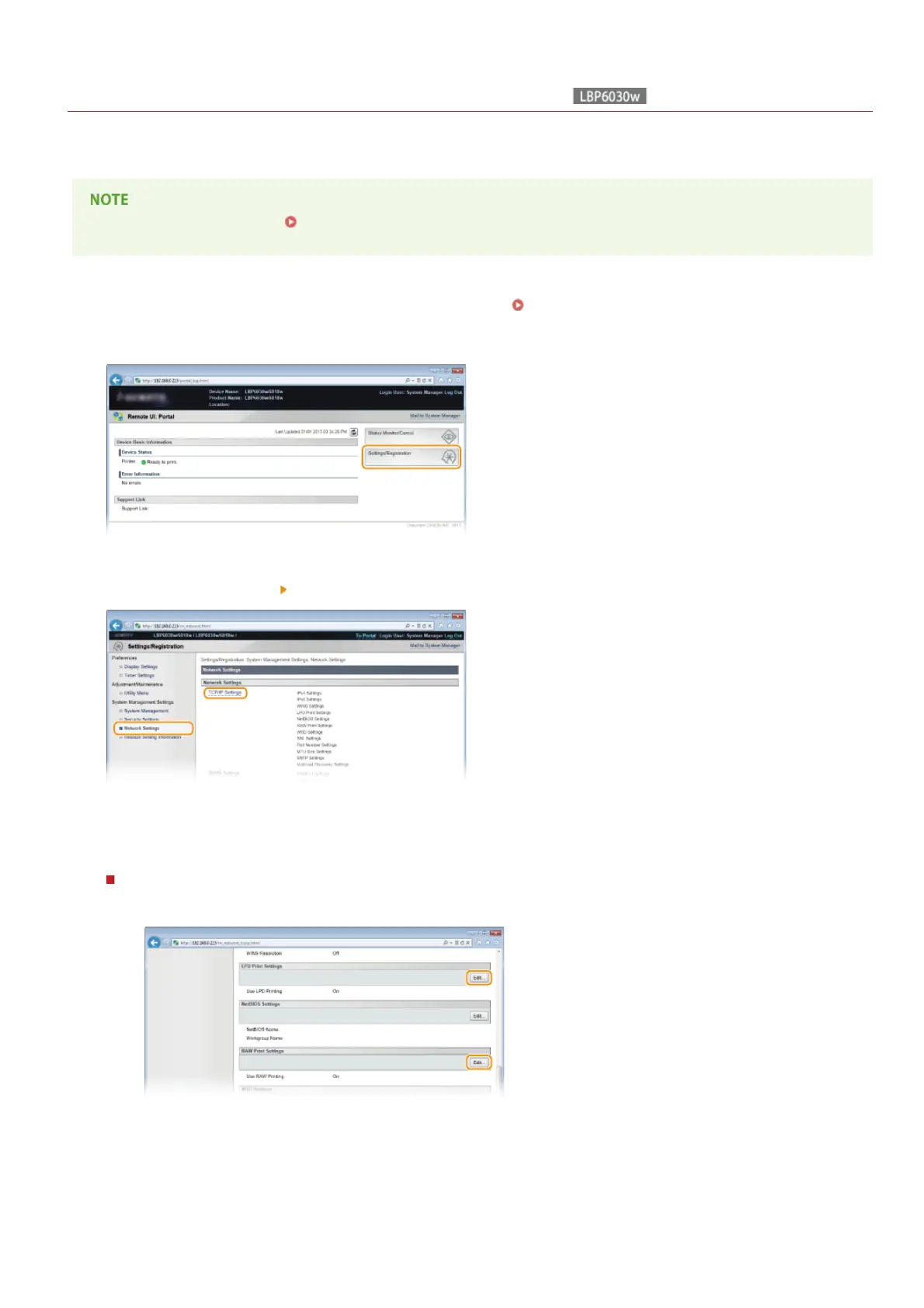
Start the Remote UI and log on in System Manager Mode. Starting the Remote UI
Click [Settings/Registration].
Click [Network Settings] [TCP/IP Settings].
Configure the printing protocols.
Configuring LPD or RAW
1
Click [Edit] in [LPD Print Settings] or [RAW Print Settings].
2
Configure the settings as necessary.
1
2
3
4
㻣㻞㻌㻛㻌㻞㻝㻥












 To Next Page