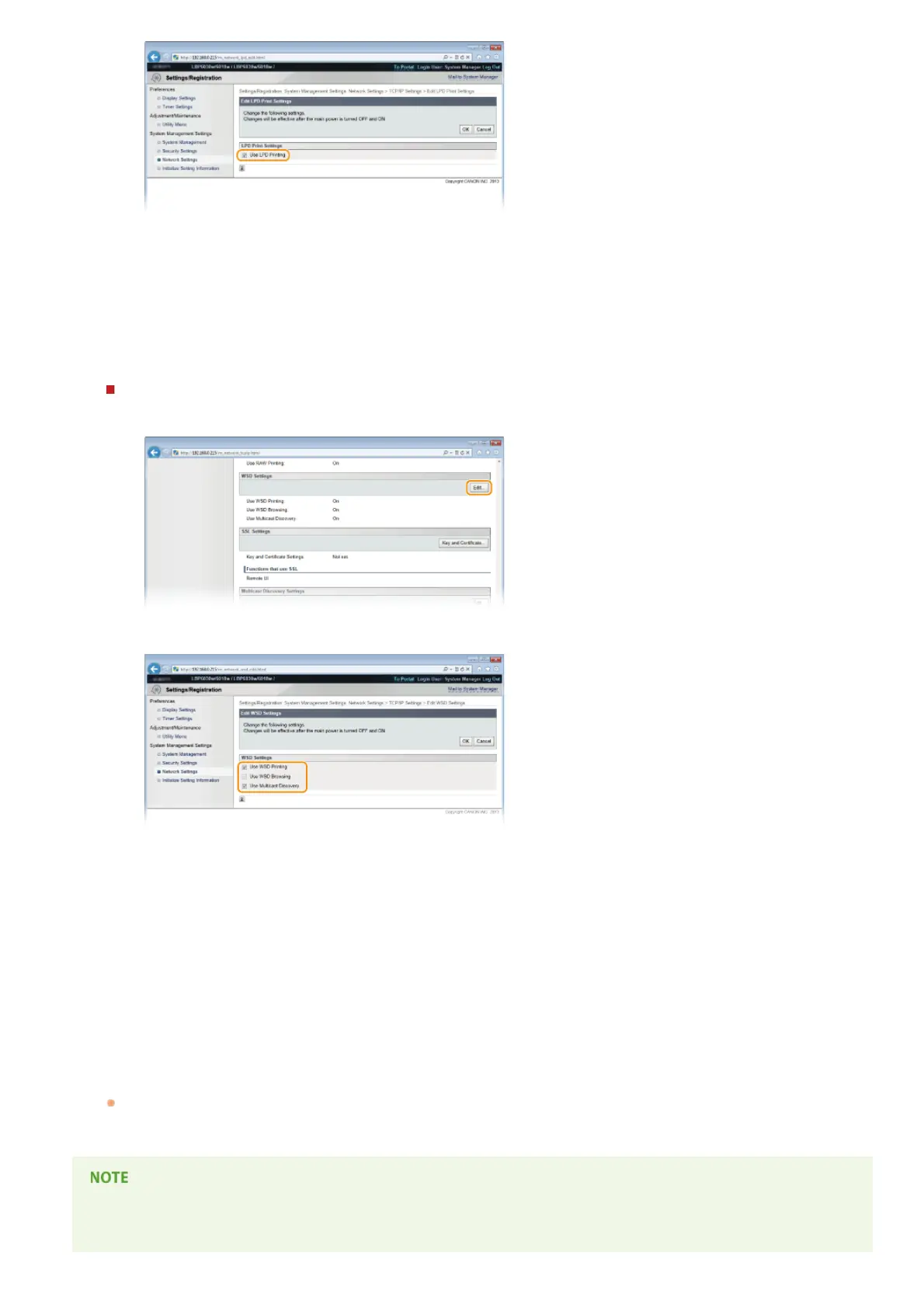
[Use LPD Printing]
Select the check box to print using LPD. Clear the check box if you do not want to use LPD printing.
[Use RAW Printing]
Select the check box to print using RAW. Clear the check box if you do not want to use RAW printing.
3
Click [OK].
Configuring WSD
1
Click [Edit] in [WSD Settings].
2
Configure the settings as necessary.
[Use WSD Printing]
Select the check box to print using WSD. Clear the check box if you do not want to use WSD printing.
[Use WSD Browsing]
Select the check box to obtain information about the machine from a computer via WSD. This check box is selected
automatically when the [Use WSD Printing] check box is selected.
[Use Multicast Discovery]
Select the check box to set the machine to reply to multicast discovery messages. If the check box is cleared, the
machine stays in sleep mode even when it receives a multicast discovery message from the network.
3
Click [OK].
Restart the machine.
Turn OFF the machine, wait for at least 10 seconds, and turn it back ON.
Setting up WSD network devices on Windows Vista/7/8
Install the printer driver according to the procedure using WSD ports described in the Printer Driver Installation Guide.
5
㻣㻟㻌㻛㻌㻞㻝㻥












 To Next Page