0HWJ-026
Configuring for Printing from a Computer
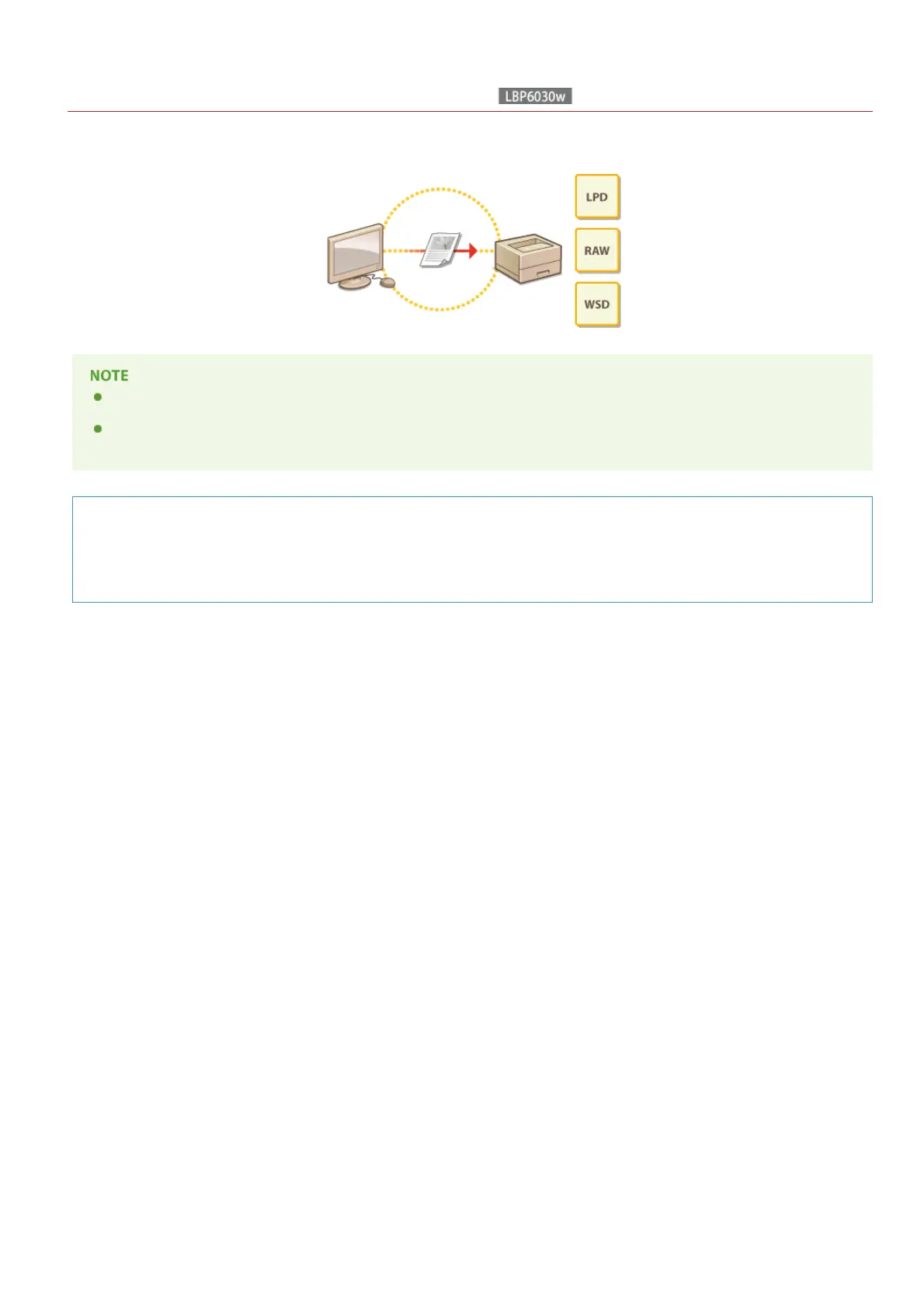
When using the machine as a network printer, you can configure the protocols and ports used for printing. Before starting, make sure
that you have completed all basic preparations for printing (Printer Driver Installation Guide).
Printing protocols are rules for delivering document data created on a computer to the machine. You can select them according
to the printing purpose or the network environment.
Ports are gateways for passing printing data from a computer to the machine. Incorrect port settings are often the cause when
documents cannot be printed from a network computer.
Setting Up a Print Server
By setting up a print server on the network, you can reduce the load on the computer that you print from. This also makes it
possible to install printer drivers over the network, which saves the trouble of installing the drivers on each computer by using
the CD-ROM/DVD-ROM. For information about how to set up a print server, see Printer Driver Installation Guide.
㻣㻝㻌㻛㻌㻞㻝㻥












 To Next Page