0JAY-009
Installing after Downloading from the Canon Website
Install the printer driver after downloading the latest version from the Canon website.
Log on to the computer with an administrator account.
Download the printer driver from the Canon website (http://www.canon.com/).
For more information about how to download the printer driver, see the driver download page for your printer.
Unzip the downloaded file.
If you are making a wireless LAN connection, connect the printer to the computer.
Connecting via Wireless
LAN
Before starting installation of the printer driver, use the "MF/LBP Network Setup Tool" included in the downloaded file to
configure network settings.
If you are making a USB connection, turn OFF the printer.
The printer may not be recognized if you install the printer driver with the printer turned ON. Always turn OFF the power before
installing.
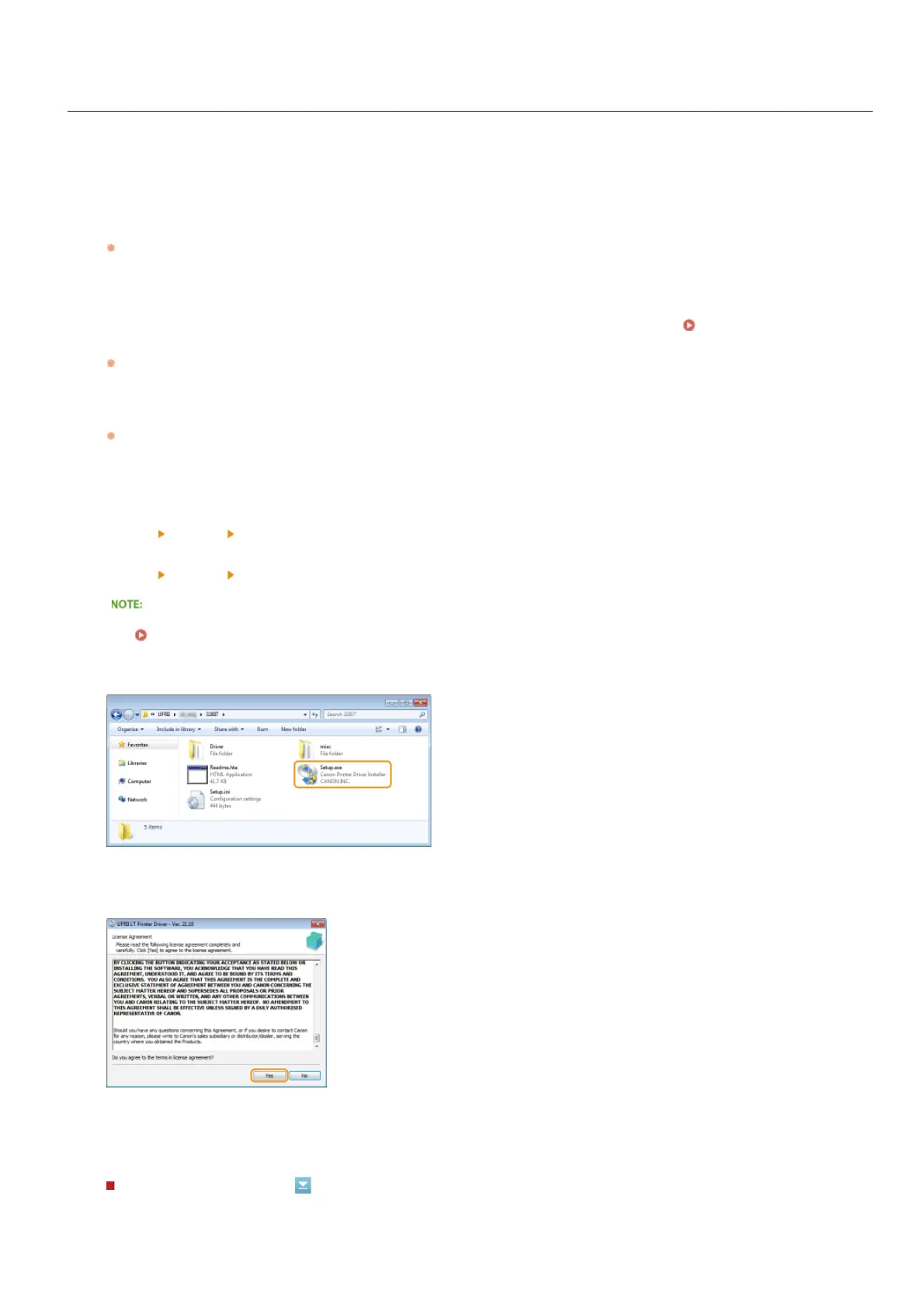
Open the folder where the printer driver is stored.
32-bit operating system
[UFRII]
[uk_eng] [32BIT] folders of the downloaded file
64-bit operating system
[UFRII]
[uk_eng] [x64] folders of the downloaded file
If you do not know whether to specify the 32-bit version or the 64-bit version for Windows Vista/7/8/Server 2008/Server 2012,
see
Checking the Bit Architecture.
Double-click "Setup.exe."
Read the License Agreement and click [Yes] to agree.
Install the printer driver.
Wireless LAN Connection
1
2
3
4
5
6
7
8
9
㻝㻟㻌㻛㻌㻡㻟












 To Next Page