0HWJ-00U
Turning the Power ON and OFF
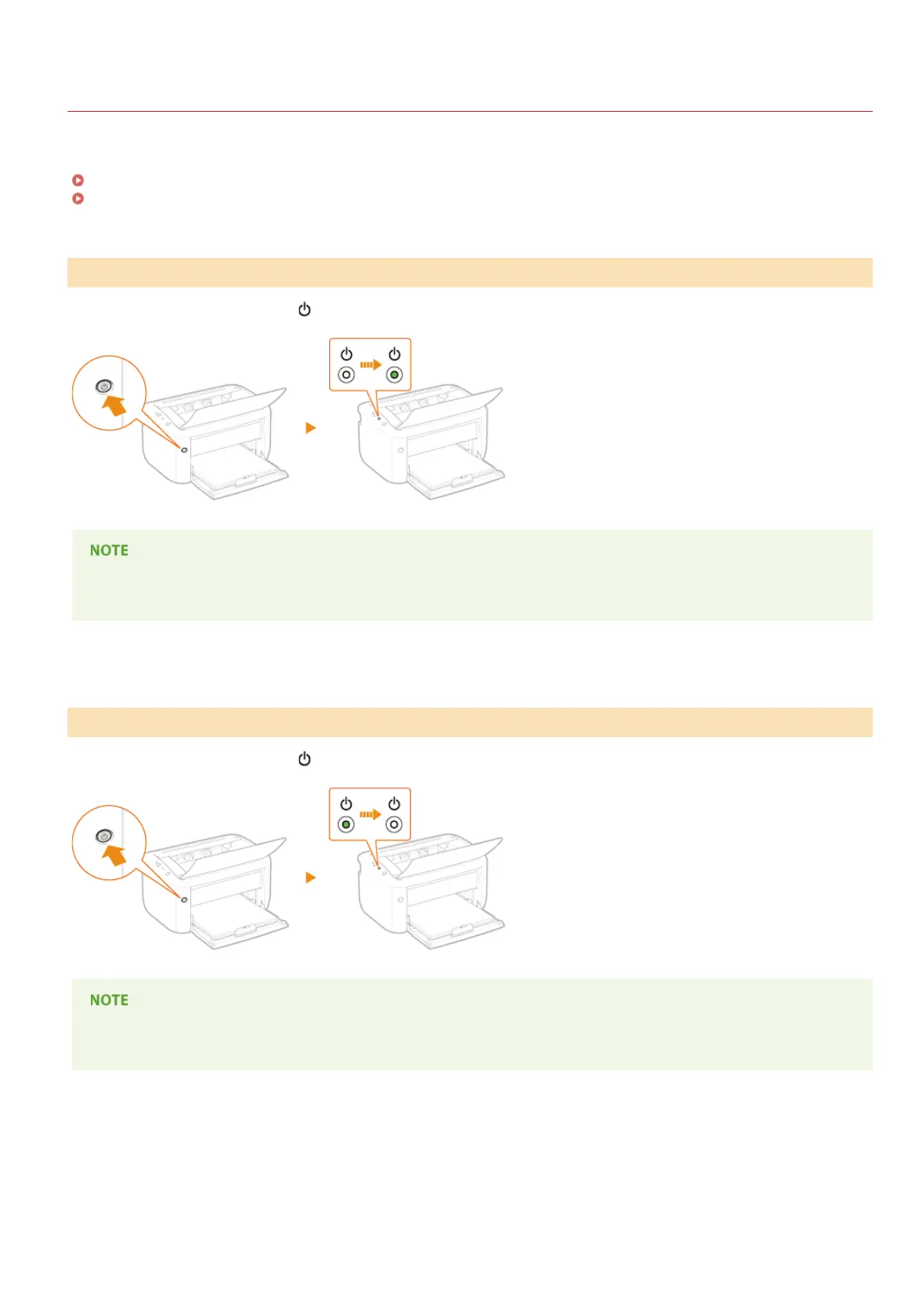
Use the power switch on the front side of the machine to turn the power ON and OFF. To restart the machine, turn the machine OFF,
wait for at least 10 seconds, and turn it back ON.
Turning the Power ON
Turning the Power OFF
When you press the power switch, the
(Power) indicator lights and the machine is ready for printing.
A blank sheet of paper may be output when you turn ON the power for the first time after purchasing the machine. This is not a
malfunction.
When you press the power switch, the
(Power) indicator goes out and the power is turned OFF.
Even when the power is turned OFF, the machine continues to consume a small amount of power. To reduce power consumption
to zero, unplug the power plug from the AC power outlet.
Turning the Power ON
Turning the Power OFF
㻞㻟㻌㻛㻌㻞㻝㻥












 To Next Page