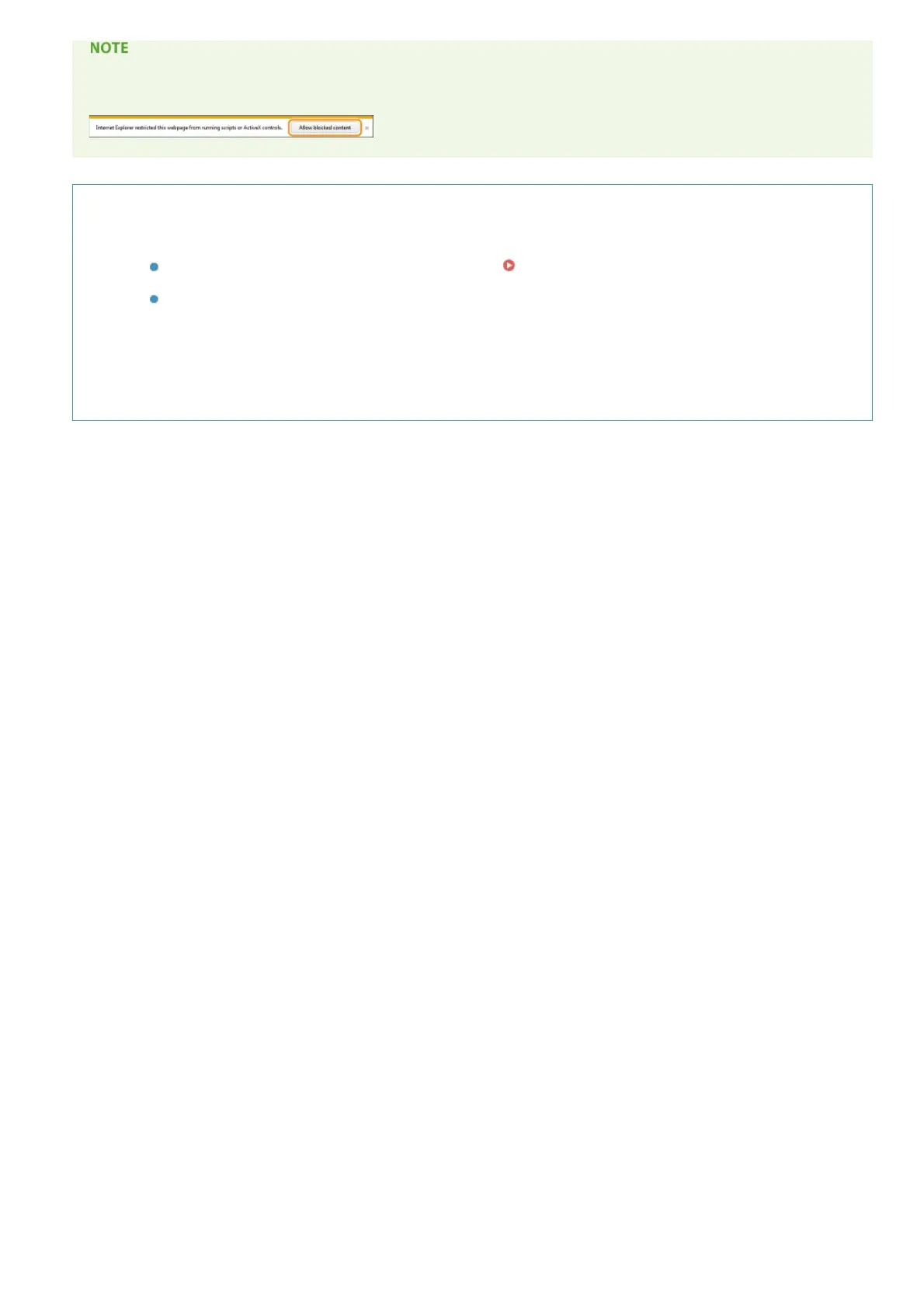
If a security warning message appears
Click [Allow blocked content].
Viewing the e-Manual Directly from the CD-ROM/DVD-ROM
1
Insert the User Software CD-ROM/DVD-ROM into the drive on the computer.
If the [CD-ROM/DVD-ROM Setup] screen does not appear
Displaying the [CD-ROM/DVD-ROM Setup]
Screen
If [AutoPlay] is displayed, click [Run MInst.exe].
2
Click [Manuals].
3
Click [e-Manual].
㻝㻥㻥㻌㻛㻌㻞㻝㻥




 To Next Page