Several pages may be output after you cancel printing.
TIPS
Canceling from the Remote UI (LBP6030w)
You can cancel printing from the [Job Status] page on the Remote UI. Checking the Current Status of Print Documents
Canceling from an application
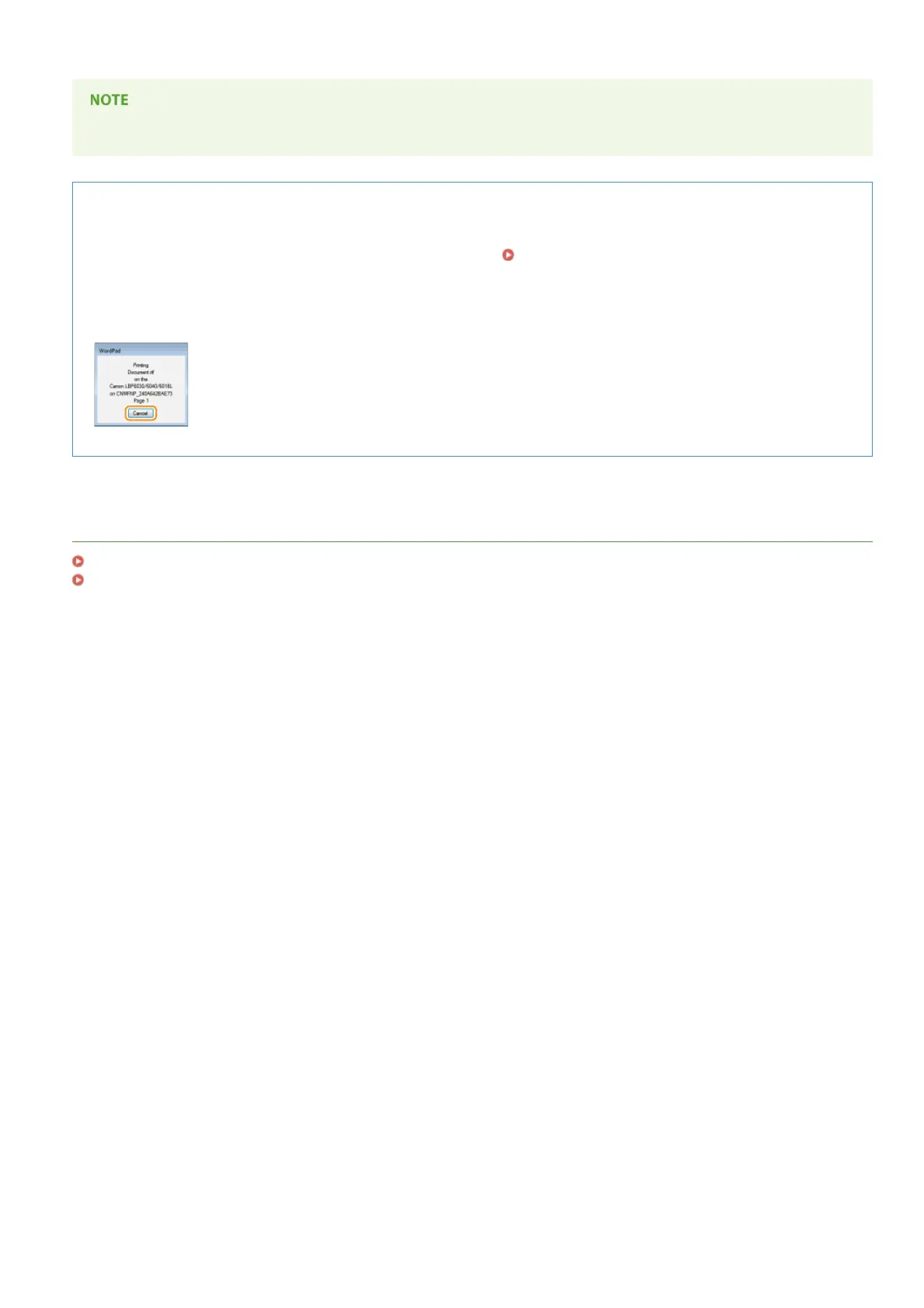
On some applications, a screen like the one shown below is displayed during printing. You can cancel printing by clicking
[Cancel].
LINKS
Basic Print Operations
Checking the Print Status
㻟㻤㻌㻛㻌㻞㻝㻥












 To Next Page