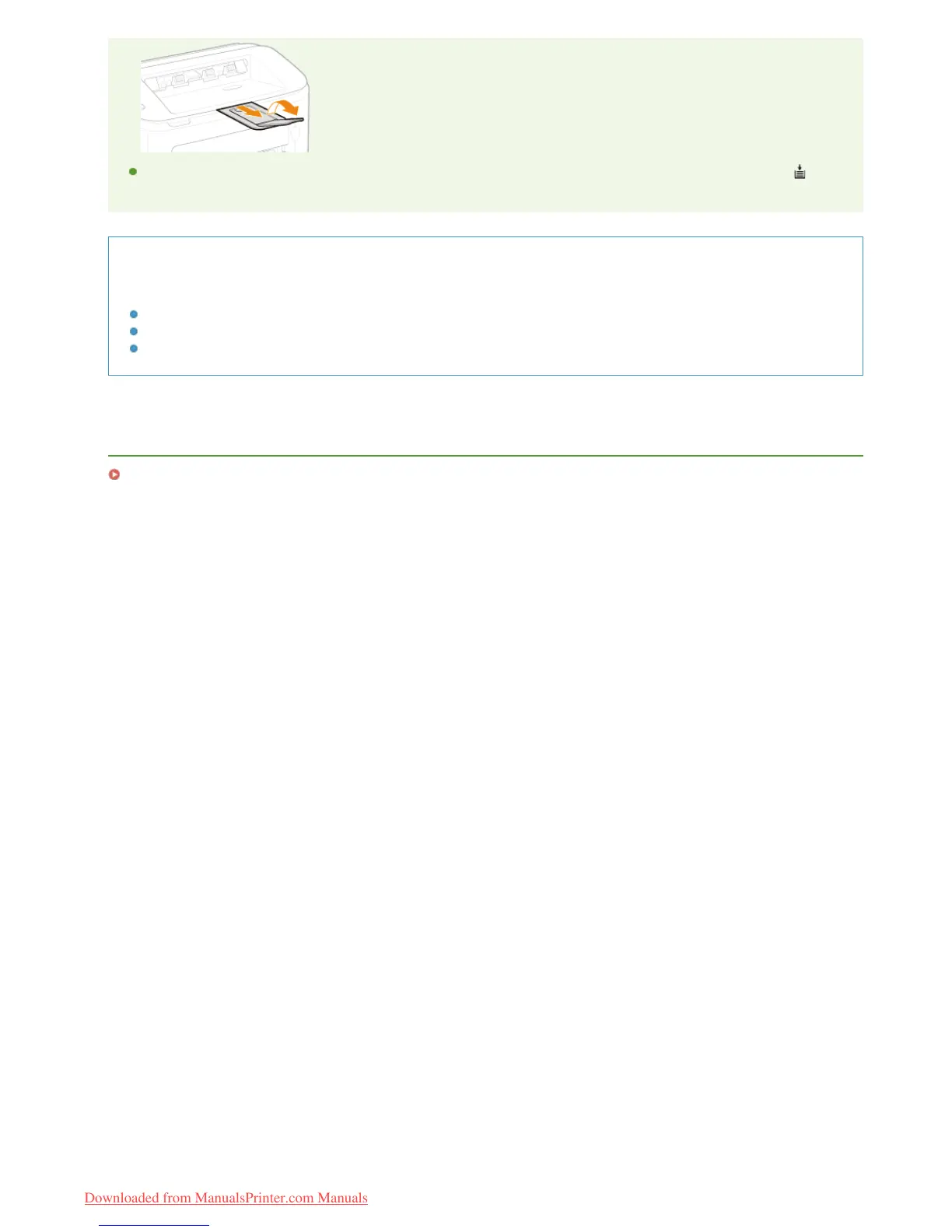
After reloading paper that has run out during printing, or resetting the paper after a paper error notification, press the
(Paper) key to restart printing.
Printing on the Back Side of Printed Paper (Manual 2-Sided Printing)
You can print on the back side of printed paper. Flatten any curls on the printed paper and insert it into the multi-purpose tray
with the side to print face up (previously printed side face down).
Load only one sheet of paper each time you print.
You can use only paper printed with this machine.
You cannot print on the side that has been previously printed.
LINKS
Paper
㻟㻟㻌㻛㻌㻞㻠㻜
Downloaded from ManualsPrinter.com Manuals














 To Next Page