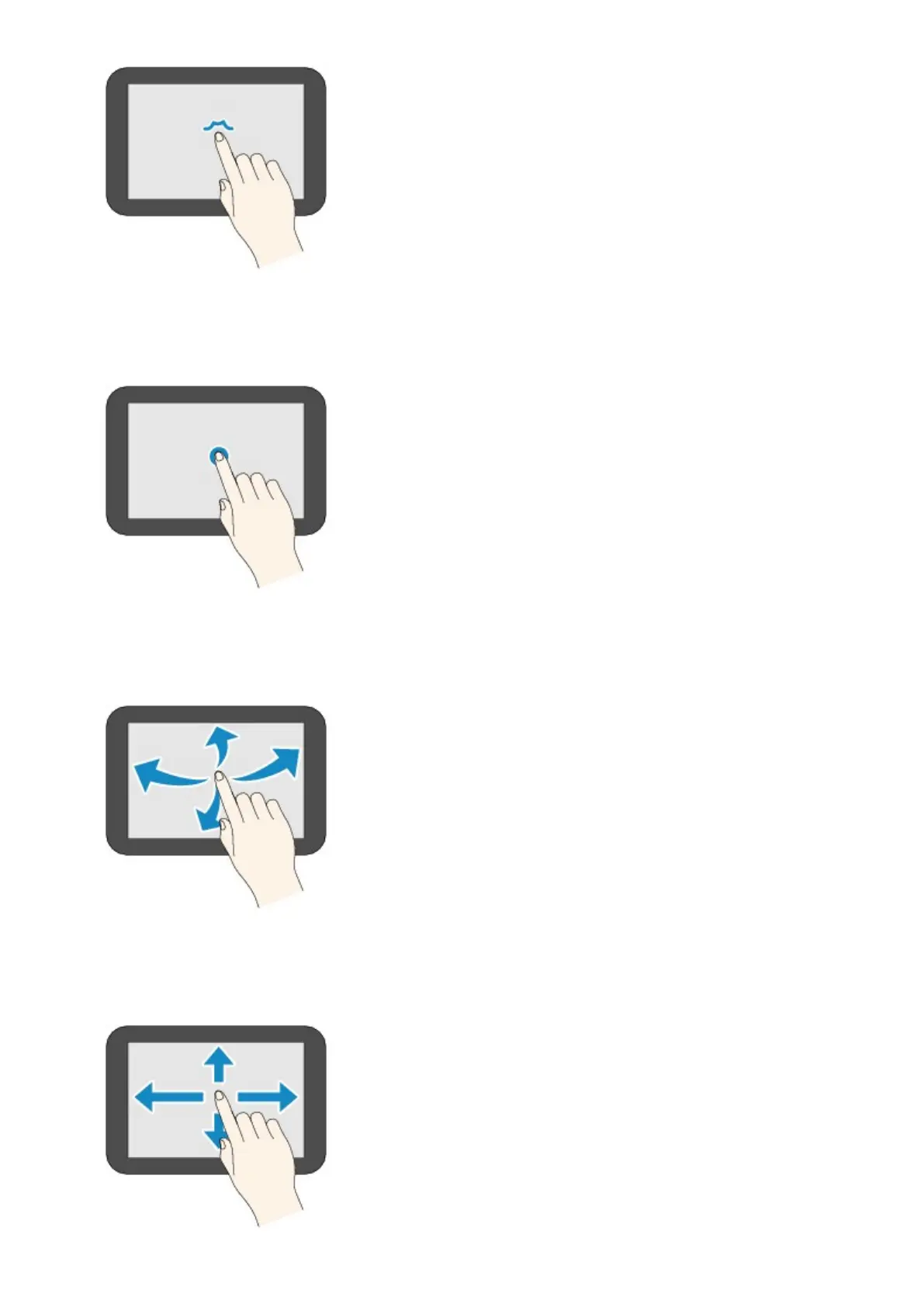
Touch
Touch lightly with your finger tip.
To move forward (or go back) menus or photos continuously, keep touching the forward (or back) mark.
Flick
Flick your finger on the screen up, down, left, or right.
Use to switch menus or move forward or backward through photos.
Drag
While lightly touching the screen, move your finger up, down, left, or right.
Use to view lists of items or move sliders.
154













 To Next Page