An Operation Example of the touch screen
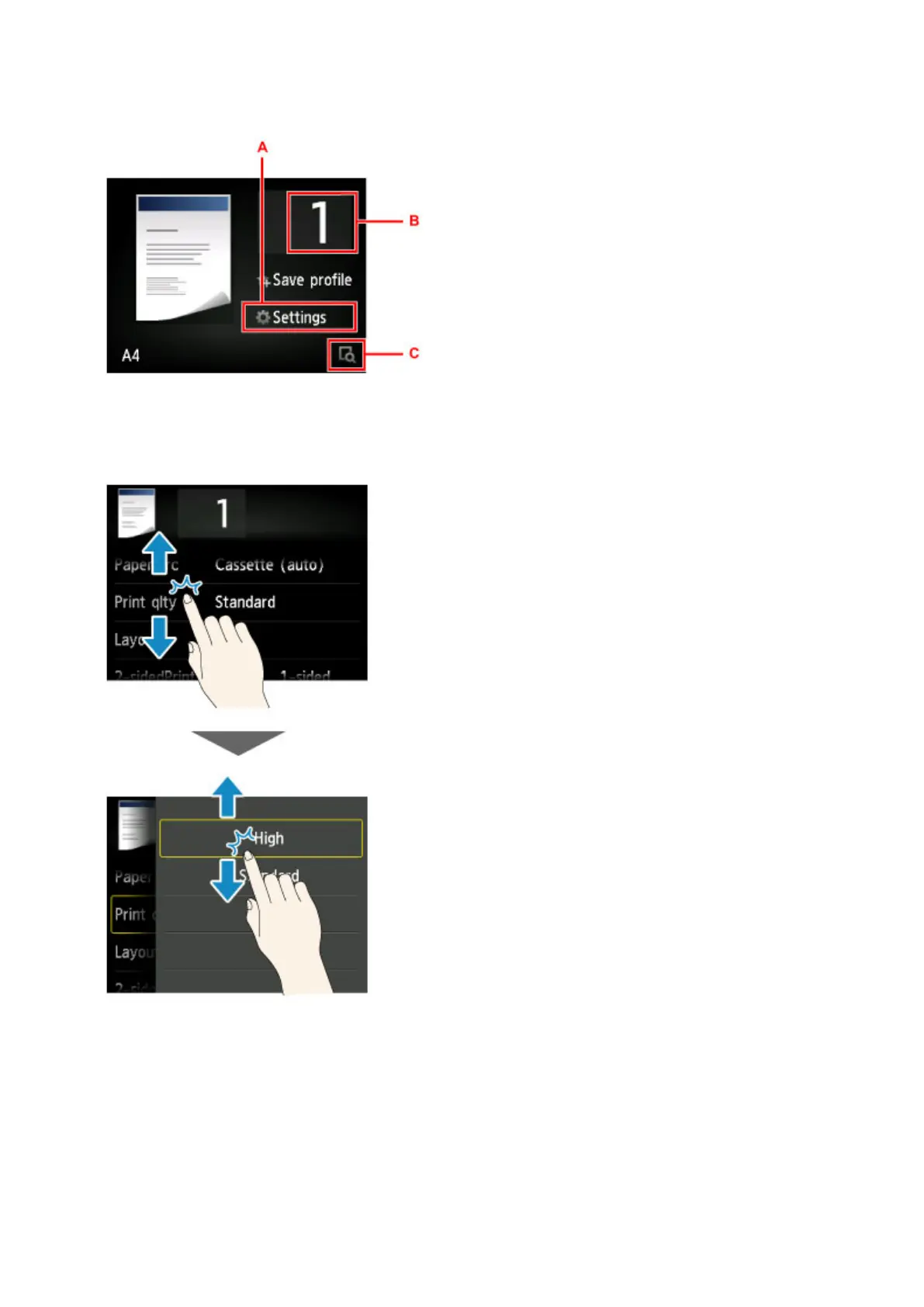
Example: The touch screen operations available on the copy standby screen
Tap A to display the print settings menu.
Drag the screen up or down, then tap the option you want to select.
After the list is displayed, tap the setting to select.
Tap B to display the screen for selecting the number of copies.
Tap the numbers to specify the number of copies, then tap OK.
155













 To Next Page