Note
•
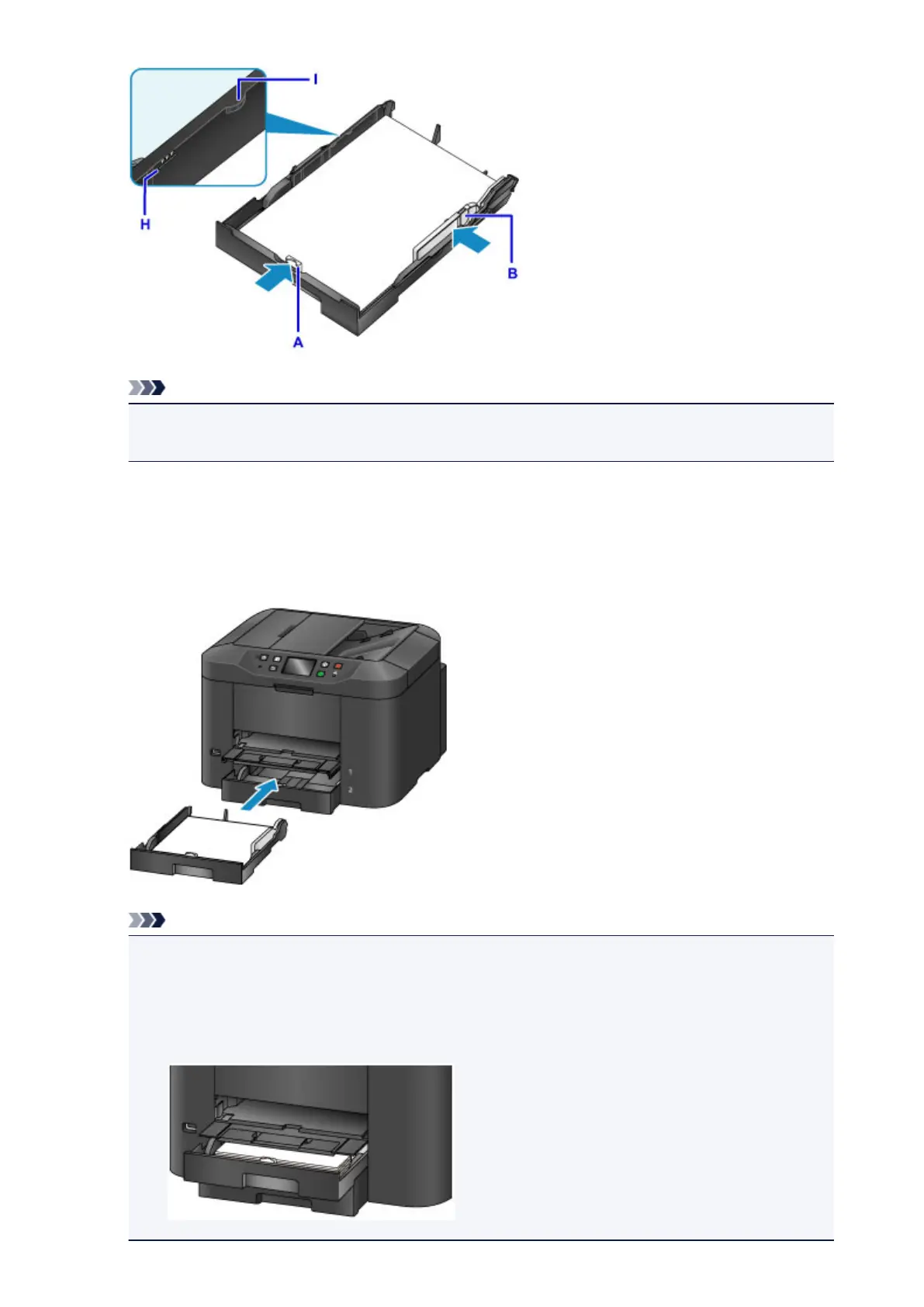
Do not load sheets of paper higher than the load limit mark (H).
•
Keep the paper stack height below the tabs (I) of the paper guides.
7.
Insert the cassette into the machine.
Push the cassette into the machine until it stops.
After inserting the cassette into the machine, the paper information registration screen for the cassette is
displayed on the touch screen.
Note
•
When A4 or Letter-sized paper or smaller is loaded, the cassette stops at the same position as the
extended paper output tray, which then covers the cassette.
•
When paper larger then A4 or Letter size is loaded, the extended cassette protrudes beyond the
paper output tray. Do not force the cassette into the machine any further. This can damage the
machine or cassette.
166













 To Next Page