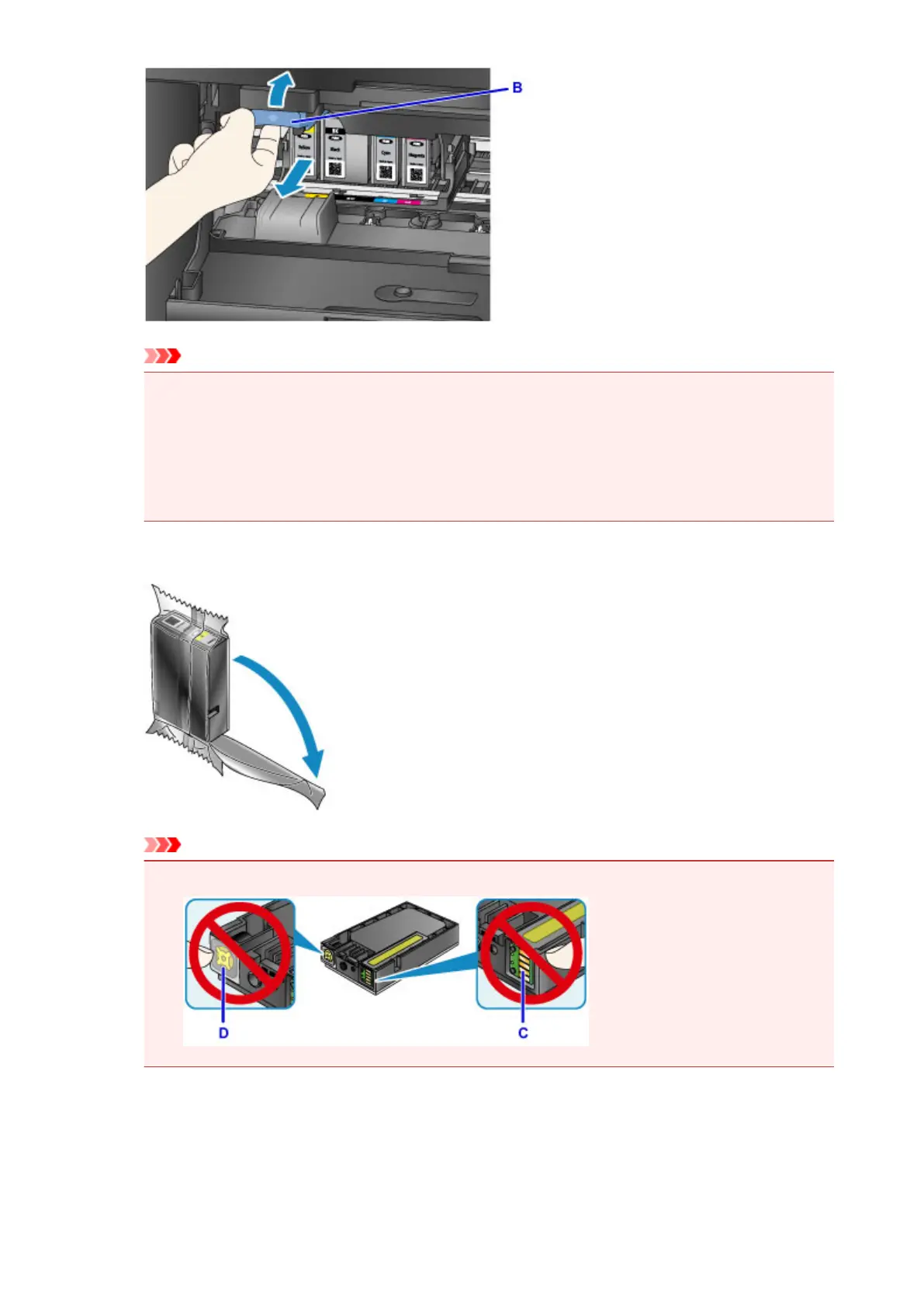
Important
•
Place the removed ink tank into a plastic bag immediately after removing from the machine.
Otherwise, ink residue may stain your clothes or the surrounding area.
•
Do not touch other parts besides the ink tanks.
• Discard the empty ink tank according to the local laws and regulations regarding disposal of
consumables.
• Handle the ink tanks carefully. Do not drop or apply excessive pressure to them.
3.
Remove the ink tank from the package.
Important
•
Do not touch the contact (C) and joint (D) of the ink tank.
4. Insert a new ink tank aligning it with the installation guide (E) of the machine.
196




 To Next Page