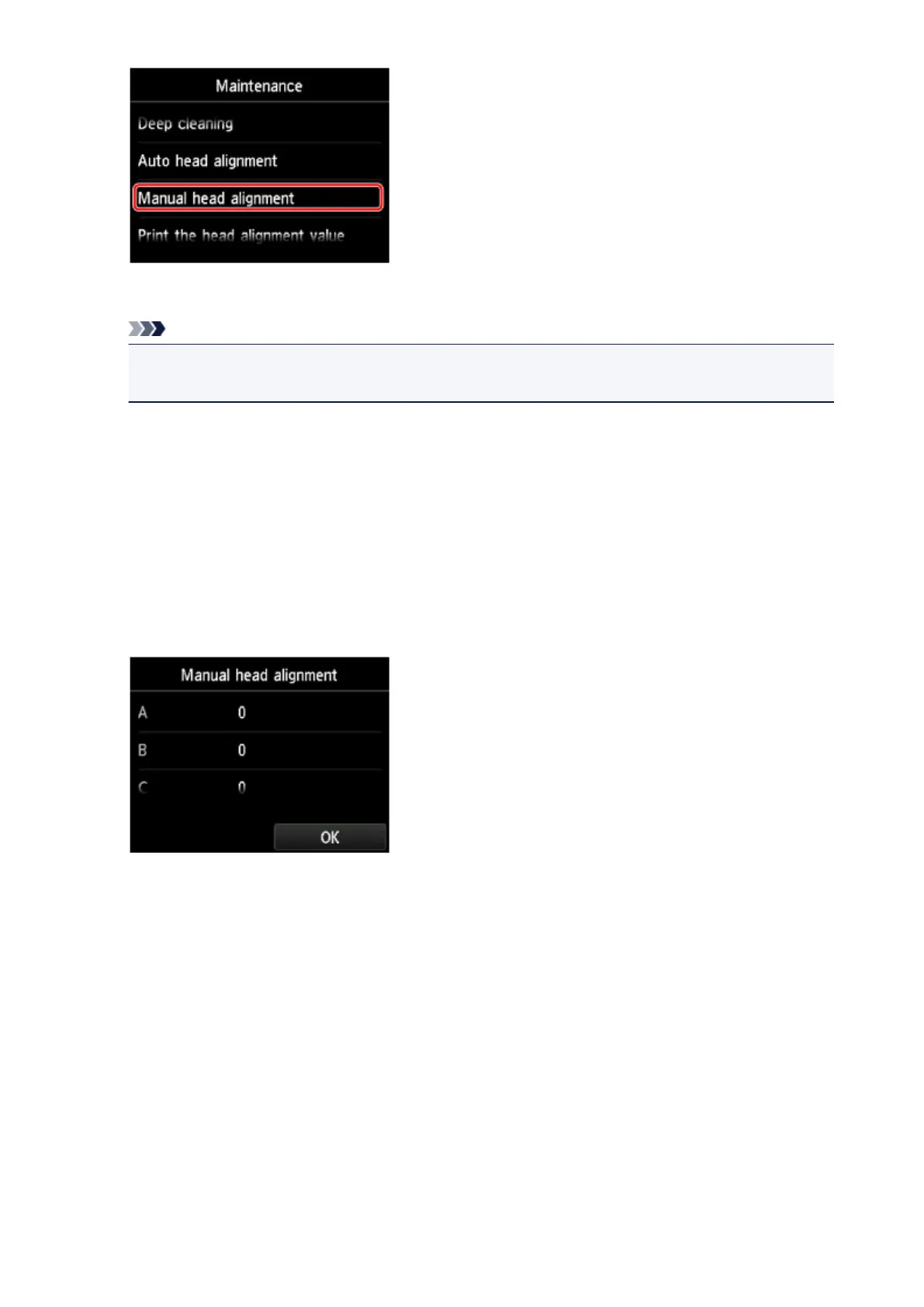
The confirmation screen will appear.
Note
•
To print and check the current head position adjustment values, select Print the head alignment
value.
7.
Tap Yes.
The print head alignment pattern is printed.
8.
When the message "Did the patterns print correctly?" appears, confirm that the pattern is
printed correctly, tap Yes.
9.
Confirm the message, then tap Next.
The input screen for the head position adjustment values will appear.
10. Look at the first pattern, tap A to check the printed patterns, then tap the number of the
pattern in column A that has the least noticeable vertical streaks.
216













 To Next Page