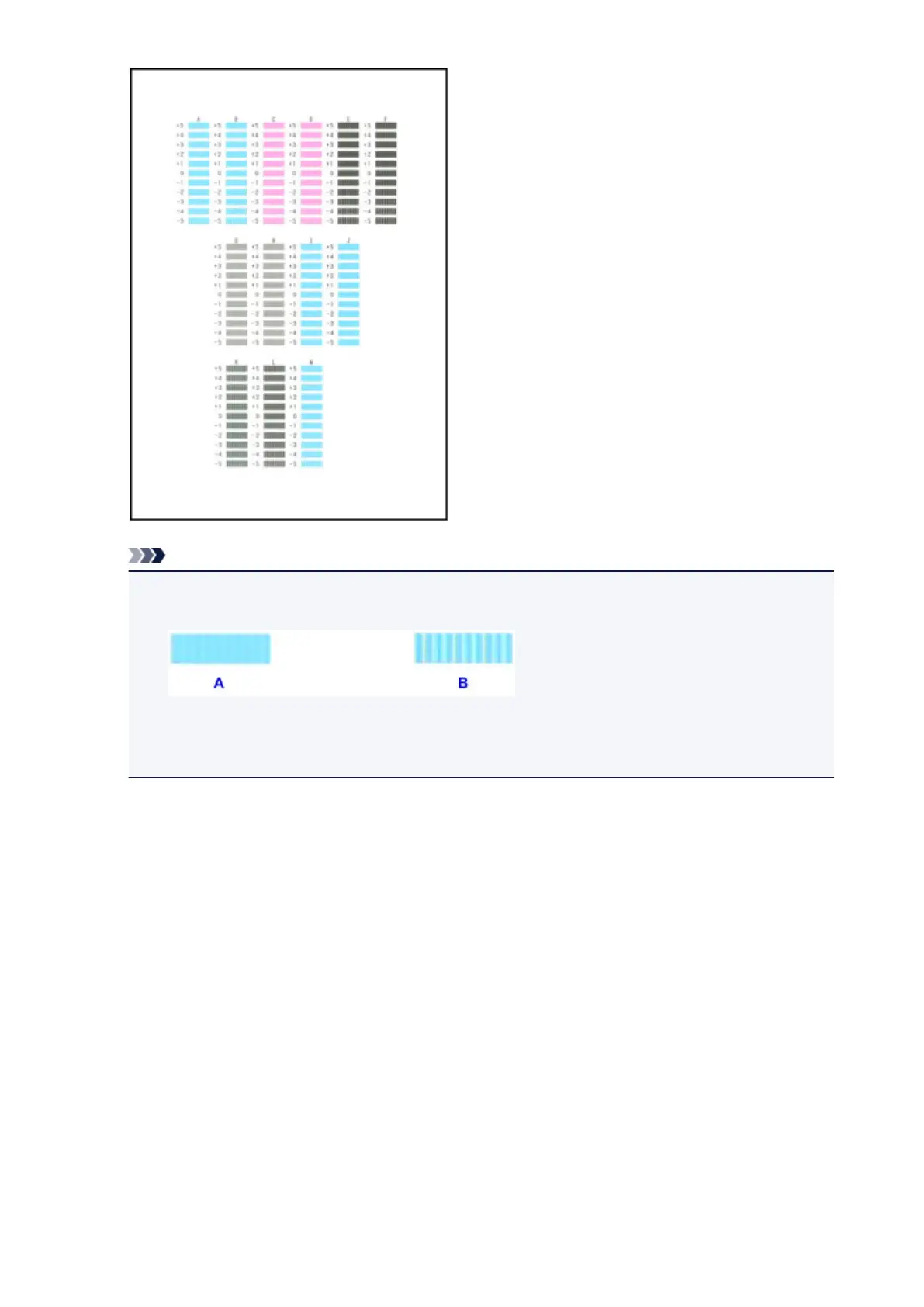
Note
• If it is difficult to pick the best pattern, pick the setting that produces the least noticeable vertical
streaks.
A: Unnoticeable vertical streaks
B: Noticeable vertical streaks
11.
Repeat the same procedure until you finish inputting the pattern number for columns B to
M, then tap OK.
12. Confirm the message, then tap OK.
The second pattern is printed.
13. Look at the second pattern, tap N to check the printed patterns, then tap the number of the
pattern in column N that has the least noticeable horizontal streaks.
217













 To Next Page