8.
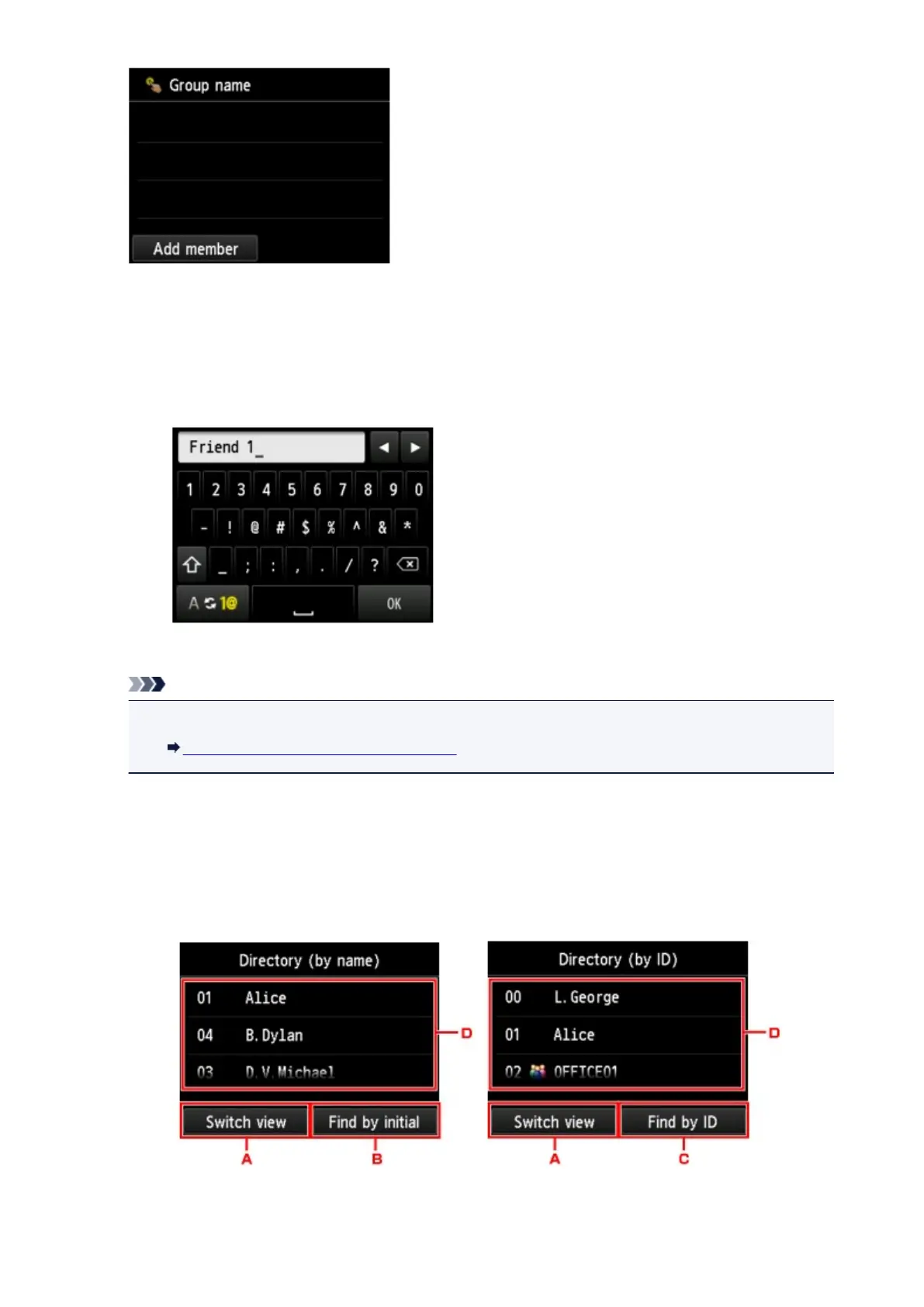
Enter the group name.
1.
Tap the entry field of group name.
The screen to enter the character is displayed.
2.
Enter the group name.
3. Tap OK.
Note
• You can enter the name up to 16 characters, including spaces.
Entering Numbers, Letters, and Symbols
9.
Register the members.
1. Tap Add member.
The machine's directory is displayed.
Display by name Display by ID number
A.
Tap to switch the display by name and by ID number.
823













 To Next Page