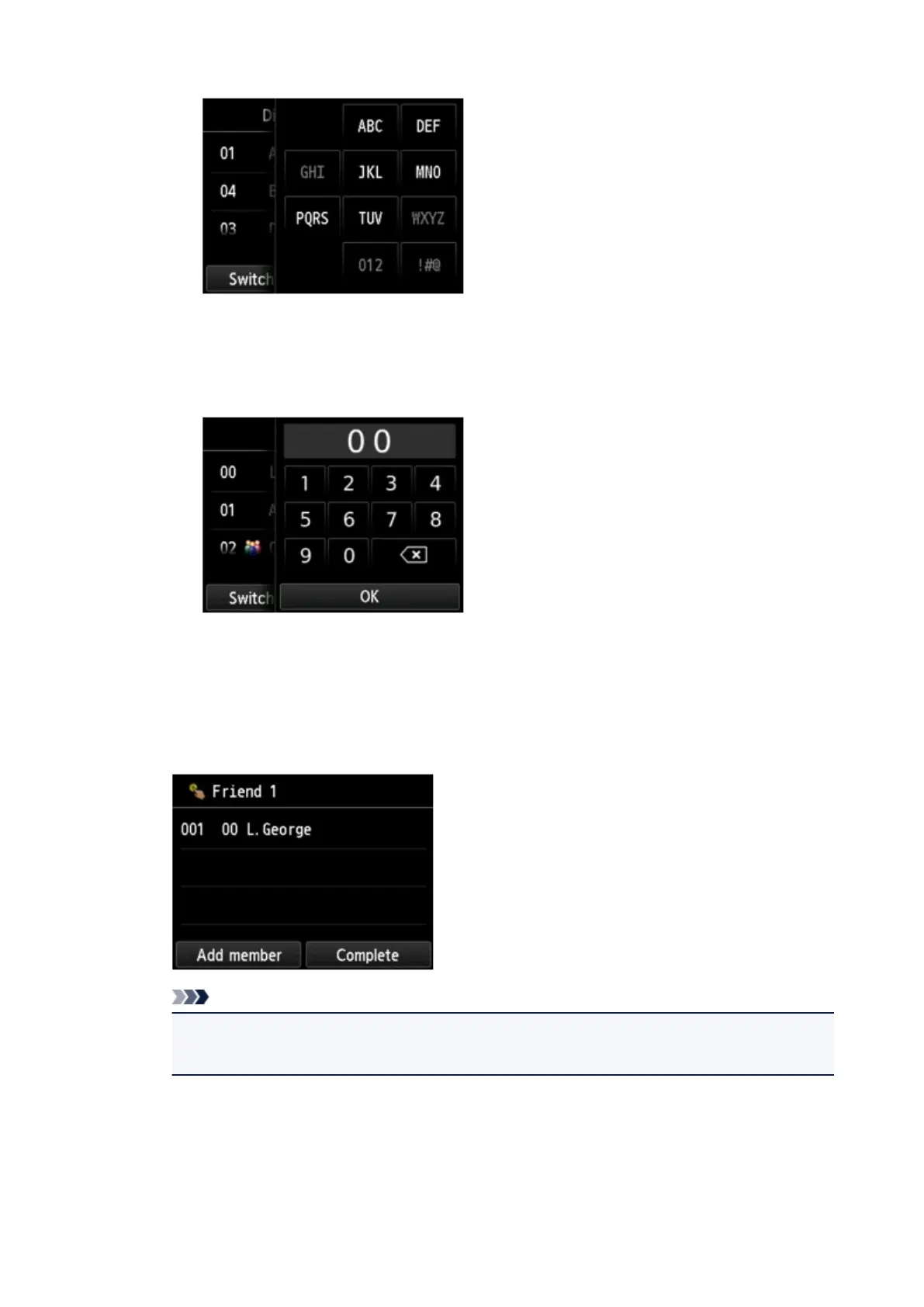
B. Tap to display the screen to select an initial. You can search the registered recipient by initial.
By selecting the initial, the registered recipients are displayed in alphabetical order from the
selected character.
C.
Tap to display the screen to select an ID number of the registered recipient. You can search
the registered recipient by ID number.
By enter the ID number and tapping OK, the registered recipients are displayed in order from
the recipient of the ID number selected.
D.
The recipients that can be registered are displayed.
2. Tap a recipient to register as group member.
The member to register is displayed on the list.
Note
•
To delete the recipient from the group dial, tap a recipient that you want to delete from the list.
After the confirmation screen is displayed, tap Yes to delete the recipient from the group dial.
3.
To add another member, tap Add member again.
The machine's directory is displayed.
4.
Tap a recipient to register as group member.
The member to register is displayed on the list.
824













 To Next Page