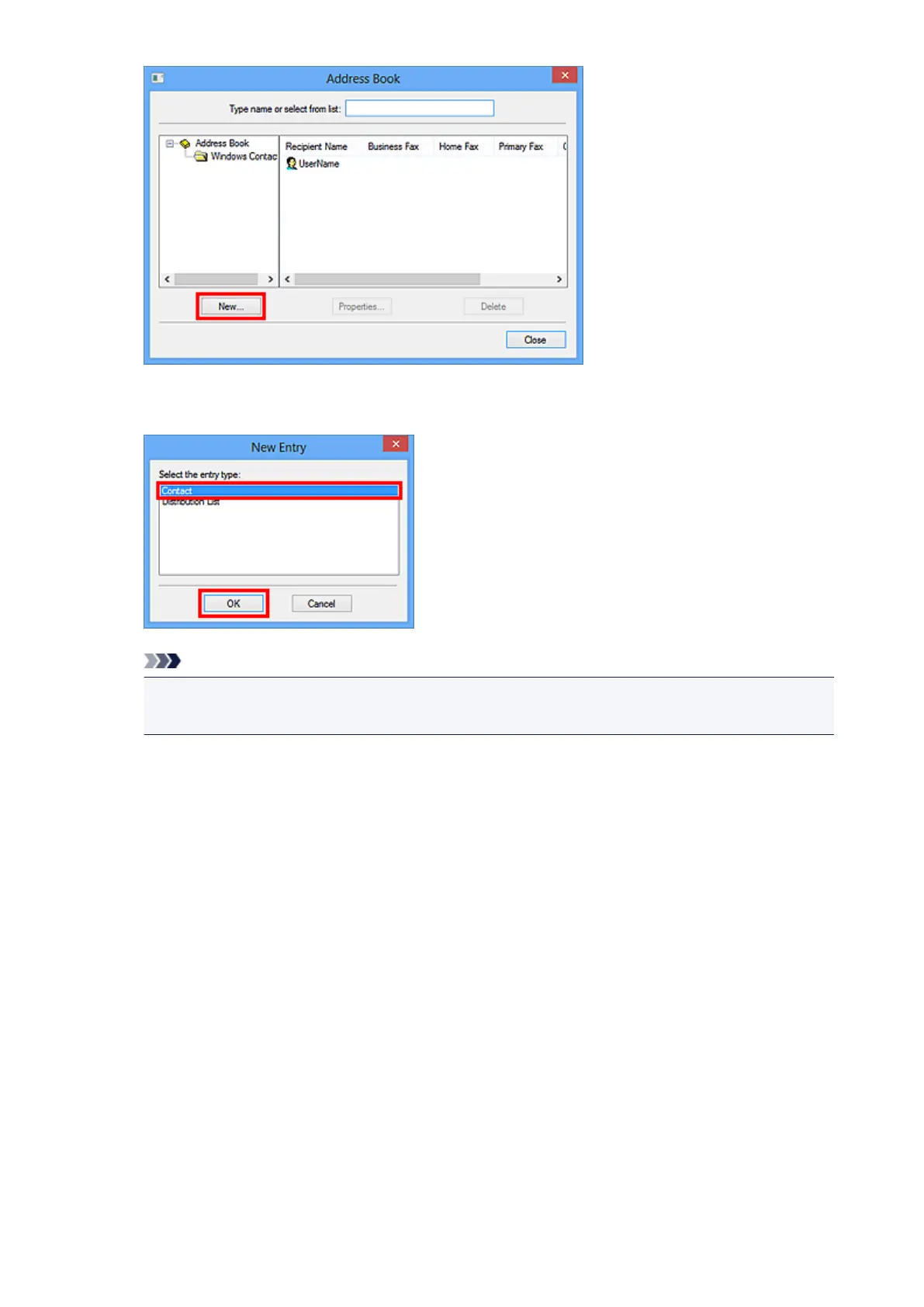
4.
Select Contact in the New Entry dialog box, then click OK.
Note
• For faxing, you can only specify the Contact (one recipient). You cannot specify a Distribution
List.
5.
Enter the First, Middle, and Last of the contact in the Name and E-mail tab (Name tab
when using Windows XP) on the Properties dialog box.
The recipient's name will be printed at the top of the fax received by the recipient.
890













 To Next Page