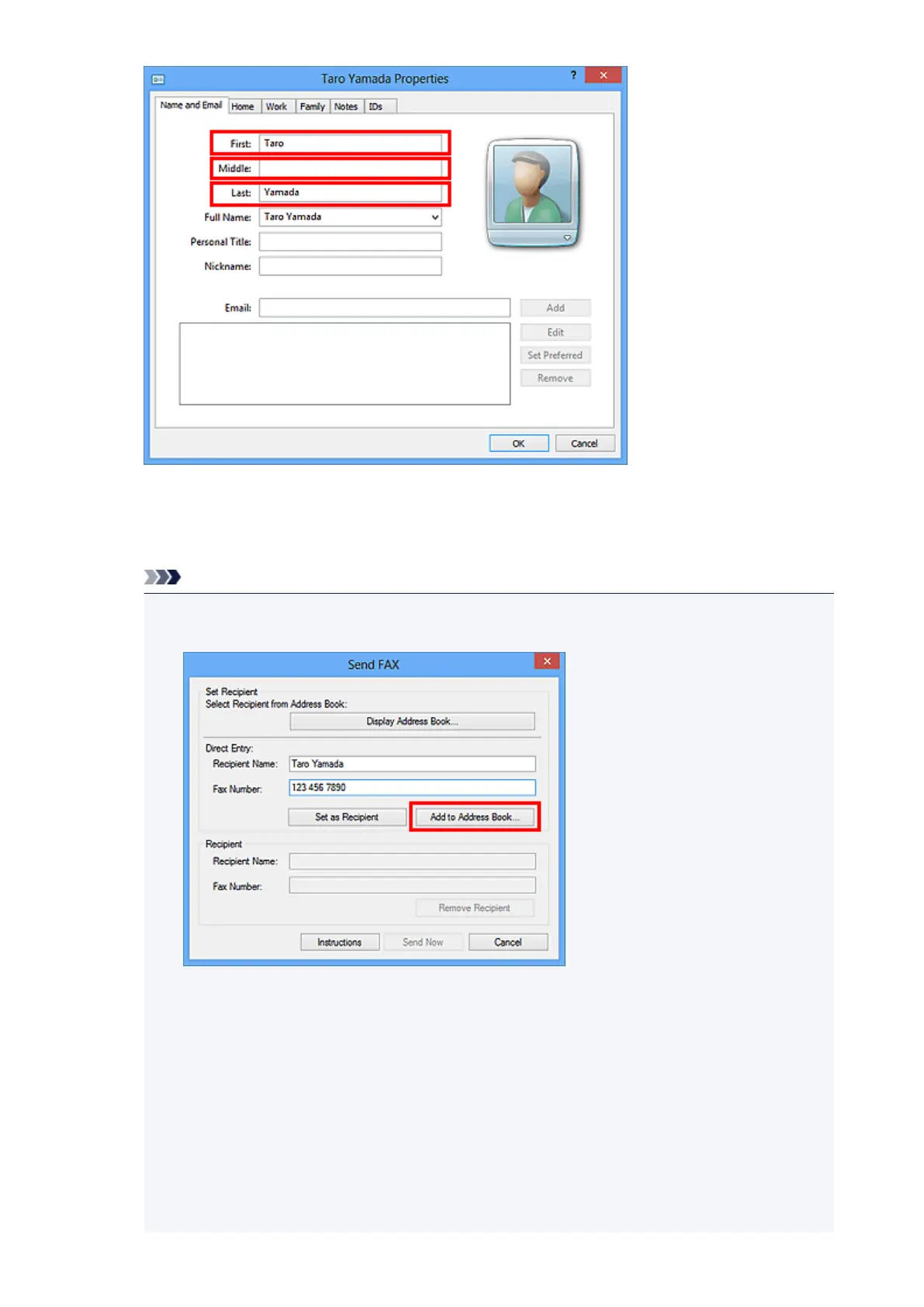
6.
Enter the fax number on the Home or Work tab, then click OK.
An individual recipient (Contact) is registered in the address book.
Note
• You can also register a recipient by clicking the Add to Address Book... button on the Send
FAX dialog box after entering the recipient.
•
Add the outside line access number before the fax number as needed.
(Example: When the outside line access number is "0" and the fax number is "XXX-XXXX",
enter "0XXX-XXXX".)
•
If you upgrade from Windows XP to Windows Vista, the address book you created in Windows
XP may not be reflected in Windows Vista. In this case, open the address book in the following
procedure and reflect the information to a new address book.
1.
From the Start menu, select Control Panel > Appearance and Personalization > Folder
Options.
2.
Click the View tab of the Folder Options dialog box, select Show hidden files and
folders in Advanced settings, then click OK.
891













 To Next Page