IPv6:
fe80::10-fe80::20
Specifying a
range of
addresses with
a prefix (IPv6
only)
Enter the address, followed by a slash and a number indicating the
prefix length.
fe80::1234/64
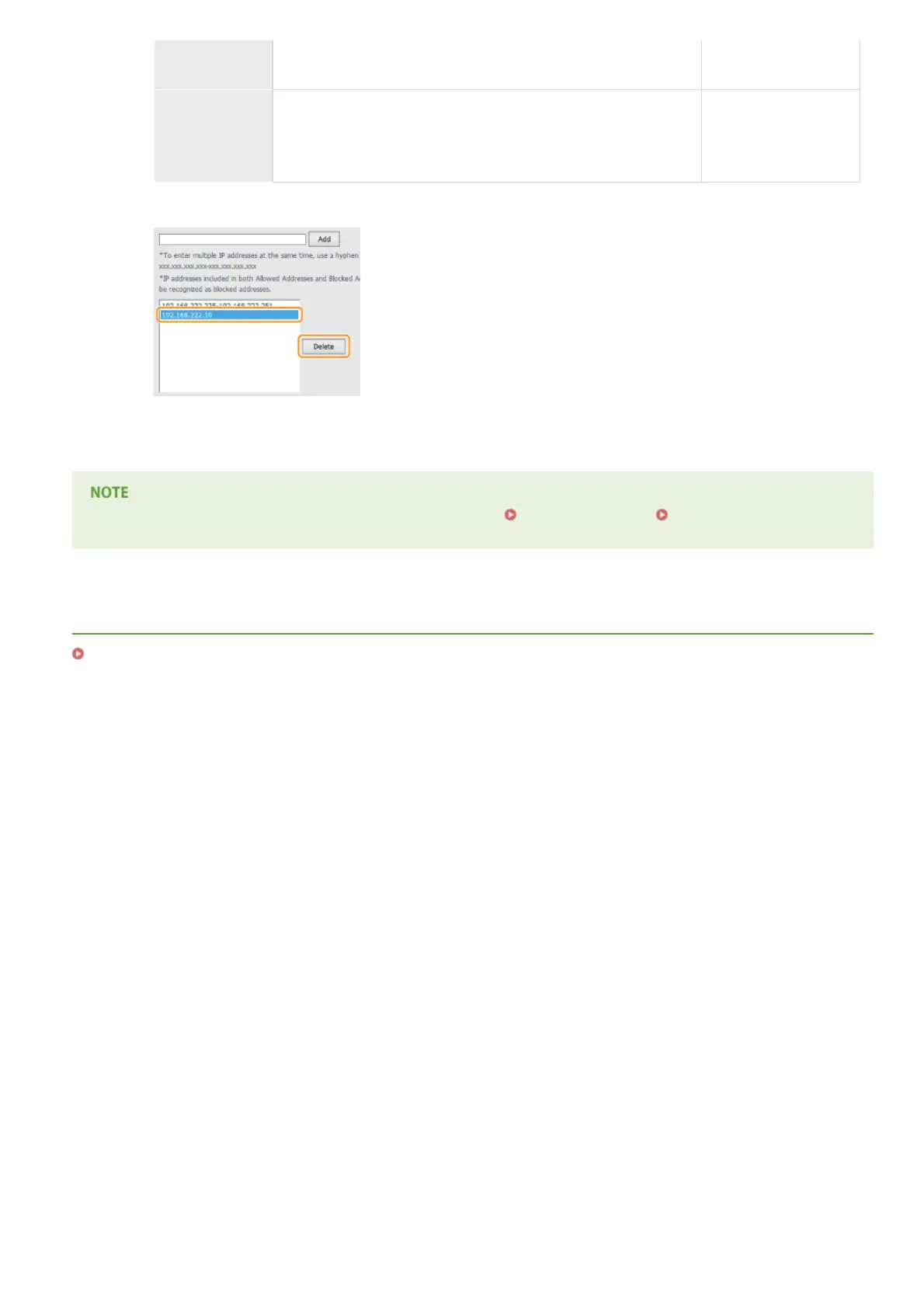
Deleting an IP address from exceptions
Select an IP address and click [Delete].
3
Click [OK].
You can enable or disable the IP Address Filter settings from <Menu>. IPv4 Address Filter IPv6 Address Filter
LINKS
Specifying MAC Addresses for Firewall Rules
㻞㻜㻜㻌㻛㻌㻟㻟㻢








 To Next Page