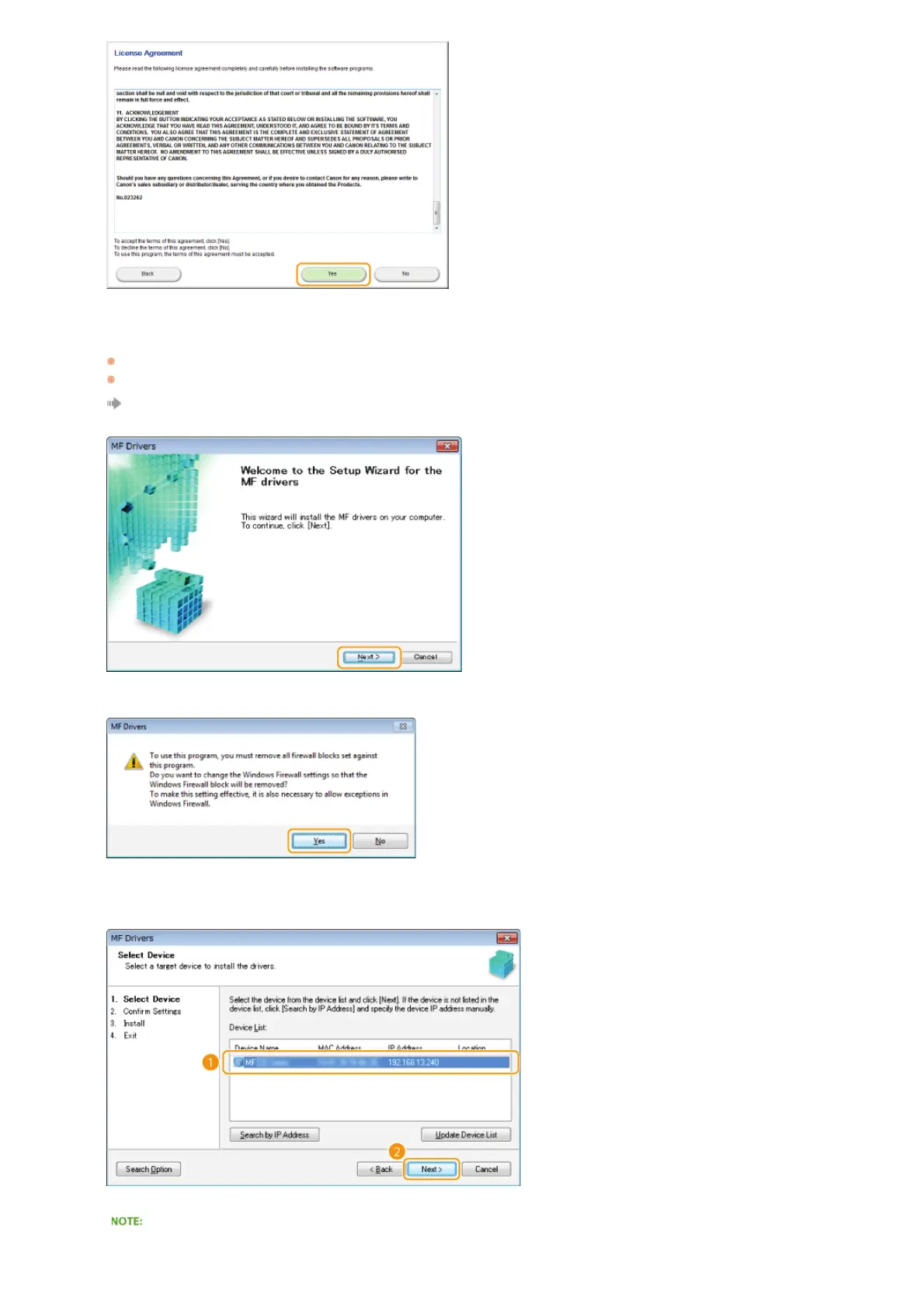
Click [Next].
To connect the machine and a computer via a network, proceed to step 8.
To connect the machine and a computer via USB cable, proceed to step 10.
Installation of the drivers starts.
When the following screen appears, click [Yes].
Select the machine, and click [Next].
If no machines are displayed in [Device List]
7
8
㻝㻝㻌㻛㻌㻠㻣








 To Next Page