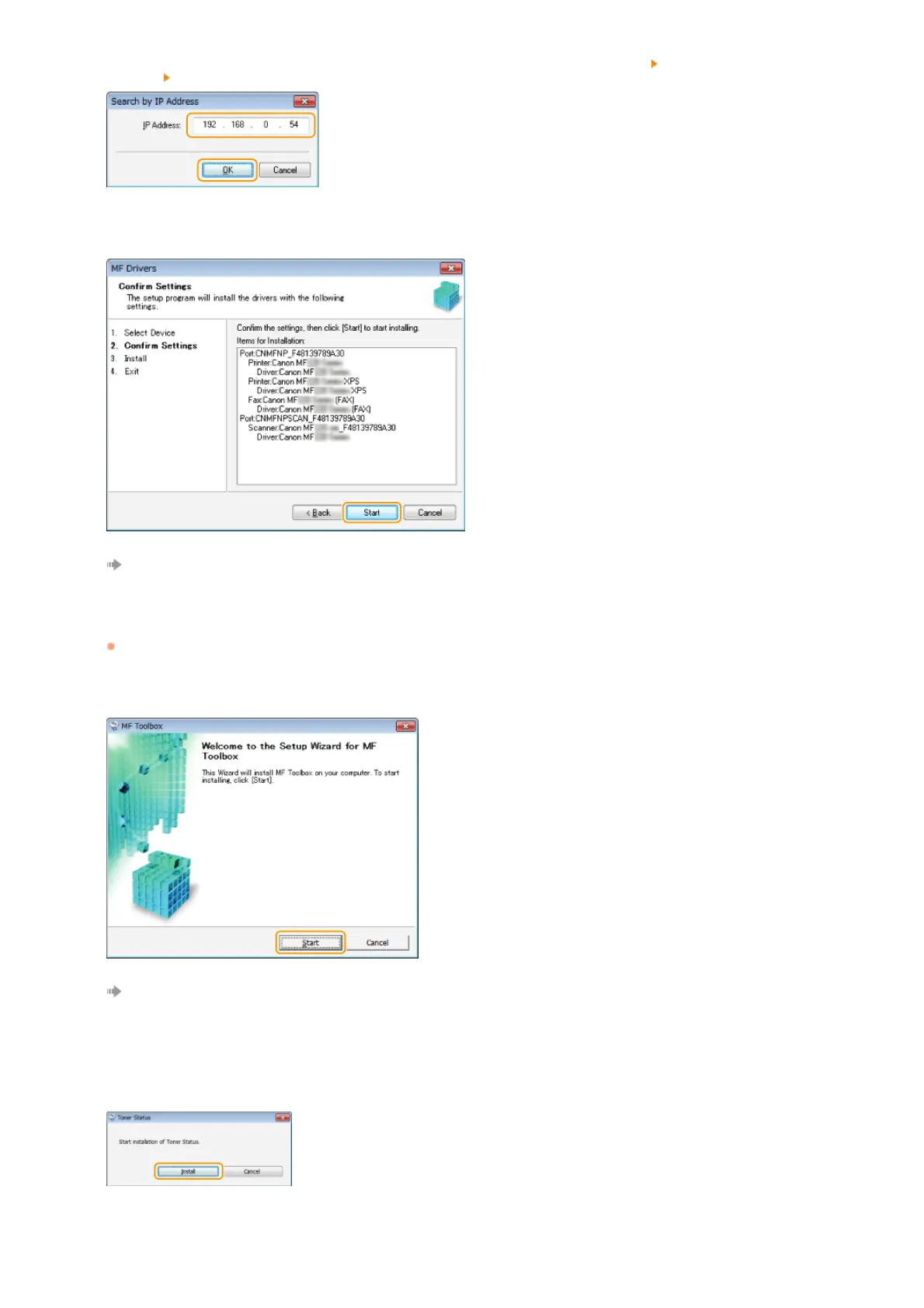
Check the computer and machine connection and IP address settings (Viewing Network Settings (e-Manual)), and click
[Update Device List]. If the machine is still not displayed at all, click [Search by IP Address]
enter the IP address set on the
machine
[OK].
Check the settings, and click [Start].
Installation of the drivers starts.
Click [Exit].
In Windows Server 2003/Server 2008/Server 2008 R2/Server 2012/Server 2012 R2, MF Toolbox is not installed. Proceed to step
13.
Click [Start].
Installation of MF Toolbox starts.
Click [Exit].
Follow the on-screen instructions to install Toner Status.
Follow the on-screen instructions to install the e-Manual.
9
10
11
12
13
14
㻝㻞㻌㻛㻌㻠㻣








 To Next Page