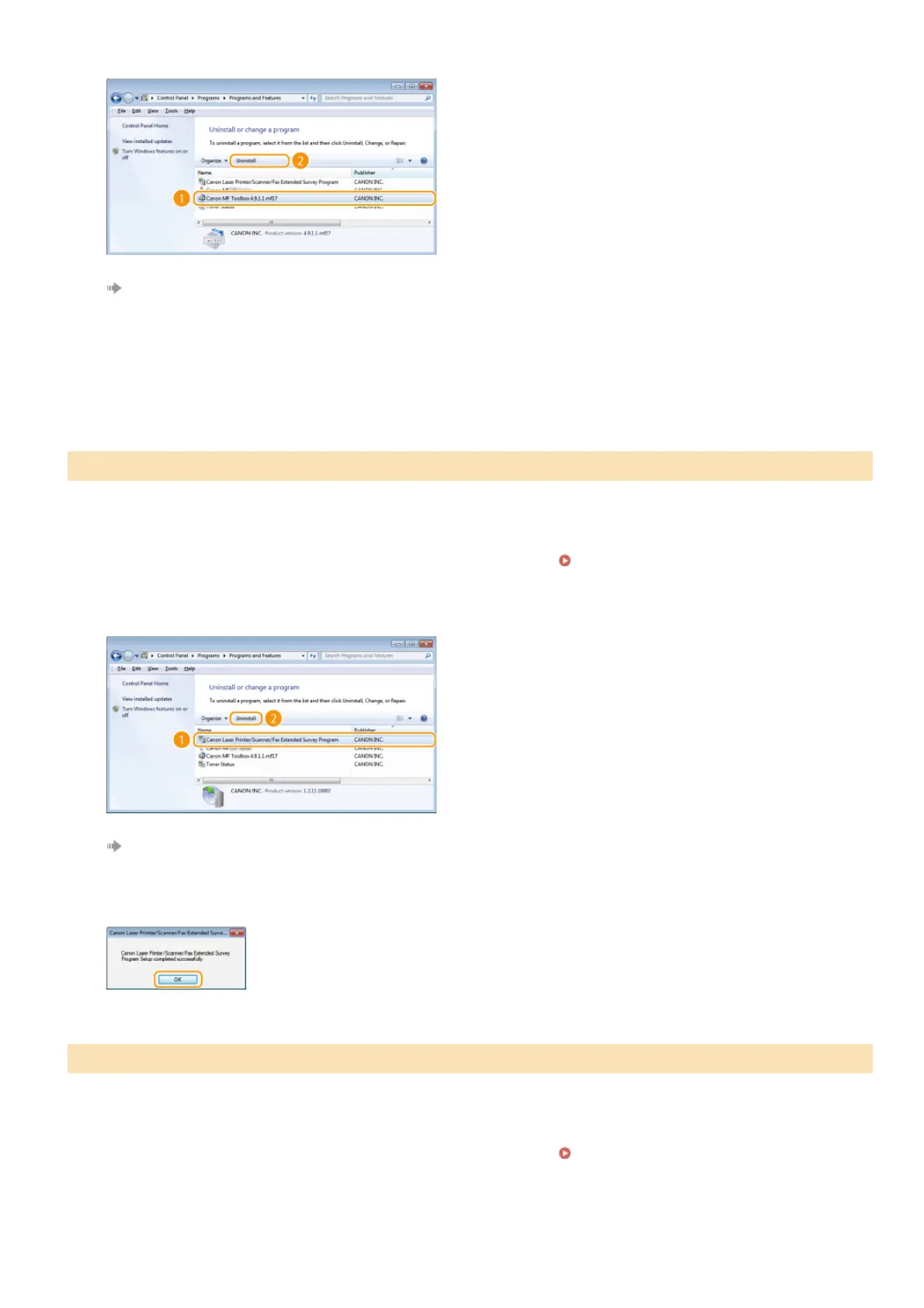
Select the MF Toolbox, and click [Uninstall] or [Remove].
The uninstaller starts.
Click [Remove].
Click [Restart].
Log on to the computer with an administrator account.
Display [Programs and Features] or [Add or Remove Programs].
Displaying [Programs and Features] or [Add or
Remove Programs]
Select [Canon Laser Printer/Scanner/Fax Extended Survey Program], and click [Uninstall] or [Remove].
The uninstaller starts.
Click [OK].
Log on to the computer with an administrator account.
Display [Programs and Features] or [Add or Remove Programs].
Displaying [Programs and Features] or [Add or
Remove Programs]
Select [Toner Status], and click [Uninstall] or [Remove].
Uninstalling the Product Extended Survey Program
Uninstalling the Toner Status
3
4
5
1
2
3
4
1
2
3
㻟㻠㻌㻛㻌㻠㻣








 To Next Page