99
Contents
Preparation/
Setup
Print Using a
Computer
Appendix
IndexPrint/SaveInput/Edit
Names of
Components
Maintenance/
Printer Settings
Trouble-
shooting
Saving and Loading Text Data
Saving a File
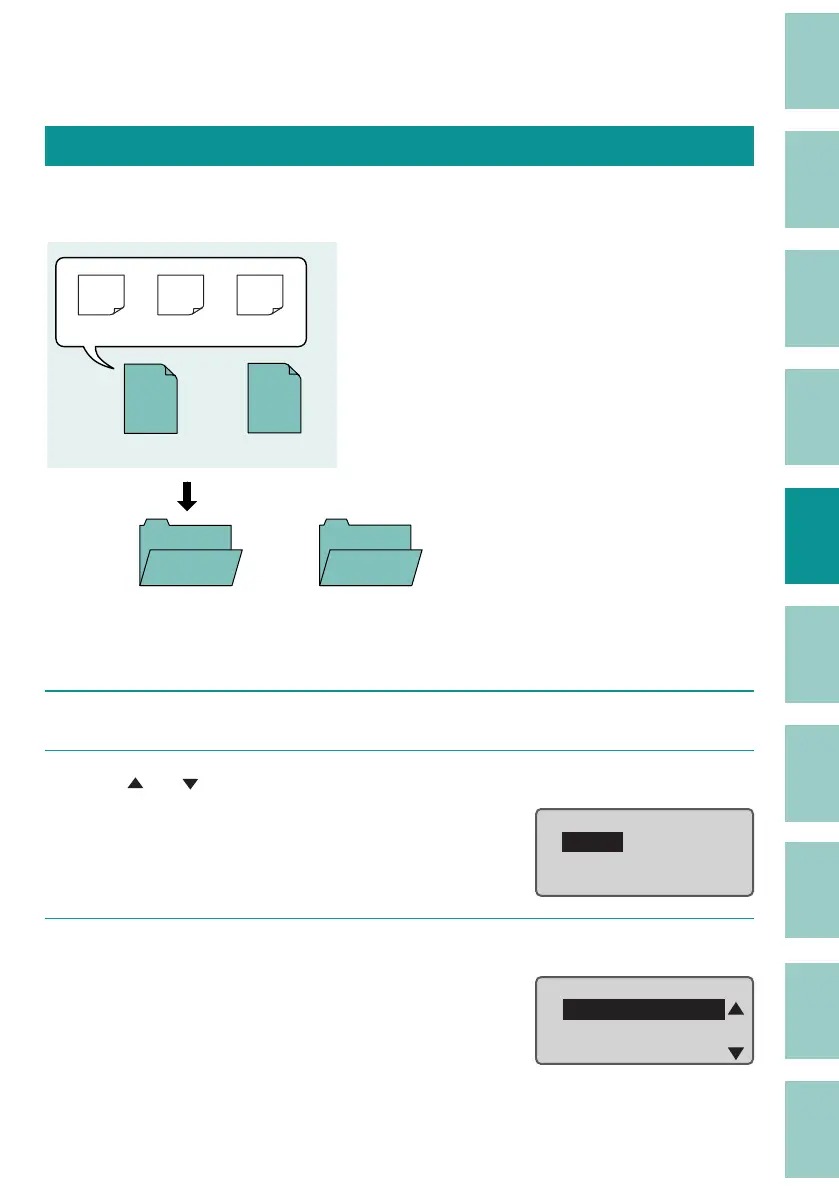
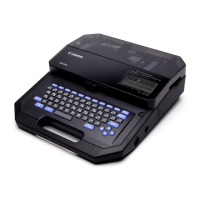
You can save the text data you have created as a "File" in the device. In addition, the product
comes with 10 pre-made "folders," and each folder can hold up to 99 les.
Folder 1
Folder 10
File1
File 99
・・・
(Page 1) (Page 2) (Page 3)
・・・
200V C1
Pump
Room
[Example] Save the created data in "Folder 1" with the le name "A-1."
1
Press the [Regist.] key.
2
Use [ ] or [ ] to select "Save," and press the [Enter] key.
File
Save
Load
Delete
3
Select "Folder 1" and press the [Enter] key.
Select Folder
Folder 1
Folder 2
Folder 3


 To Next Page