56
Contents
Preparation/
Setup
Print Using a
Computer
Appendix
IndexPrint/SaveInput/Edit
Names of
Components
Maintenance/
Printer Settings
Trouble-
shooting
Specify the Cut Length and Alignment
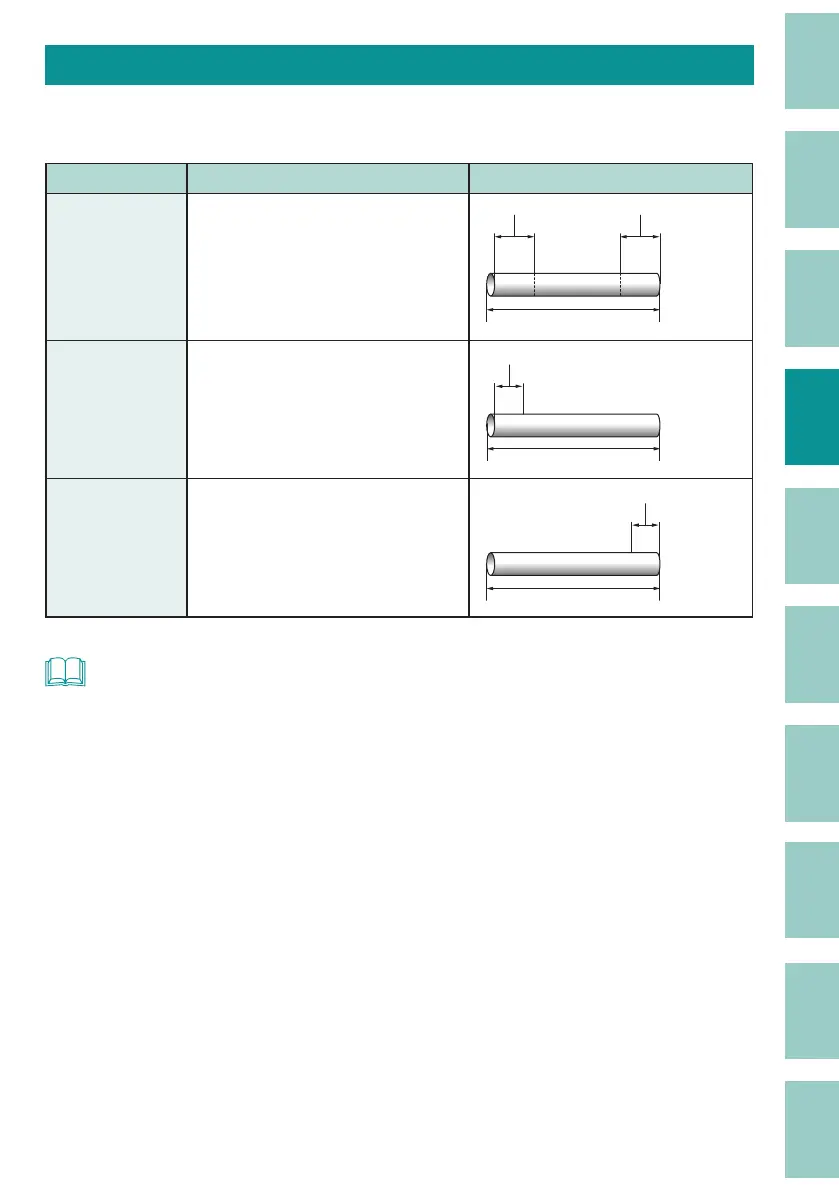
This is how the cut length and alignment are set. If you set the cut length to "Specify," you can
change the alignment. The default setting for alignment is set to "Centered."
Setting Details Print Image
Centered
(Default Setting)
Centers the text.
Pump Room
Margin Margin
Cut Length
Left
Aligns text to the left end (in the
direction of the start of the text).
Margins can be set in the range of
2 to 5 mm.
Margin (2 - 5 mm)
Pump Room
Cut Length
Right
Aligns text to the right end (toward
the end of the text). Margins can
be set in the range of 2 to 5 mm.
Margin (2 - 5 mm)
Cut Length
Pump Room
NOT
• When "Centered" is selected and the maximum number of characters for the cut length is used, the
minimum margin is 0.7 mm in total for both sides.



 To Next Page