138
Contents
Preparation/
Setup
Print Using a
Computer
Appendix
IndexPrint/SaveInput/Edit
Names of
Components
Maintenance/
Printer Settings
Trouble-
shooting
Print
Printing
After entering text and creating a data list, start printing.
1
Connect the printer to the PC with a USB cable, and switch the printer to PC
connection standby mode.
(P.118)
Con rm that "Standby..." appears on the
printer's display.
PC Connect
ɻɻ
Standby...
2
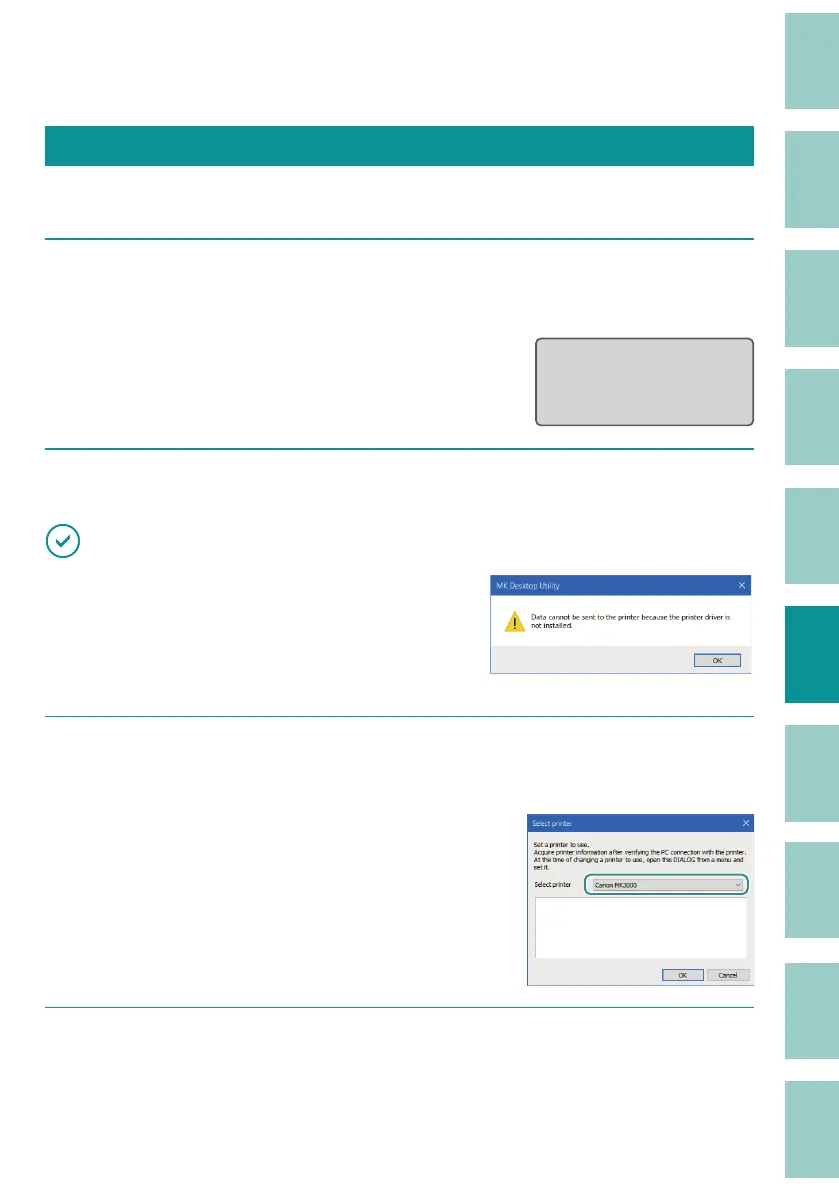
Click [Select printer] on the [File] menu.
IMPORTANT
• If the message is displayed, the printer driver installation
has not been completed. Follow steps 15 through 19 in
"Installing the Software
(P.113)
."
• If the same error occurs again, reinstall the printer driver.
(P.108)
3
Select the printer to be used for printing from the [Select printer] drop-down
list.
The drop-down list will show a list of printer
drivers installed in your environment.
4
If you are printing data stored on your computer, open the le.
(P.126)



 To Next Page