139
Contents
Preparation/
Setup
Print Using a
Computer
Appendix
IndexPrint/SaveInput/Edit
Names of
Components
Maintenance/
Printer Settings
Trouble-
shooting
5
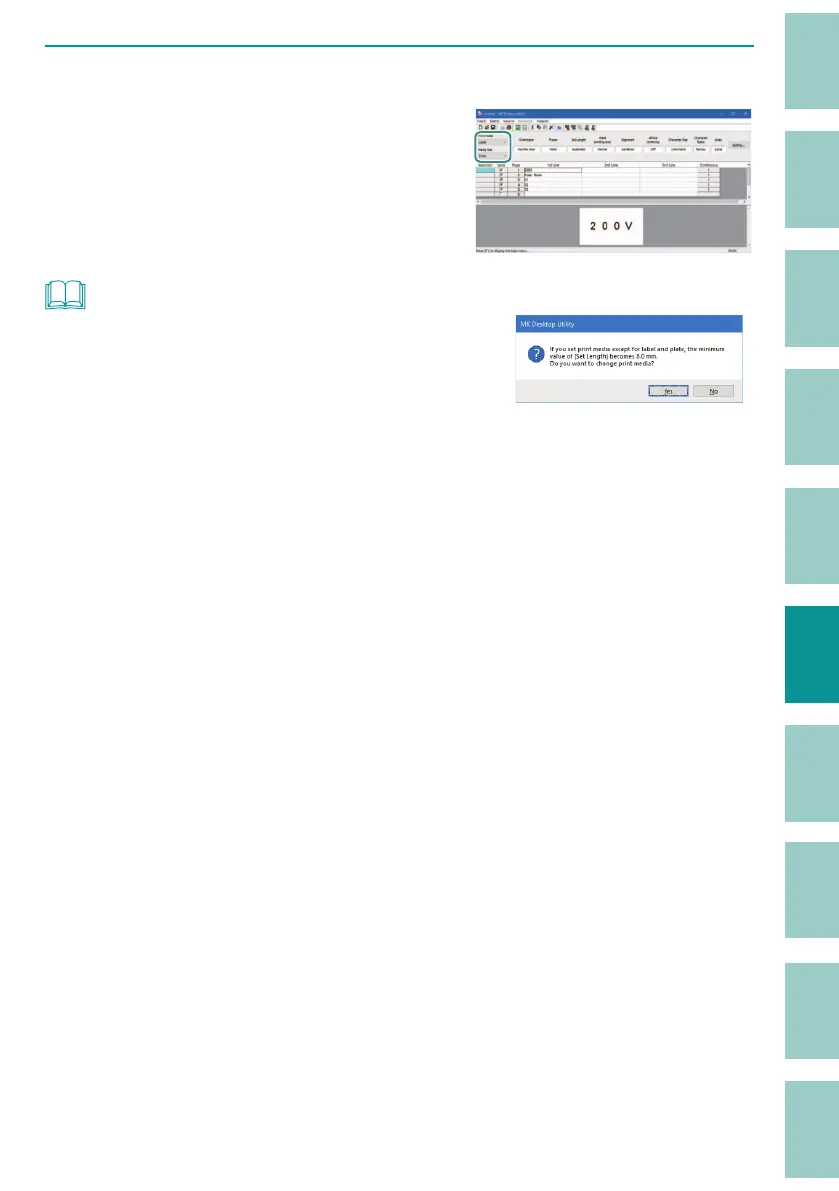
Select the print media and media size.
When you change the print media and media
size, the settings will be re ected in the
preview area display.
NOT
• Except for labels, the minimum set length is 8 mm. If there
are pages of 8 mm or less in the data list and the print media
is changed to one other than label, a message to change
the set length to 8 mm will be displayed.
• If the print area is exceeded, the message "Exceeding the print area" will be displayed in the preview
area. Change the print media or change the format setting.
(P.133)
• If you want to set a tube that is not on the list of media sizes, refer to
"Tube Size Selection
(Recommended) (P.75)"
.



 To Next Page