75
Contents
Preparation/
Setup
Print Using a
Computer
Appendix
IndexPrint/SaveInput/Edit
Names of
Components
Maintenance/
Printer Settings
Trouble-
shooting
• Do not pull the tube or label tape forcibly during printing. Doing so may result in printing failure or
malfunction.
NOT
• To cancel printing, press the [Cancel] key. The printer will stop printing and cut the print media, then
stop. If you press and hold the key for two seconds or more, the printer will stop without cutting.
• When setting the tube, refer to the following for the print settings.
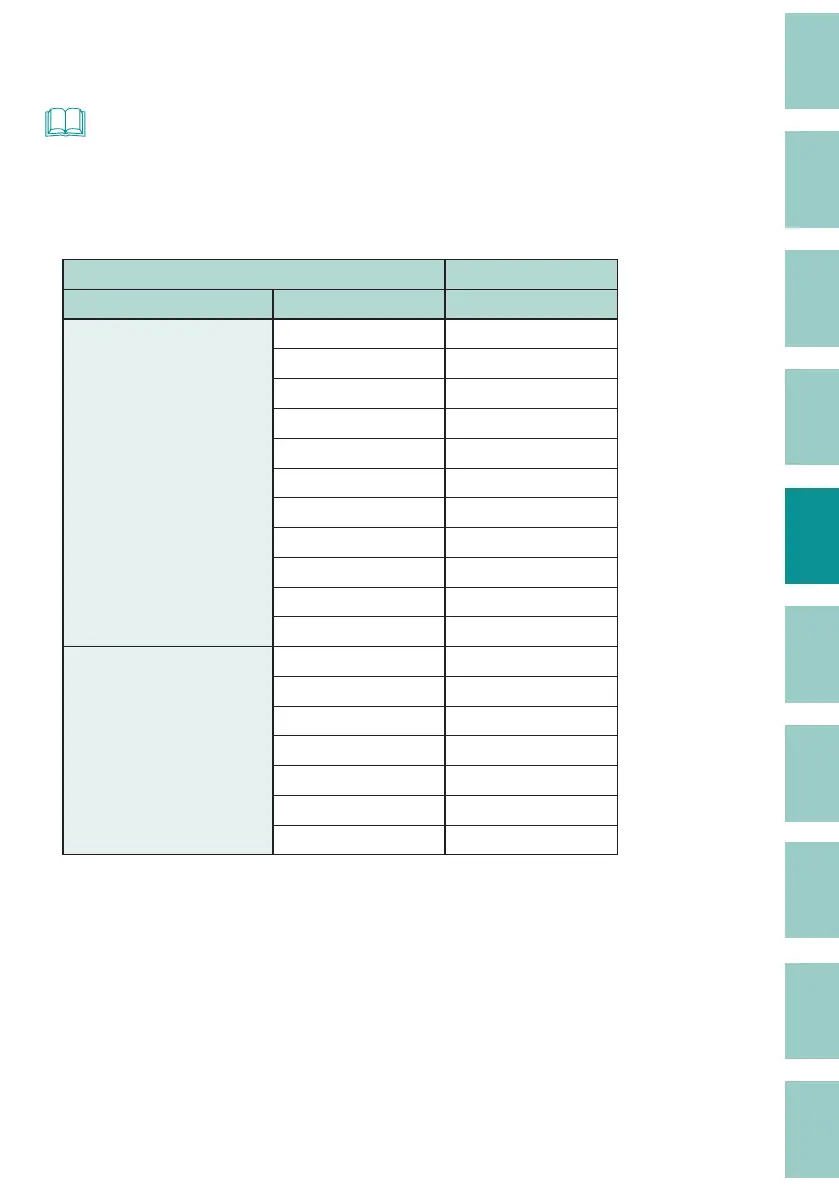
Tube Size Selection (Recommended)
Print Media Print Setting
Type Size (mm) Size selection
Tube
Clear tube
Shrink tube
ø1.5 to ø2.0 1.5 mm
ø2.1 to ø2.5 2.5 mm
ø2.6 to ø3.5 3 mm
ø3.6 to ø4.5 4 mm
ø4.6 to ø5.5 5 mm
ø5.6 to ø6.2 6 mm
ø6.3 to ø6.7 6.5 mm
ø6.8 to ø7.5 7 mm
ø7.6 to ø8.5 8 mm
ø8.6 to ø9.5 9 mm
ø9.6 to ø10 10 mm
Flat tube ø1.5 to ø2.0 1.5 mm
ø2.1 to ø2.5 2.5 mm
ø2.6 to ø3.5 3 mm
ø3.6 to ø4.5 4 mm
ø4.6 to ø5.5 5 mm
ø5.6 to ø6.2 6 mm
ø6.3 to ø6.5 6.5 mm



 To Next Page