61
Contents
Preparation/
Setup
Print Using a
Computer
Appendix
IndexPrint/SaveInput/Edit
Names of
Components
Maintenance/
Printer Settings
Trouble-
shooting
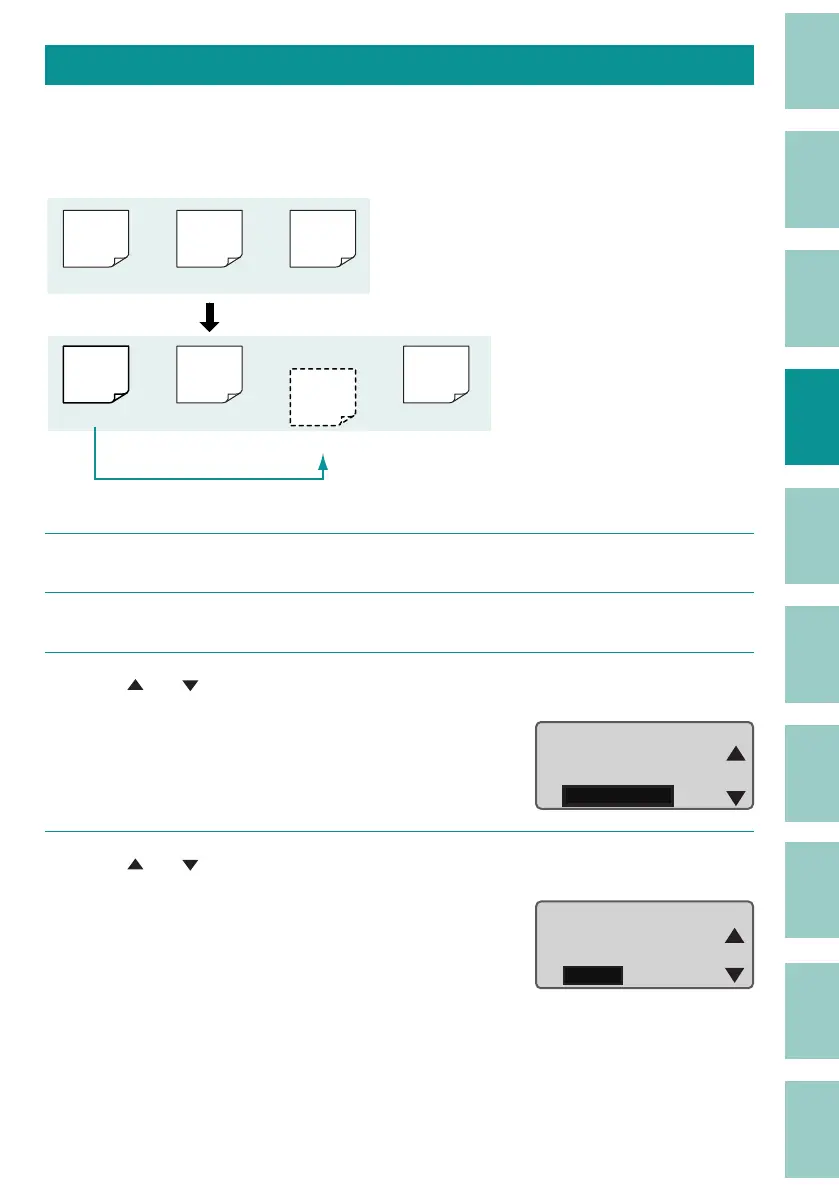
Copying a Page
You can copy the page where you have entered text and paste it before or after another page.
[Example] Copy the rst page and paste it after the second page.
200V C1
200V
200V
Pump
Room
C1
Copy and past
(Page 1) (Page 2) (Page 3)
(Page 1) (Page 2)
(Page 3)
(Page 4)
Pump
Room
1
Display the page to be copied (the rst page).
2
Press the [Option] key.
3
Use [ ] or [ ] to select "Page Edit" and press the [Enter] key.
Warmer
Character Edit
Page Edit
Option
4
Use [ ] or [ ] to select "Copy," and press the [Enter] key.
A con rmation screen will appear.
Page Edit
Insert
Delete
Copy



 To Next Page