45
Contents
Preparation/
Setup
Print Using a
Computer
Appendix
IndexPrint/SaveInput/Edit
Names of
Components
Maintenance/
Printer Settings
Trouble-
shooting
Surround Text with a Frame
This allows you to surround text with a frame. The default setting is "None."
PumpRoom
[Example] Enclosing text in a frame.
1
Display the page where you want to change the frame settings.
2
Press the [Format] key.
3
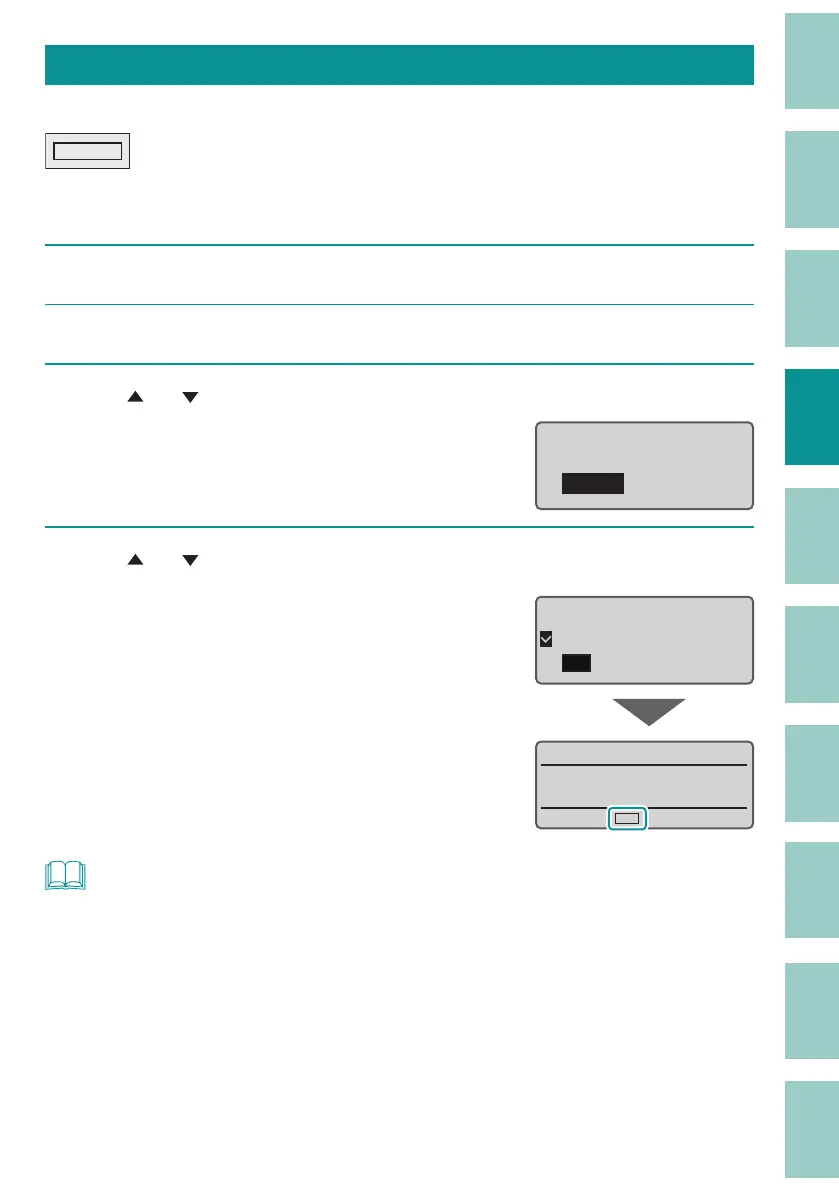
Use [ ] or [ ] to select "Frame" and press the [Enter] key.
Format setting
Orientation
Frame
4
Use [ ] or [ ] to select "On," and then press the [Enter] key.
The display returns to the character input
display.
The frame shapes setting can be checked on the
displa
y.
O
On
Frame
˛
NOT
• The frame can be set for each page.
• When the cut length is speci ed, the frame may not be set.
• Depending on the settings of the number of lines, character size, cut length, etc. and the size of the
print media, the frame may not be printed correctly.
• No error message will be displayed even if the print data extends beyond the width (top and bottom)
of the print media. Refer to
"Maximum Printable Character Size (P.44)"
for information on
character size and frame settings.



 To Next Page